

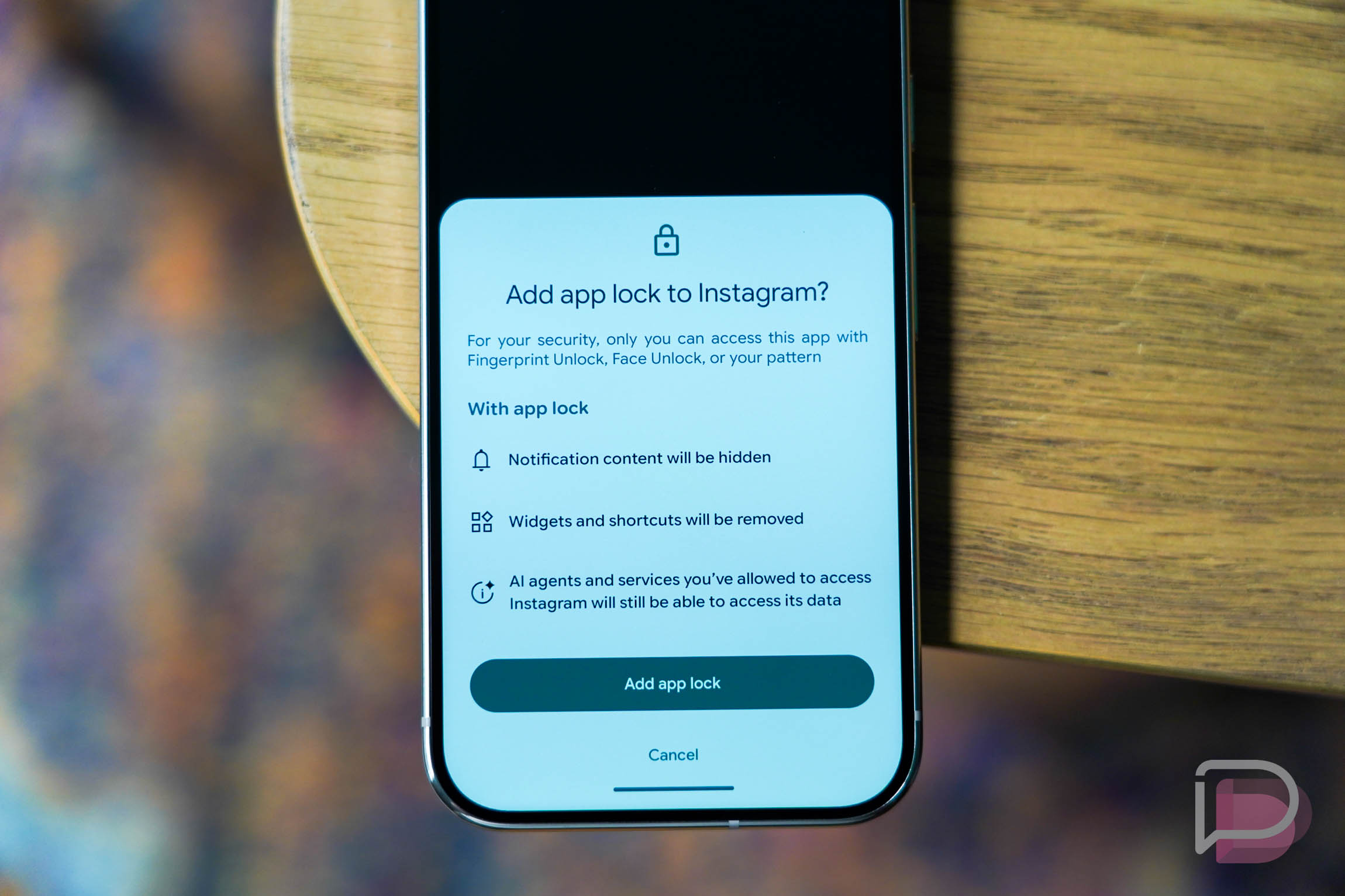



Good news for Pixel owners! The April 2026 Google Pixel update is now rolling out to devices, bringing a series of important bug fixes. While this isn’t a major Pixel Feature Drop with new capabilities, these behind-the-scenes improvements are crucial for keeping your phone running smoothly.
This monthly patch addresses several annoying issues that users might have encountered. The April Pixel update focuses on stability and performance, ensuring a better overall experience for everyone.
What’s Included in the April Pixel Update?
As expected for a non-Feature Drop month, the April 2026 Pixel update is primarily a maintenance release. Google has focused on squashing bugs that could impact daily usage. There are at least five specific fixes included in this update.
- An issue where the Backup menu was missing from System settings in certain conditions has been resolved.
- Users experiencing crashes with certain banking and third-party apps will find these problems fixed.
- Annoying game crashes that interrupted playtime should now be a thing of the past.
- The update also fixes instances of missing search bars within the system.
- Finally, issues causing Quick Share to crash have been addressed.
Devices Receiving the Update
Google is making this April Pixel update available to a broad range of its smartphones and other Pixel devices. If you own a Pixel 6 up through the latest Pixel 10a, you are eligible to receive this update.
Specifically, the update is rolling out to the following models globally, all sharing the build number CP1A.260405.005:
- Pixel 6, Pixel 6 Pro, Pixel 6a
- Pixel 7, Pixel 7 Pro, Pixel 7a
- Pixel Tablet, Pixel Fold
- Pixel 8, Pixel 8 Pro, Pixel 8a
- Pixel 9, Pixel 9 Pro, Pixel 9 Pro XL, Pixel 9 Pro Fold, Pixel 9a
- Pixel 10, Pixel 10 Pro, Pixel 10 Pro XL, Pixel 10 Pro Fold, Pixel 10a
How to Get the April Pixel Update
Receiving the latest software on your Pixel device is straightforward. Your phone should notify you when the update is ready to install. However, if you’re eager to check manually, you can do so easily.
Navigate to Settings > System > System update on your Pixel phone. From there, you can prompt your device to check for and download the latest software. It’s always a good idea to ensure your device is charged or plugged in before starting an update.
Why This Update Matters
While bug fixes might not sound as exciting as new features, they are incredibly important for the long-term health and security of your device. These updates patch vulnerabilities and resolve performance glitches, which can significantly improve your daily user experience and protect your personal data. Regular updates ensure your phone remains stable and responsive.
Keeping your Pixel phone updated is crucial for security and optimal performance. For more insights into how Google keeps its devices secure, you can visit the official Android Security Bulletins page. Staying current with these updates ensures you benefit from Google’s continuous efforts to refine the Android experience. Speaking of updates, did you know the Pixel Now Playing App Gets First Update: What’s New, bringing new functionalities to that feature?
To learn more about the entire Pixel lineup and its features, check out the official Google Pixel website.
Conclusion
The April 2026 Pixel update may not introduce flashy new features, but its focus on stability and security is vital. By addressing various bugs, Google continues to refine the Pixel experience across a wide range of devices. Make sure to update your Pixel phone soon to enjoy a more reliable and secure mobile experience.
