Tips
How to Reboot and Force Update Google Nest and Home Speakers
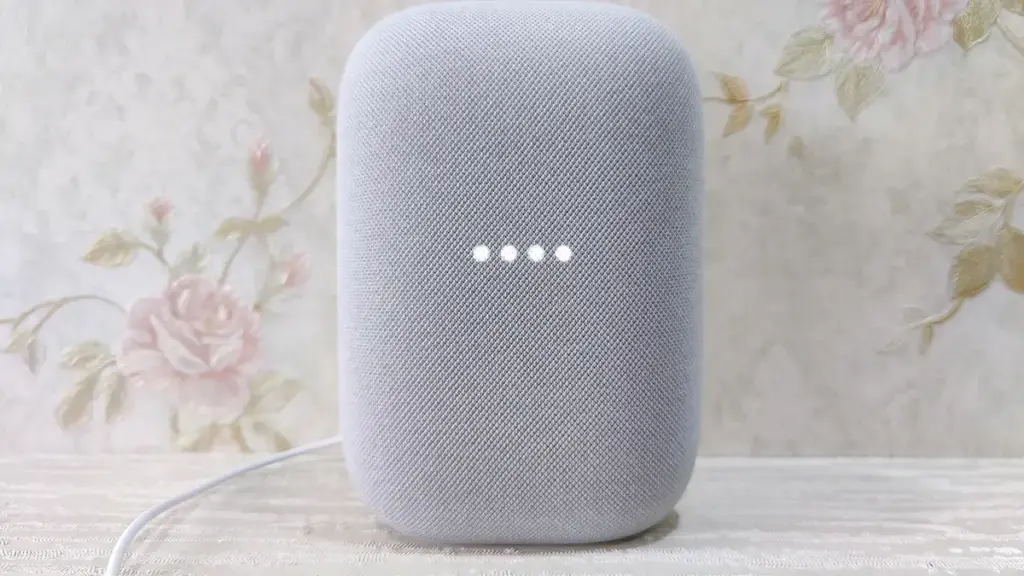
Rebooting your Google Nest or Home speaker through the Home app is the only way to nudge it into checking for a pending firmware update.
Rebooting your Google Nest or Home speaker through the Home app is the only way to nudge it into checking for a pending firmware update.
Top stories
Terminally ill GTA 6 fan Jerry Fort has died at 25, three weeks before the game's November 19 release, his sister confirmed.
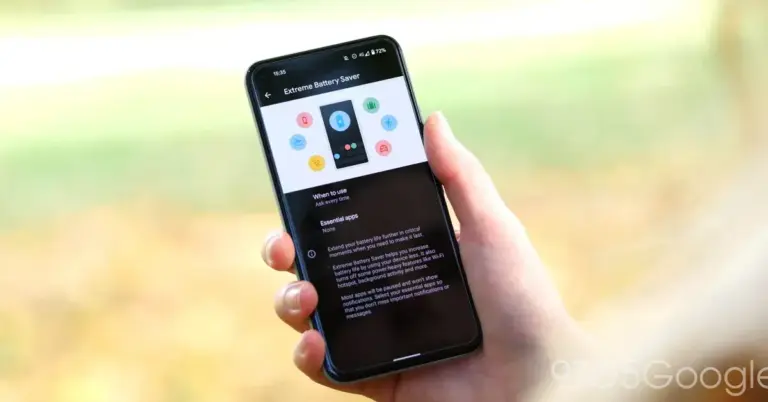
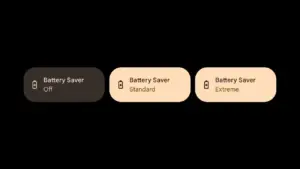
Keep your important apps alive during Extreme Battery Saver by adding them to your Pixel's essential apps list.
The Chester Sprite boosts chest loot and blocks fall damage in Fortnite Treasure Hunters, with Wanted Posters offering the most reliable path to catch…
DMZ mode returns in Modern Warfare 4 with a new Hajin map and reworked extraction loop, though AI enemies still need work.
A rundown of Treasure Hunt chest spots on Fortnite's Crossbones Isle, including buried and rare chests and the latest reward pool.
Step-by-step instructions to leave Google Home Public Preview and return your Nest or Home devices to stable, production firmware.
Stop power-hungry apps from running silently in the background on your Pixel and reclaim hours of battery life with a few settings changes.
Walmart's physical GTA 6 pre-orders reportedly ship with a mystery bonus bag, though the retailer hasn't confirmed what's inside.
Nagoshi Studio has officially dissolved after NetEase pulled funding, leaving its Don Lee-led action game Gang of Dragon without a developer.
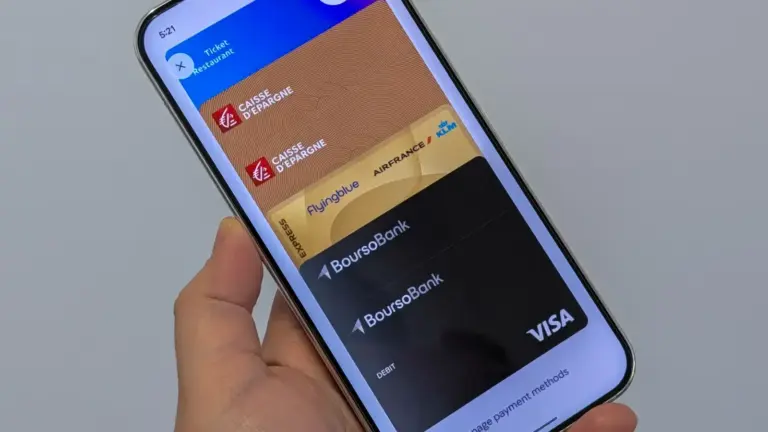
Delete expired, duplicate or unused payment cards from Google Wallet on your phone or through a browser in a few taps.
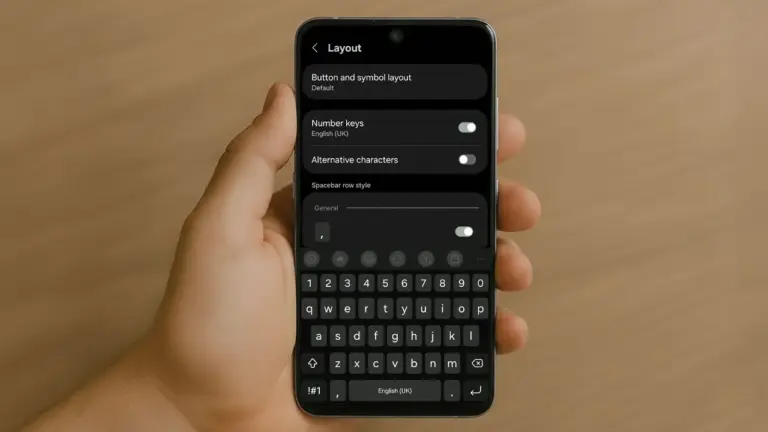
A quick, accurate walkthrough for installing a new keyboard app and making it the Android system default on Pixel and Samsung phones.