Quick answer
Go to Settings > System > Software updates > System update > Check for update to install the October 2026 Pixel patch; it fixes VoIP call distortion on Pixel 8–10 and wrong photo orientation only on Pixel 11 models.
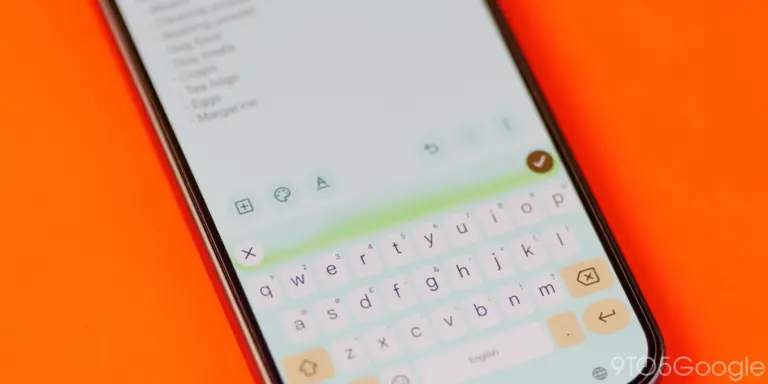
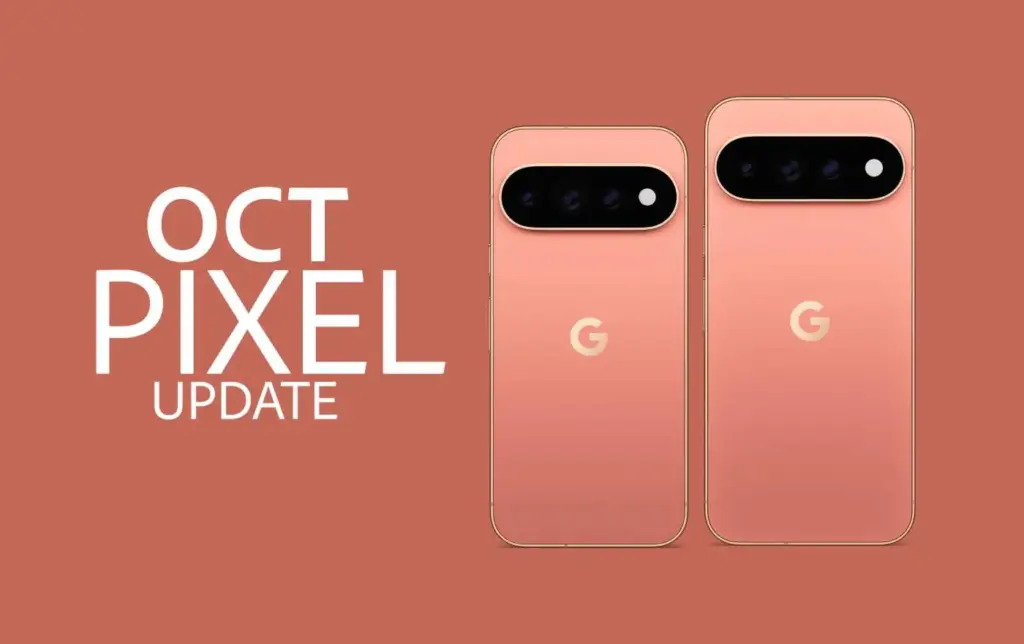
Google has started rolling out the October 2026 security patch for Pixel phones, and it carries more than the usual background fixes. Depending on your model, it quiets down distorted audio on VoIP calls, stops the keyboard from vanishing in search fields, or corrects photos and videos saved in the wrong orientation.
Below is the exact path to check for and install the update, along with which fixes actually apply to your specific Pixel, since Google split this rollout by device generation.
Before you start
- Difficulty Easy
- Time needed 10 minutes
- Works on Pixel 6 through Pixel 11 series, stock Android
What you'll need
- A Pixel 6 or newer
- Wi-Fi connection
- Battery charged to at least 75%
- Google account signed in on the device
Important
- Back up anything important before installing, since a failed update can occasionally require a factory reset to recover from.
- If your phone gets stuck during the restart after installing, you may need to factory reset it, so make sure you know your Google account credentials beforehand.
Install the Update Through Settings
This is the only supported way to grab the October patch, and the path is the same across the current Pixel lineup.
Step 1: Open Settings
Open the Settings app on your Pixel.
Step 2: Tap System
Scroll down and tap System.
Step 3: Tap Software updates
Tap Software updates, then tap System update. This screen also shows your current update status.
Step 4: Check for the update
Tap Check for update. If the October build is available for your model, it will appear here.
Tip: The rollout happens in phases, so it may take a few days to reach your specific model or carrier.
Step 5: Download and install
Tap Download and install (or Download if that’s what you see) and follow the on-screen steps.
Step 6: Let the phone restart
Your Pixel restarts automatically to finish installing. This can take a few minutes longer than usual as the phone optimizes the new software.
Tip: Expect slightly faster battery drain for a day or two after the update while the phone finishes setting things up.
Use the Google Assistant Shortcut
If you’d rather not dig through menus, you can ask the phone to check for you.
Step 1: Say the voice command
Say “Hey Google, check for software updates.” This triggers the same check as going through Settings.
Step 2: Follow the prompt on screen
If an update is found, tap the notification or open Settings > System > Software updates to install it.
Pro tips
- Connect to Wi-Fi before starting, since the update file is large enough to eat into mobile data.
- If you cleared the update notification by mistake, you can still trigger the download manually from Settings.
- Pixel 6 and 6 Pro owners should install this one regardless, since Google hasn't confirmed whether another update is coming for these models.
Troubleshooting
| Problem | What to do |
|---|---|
| No update notification appears even though it's been a few days | Open Settings, go to System > Software updates > System update, and tap Check for update manually. If a previous download failed, wait at least 24 hours before checking again. |
| The keyboard still doesn't appear in search fields after updating | This fix applies to Pixel 8 through Pixel 11 devices. If you're on an older model or the issue persists, see the dedicated Pixel keyboard fix, or try clearing the Pixel Gboard cache. |
| Photos still save in the wrong orientation | This fix is exclusive to the Pixel 11 series. Pixel 6 through 10 owners won't see this patched in the October build. |
| VoIP calls still sound distorted after updating | The audio fix only covers Pixel 8, 9, and 10 series devices, not Pixel 6 or 7. There's no confirmed workaround beyond installing this patch and keeping your calling app updated. |
| Camera issues persist after installing the update | If camera problems continue on your Pixel, check the Pixel camera troubleshooting guide for the following month's patch. |
Frequently asked questions
Does the October 2026 update fix the VoIP audio bug on all Pixels?
No. The fix for distorted or noisy audio during VoIP calls only applies to Pixel 8, Pixel 9, and Pixel 10 series devices, not Pixel 6 or Pixel 7.
Which Pixels get the photo orientation fix?
Only the Pixel 11 series. Photos and videos occasionally saving in the wrong orientation was a Pixel 11-specific issue, so Pixel 6 through 10 owners won’t see a change here.
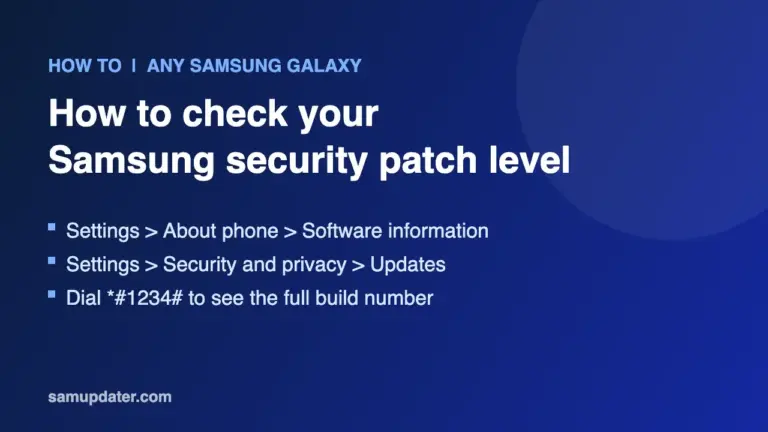
What build number should I see after updating?
Pixel 6, 6a, 7-series, the original Pixel Fold, and Pixel Tablet move to CP3A.261005.002.A1. Pixel 8, 8a, 9, 9a, and 10-series devices land on CP3A.261005.005, while the Pixel 11 series gets CD1A.261005.003.
Is this update coming to Samsung or other Android phones?
No. This is a Google-built patch exclusive to Pixel hardware, so Samsung, OnePlus, and other Android devices won’t receive it.
Is this the last update for the Pixel 6?
It might be. Google hasn’t confirmed it officially, but this is widely expected to be one of the final monthly updates for the Pixel 6 and Pixel 6 Pro.
Once installed, check Settings > System > Software updates again to confirm the new build number matches your model, and keep an eye out for next month’s patch if any of these bugs still bother you.
Sources and further reading
- Support Google
- Android Central — Google's February Android update confirms a big shift for older Pixels
- Droid Life — Your Google Pixel Phone's October Update Arrived
- Drooid — Drooid | News From All Sides