Quick answer
Google fixed this bug in the October 5, 2026 patch (Settings > System > System update), so install that update first; if your keyboard still won't appear, force stop and clear Gboard's cache through Settings > Apps.
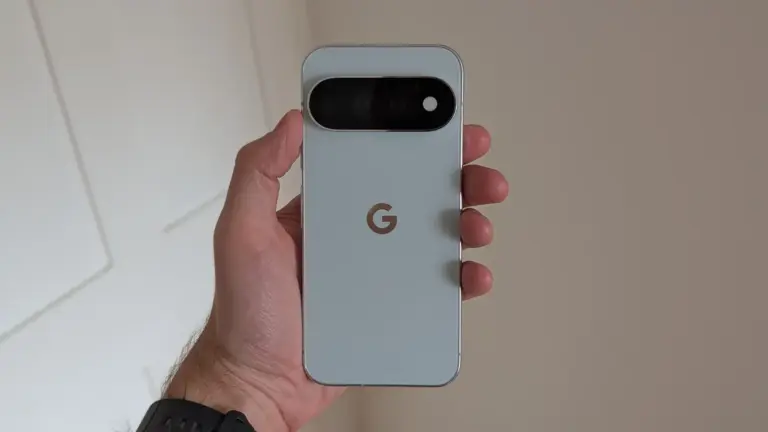
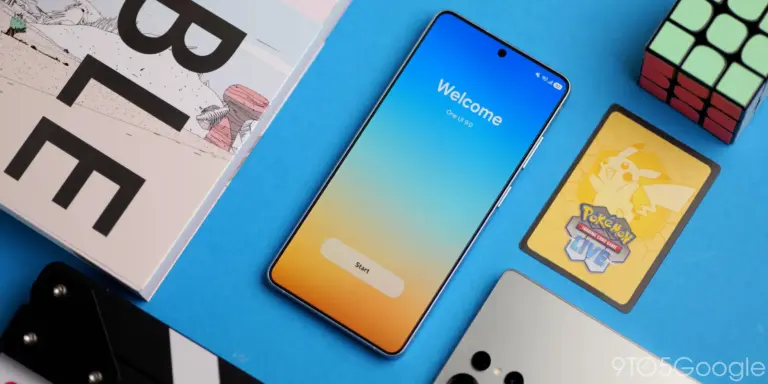
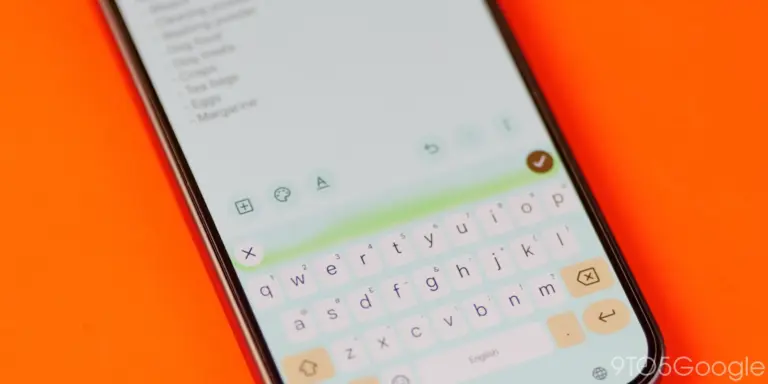
Some Pixel 8, 9, 10 and 11 owners who updated to the October 2026 security patch found their keyboard refusing to pop up whenever they tapped a search field. Google has already confirmed the bug and shipped a fix, but the rollout is staggered, so not everyone has it yet.
Below you’ll find the official update to install first, followed by the Gboard workarounds Google recommends if the keyboard still won’t show up after you’ve updated.
Before you start
- Difficulty Easy
- Time needed 10 minutes
- Works on Pixel 8, 8 Pro, 8a, 9, 9 Pro, 9 Pro XL, 9 Pro Fold, 9a, 10 series, 11 series
What you'll need
- A Pixel 8 or later running Android 17
- A Wi-Fi or mobile data connection to download the update
- A Google Play Store account to update or reinstall Gboard
Important
- Clearing Gboard's data erases your personal dictionary and learned typing patterns, though nothing critical is lost.
- Delaying the October update leaves two patched security flaws, including a Bluetooth exploit, unaddressed on your device.
Install the October 5, 2026 Pixel Update
Google says it already fixed this exact bug in the update dated October 5, 2026, so checking for it is the fastest way to solve the problem.
Step 1: Open Settings and go to System
Open Settings on your Pixel, then tap System.
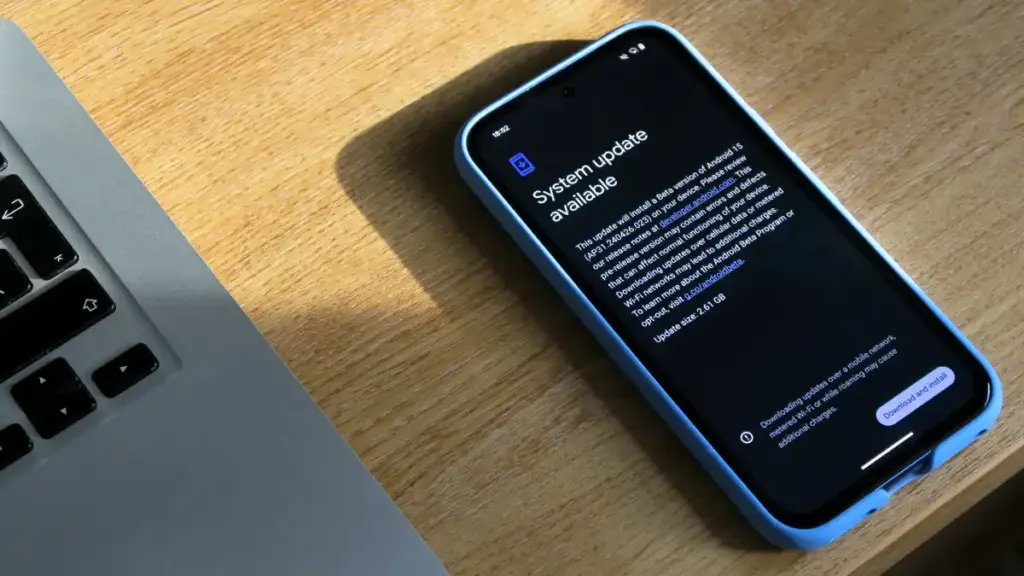
Step 2: Tap System update
Tap System update, then tap Check for update.
Look for a build dated 2026-10-05. Pixel 8 through 10 series devices get build CP3A.261005.005, and the Pixel 11 series gets CD1A.261005.003.
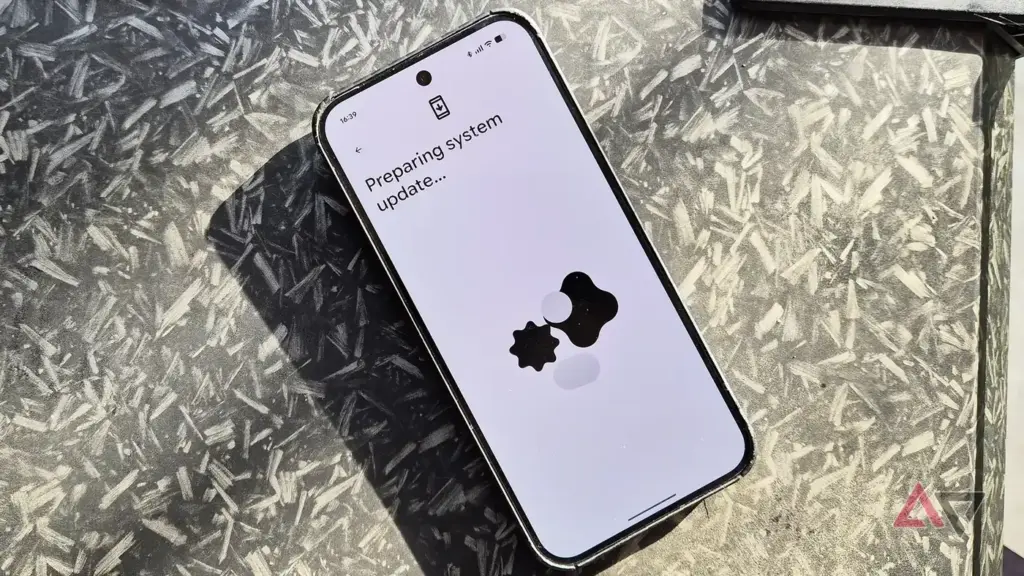
Step 3: Download and install the update
If an update is available, tap Download and install and let your Pixel restart.
Once it reboots, open any app with a search field to confirm the keyboard now appears.
Tip: Keep the phone on Wi-Fi and above 50 percent battery while it installs.
Check Again if No Update Appears Yet
Google is rolling out the fix in phases over roughly a week, so your Pixel may not see it immediately even though it’s already live for others.
Step 1: Wait a day and recheck for the update
If Check for update shows nothing new, wait a day and try again from Settings > System > System update.
The staggered rollout means some devices on the same model get the patch before others.
Force Stop and Reopen Gboard
If you’ve already installed the October 5 patch and the keyboard still won’t show, Google’s own Gboard troubleshooting steps start here.
Step 1: Open Gboard's app info
Go to Settings, tap Apps & notifications or Apps, then tap Gboard.
Step 2: Force stop Gboard
Tap Force stop and confirm.
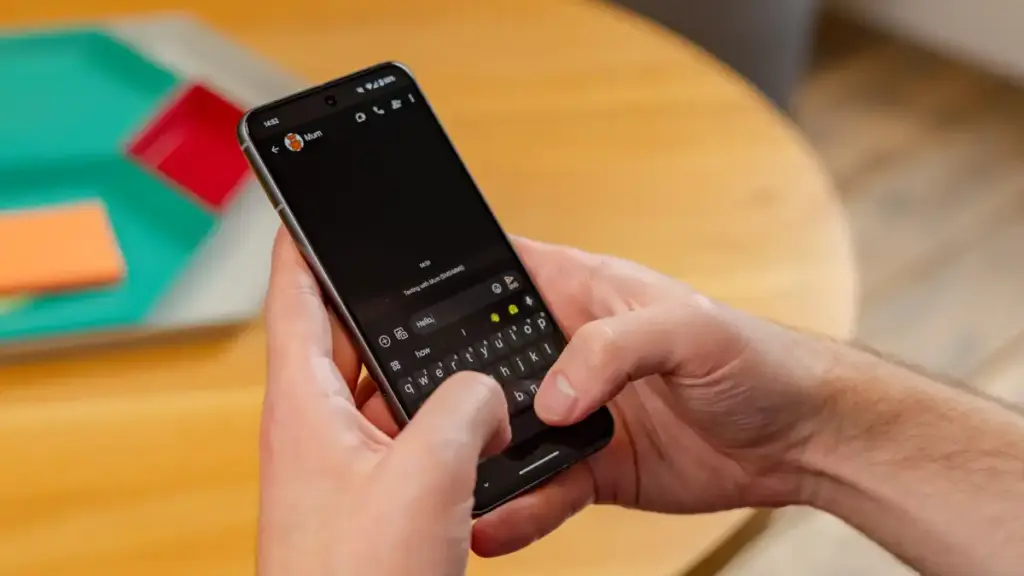
Then open any app with a text field and tap into it to reopen your keyboard.
Clear Gboard's Cache
A corrupted cache file can stop the keyboard from loading even after a force stop.
Step 1: Open Storage and cache
From the same Gboard app info screen, tap Storage and cache.
Step 2: Clear the cache
Tap Clear cache, then reopen a search field to test whether the keyboard shows up.
Tip: This doesn't erase your saved words or settings, so it's safe to try first.
Clear Gboard's Data
If clearing the cache didn’t help, resetting Gboard to its default state usually clears up stubborn display bugs.
Step 1: Open Storage and cache again
Go back to Settings > Apps > Gboard > Storage and cache.
Step 2: Tap Clear data or Clear storage
Tap Clear data (or Clear storage on some Pixels) and confirm.
This resets Gboard completely, including your personal dictionary and learned words.
Reinstall Gboard from Google Play
If clearing data didn’t fix it, a fresh install replaces any corrupted app files left over from the buggy update.
Step 1: Uninstall Gboard
Go to Settings > Apps & notifications > Gboard, then tap Uninstall.
Step 2: Reinstall it from the Play Store
Open the Play Store, search for Gboard, and tap Install.
Open a search field afterward to confirm the keyboard appears normally again.
Set Up a Backup Keyboard
If Gboard is the only keyboard installed and none of the above worked yet, having a second keyboard app keeps you typing while you wait for the rollout to reach your device.
Step 1: Install a secondary keyboard app
Download another keyboard app from the Play Store as a temporary backup.
Go to Settings > System > Languages & input > On-screen keyboard > Manage keyboards, and turn on the new keyboard.
Tip: Switch back to Gboard once your October 5 update finishes installing.
Pro tips
- Restart your Pixel before trying any of the Gboard fixes, since a reboot alone sometimes clears the glitch.
- Check that Gboard is set as your default keyboard under Languages & input if no keyboard appears anywhere, not just in search fields.
- If the keyboard only misbehaves in one app, try force stopping that specific app first.
Frequently asked questions
Why did my Pixel keyboard stop appearing in search bars?
A bug in the October 2026 Android 17 security patch occasionally prevented the virtual keyboard from loading in search fields on Pixel 8 and later devices. Google fixed it in the follow-up build dated October 5, 2026.
Does this bug affect the Pixel 6 or Pixel 7?
No. Google says the keyboard bug is specific to the Pixel 8 series and later; Pixel 6 and 7 devices still received the October patch, but only for general security fixes.
I checked for an update and nothing showed up. What now?
Google is rolling out the fix in phases over about a week, so some devices will see it later than others. Check again after a day, and in the meantime use the Gboard force stop or cache clear steps.
Will clearing Gboard's data delete anything important?
It resets your personal dictionary, learned words, and any custom keyboard settings back to default, but it won’t touch your messages, contacts, or other app data.
Installing the October 5, 2026 update clears up this bug for most Pixel 8 and later owners, so check for it first before working through the Gboard troubleshooting steps.
Sources and further reading
- 9to5Google — Android 17 October update rolling out with three Pixel fixes
- Tech Advisor — Pixel phones just got their most significant Android 17 update yet
- Support Google
- Android Police — Google's latest Pixel update could mark the end for the Pixel 6