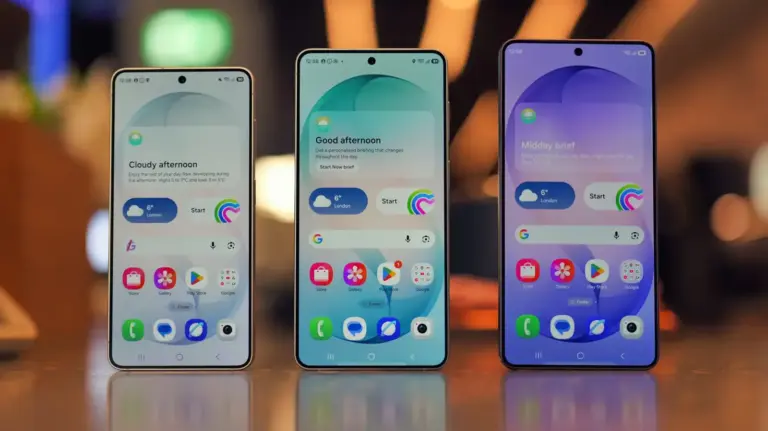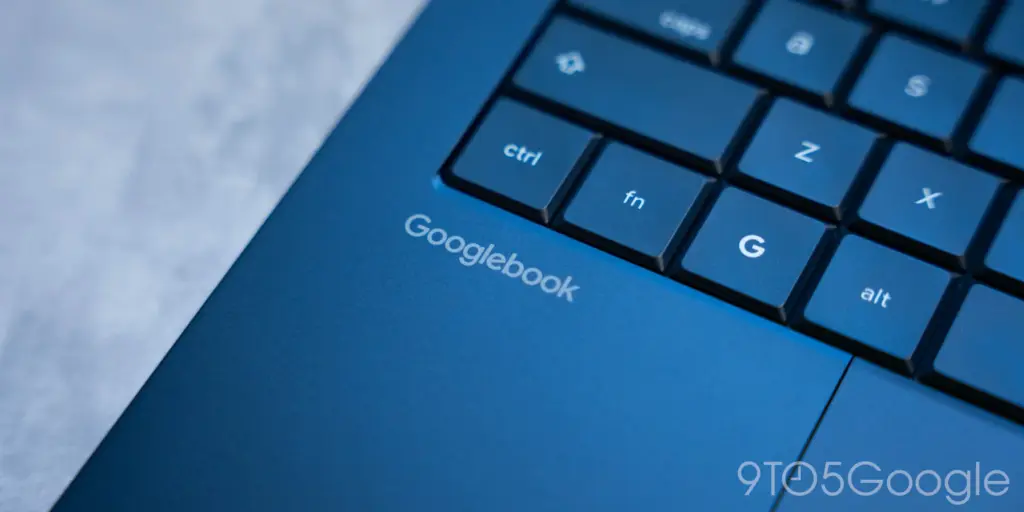
Google is rolling out software updates to resolve connectivity issues with its Better Together cross-device suite on Googlebook laptops, while simultaneously expanding integration to Samsung Galaxy smartphones.
Key points
- Google updated cross-device services to enable Better Together integration for Samsung Galaxy smartphones.
- The patch requires Google Play services version 26.37 and Cross-device services version 1.0.1346.
- Supported Samsung devices must run Android 17 and One UI 9.0 to connect to Googlebook laptops.
- The update resolves an issue where pairing QR codes persisted on screen after successful setup.
The system updates address several inconsistencies present since the launch of the desktop platform. While features like Instant Hotspot functioned at release, core tools including app streaming, notification sync, and cross-device app continuity suffered from pairing delays or failed to connect entirely on Googlebook hardware.
Required Service Versions and Pairing Fixes
Google stated in a community update that it has introduced a streamlined first-time setup process to reduce the number of configuration steps required on the laptop and smartphone. The update also eliminates a bug where the on-screen pairing QR code persisted on the laptop display even after the handset completed connection.
To receive the pairing corrections, mobile devices require Google Play services version 26.37 or higher. Users can verify or download this build directly through system settings by navigating to the application list and opening the store details page.
Additionally, Google published an update for its dedicated Cross-device services package, bumping the software to version 1.0.1346. Both application updates must be installed on the phone before the revised onboarding interface becomes available.
Samsung Galaxy Integration on Android 17
The updated services officially bring compatibility to Samsung smartphones, which were excluded from Better Together features when Googlebook hardware initially arrived on the market. Google originally indicated that Galaxy support would follow launch in subsequent weeks.
Connecting a Galaxy device requires both platform updates alongside specific firmware. Samsung hardware must be upgraded to Android 17 and run One UI 9.0 to establish a link with the laptop. Some Galaxy owners have verified that cross-device features are now operating following the latest Play Services patch, though the requirement leaves models waiting for Samsung to expand its Android 17 software delivery temporarily unsupported.
Network and Device Requirements Checklist
Google outlined several operational requirements to ensure cross-device communication functions properly between Android handsets and desktop systems. Client isolation settings commonly deployed on commercial networks prevent the direct local communication needed for high-bandwidth tasks like app streaming.
- Operating system: The handset must run Android 17, which includes Pixel devices alongside compatible models from Xiaomi, Oppo, OnePlus, Motorola, Lenovo, Honor, Sharp, Sony, and Samsung.
- Account settings: Both the Googlebook and the smartphone must sign into the identical personal Google Account with Wi-Fi and Bluetooth active.
- Local network: Devices must operate on a private local Wi-Fi connection without public client isolation, and active VPN configurations or DNS filters should be disabled during pairing.
- Activity toggles: Users must verify under Cross-device services settings that toggles for Tasks, Apps, Notifications, and Files & media sharing remain switched on.
- Device reboot: A restart of both the smartphone and the laptop is recommended after updating both background packages to apply network changes.
Users who meet these software versions can access device mirroring and synchronized notifications directly through the Googlebook desktop interface.