




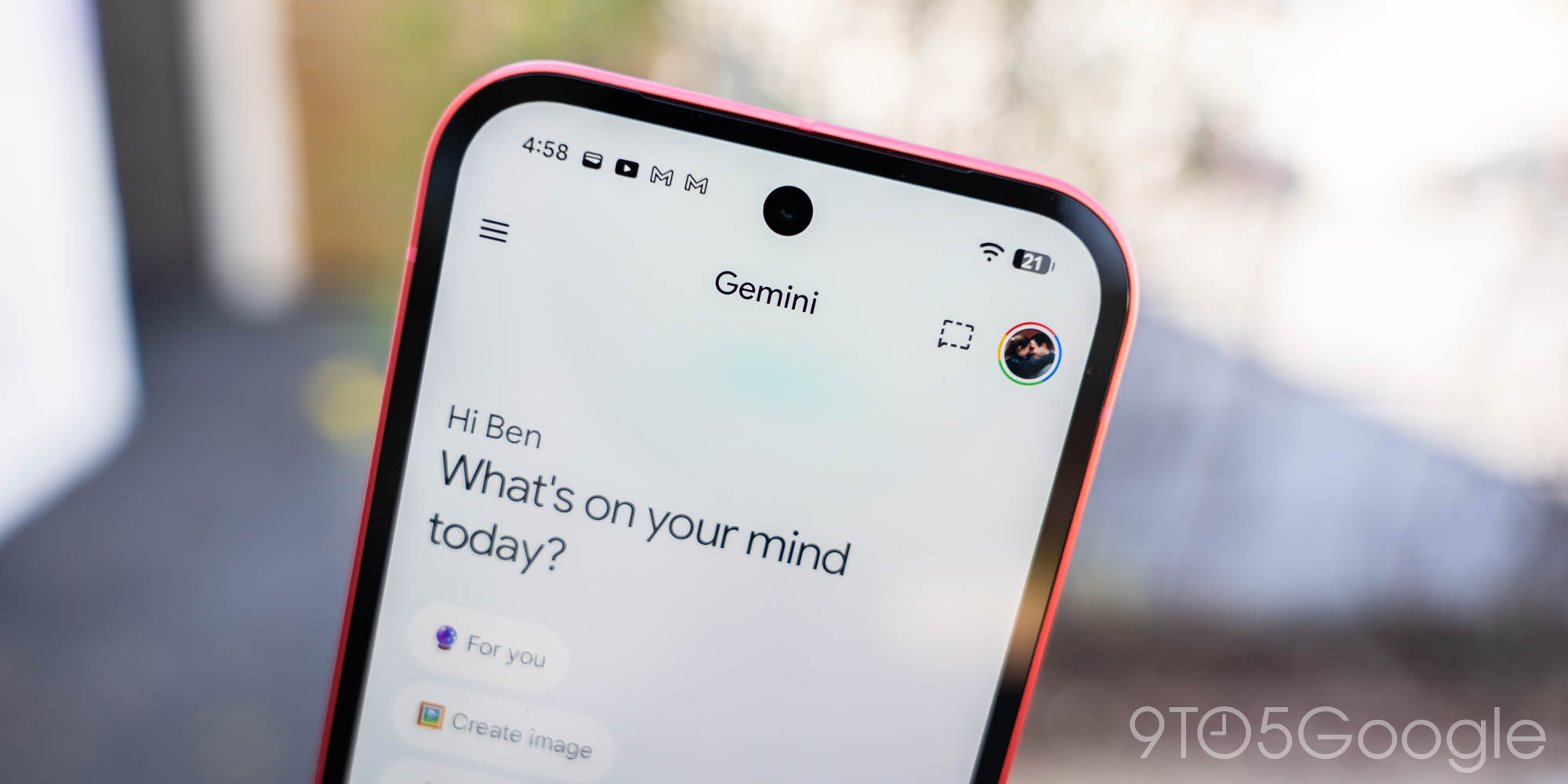
Users of the Google Gemini app are noticing a sudden and unexpected change to the Gemini app’s Temporary Chat icon. The familiar dotted-line chat bubble, which clearly signaled a fleeting conversation, has been replaced by a new design that appears far less indicative of its ‘temporary’ nature.
Gemini’s Temporary Chat Icon Gets a Makeover
Previously, the icon for starting a Temporary Chat was a small chat bubble clearly outlined with a dotted line, an intuitive visual cue for its function. However, a recent server-side update has introduced a new icon: a small oval with what looks like a pencil sticking out of it. This new design is currently appearing in the top-right corner when starting a new chat, primarily affecting the mobile app.
The updated icon departs significantly from the original, which instantly conveyed the ‘temporary’ aspect of the chat. Interestingly, when users tap the new icon, the original dotted-line icon still appears in the middle of the page, accompanied by a description of what Temporary Chat entails. This suggests the change might be part of an ongoing design experiment or even an accidental rollout.
What is Temporary Chat and Why Does it Matter?
For those unfamiliar, Temporary Chat in Gemini functions much like an incognito mode for your AI conversations. It’s a crucial privacy feature designed to give users more control over their data when interacting with the AI assistant.
- Conversations initiated in Temporary Chat are not saved in your chat history.
- They do not appear in your Gemini Apps Activity, ensuring a clean record.
- Crucially, these interactions are not used to train Google’s AI models or personalize your Gemini experience.
- While chats are kept internally for up to 72 hours for safety and to process any feedback, users cannot access them once the chat session is closed.
This feature is particularly valuable for sensitive questions, brainstorming ideas you don’t want permanently linked to your profile, or simply for one-off queries where saving the conversation isn’t necessary. It offers a layer of privacy that many users appreciate in an AI-driven world. You can learn more about Gemini and its features on the official Google Gemini website.
Why the Sudden Change?
As of now, Google has not provided any official statement regarding the new icon. The abrupt nature of the change, coupled with the fact that the original icon still appears upon tapping for an explanation, suggests a few possibilities. It could be part of a broader design refresh aimed at creating a more cohesive visual identity for the Gemini app, aligning with its rounded text boxes and other UI elements. Alternatively, it might be an unannounced test or even an unintended bug. For the latest updates to the app, you can always check the Google Play Store listing.
What This Means for You
For regular users of the Gemini app’s Temporary Chat, the new icon might cause a brief moment of confusion as they search for the familiar dotted outline. However, it’s important to remember that despite the visual alteration, the core functionality and privacy benefits of Temporary Chat remain entirely unchanged. It still provides that valuable ‘incognito’ experience for your AI interactions.
While the new icon may take some getting used to, the underlying purpose of Temporary Chat — to offer private, unsaved conversations — continues to be a robust feature within the Gemini app. It reinforces Google’s commitment to providing users with tools to manage their privacy effectively, even as the visual elements evolve.
Source
