





Google Search and Discover users can now designate preferred content sources, allowing for more personalized news and information feeds. This feature provides users with greater control over the content they see on their Android devices.
The ability to set Google Preferred Sources gains significance as Google integrates AI-generated search results and an AI Mode into its platforms. This setting helps users prioritize content directly from publishers they trust, potentially influencing the information they receive and ensuring a more curated experience.
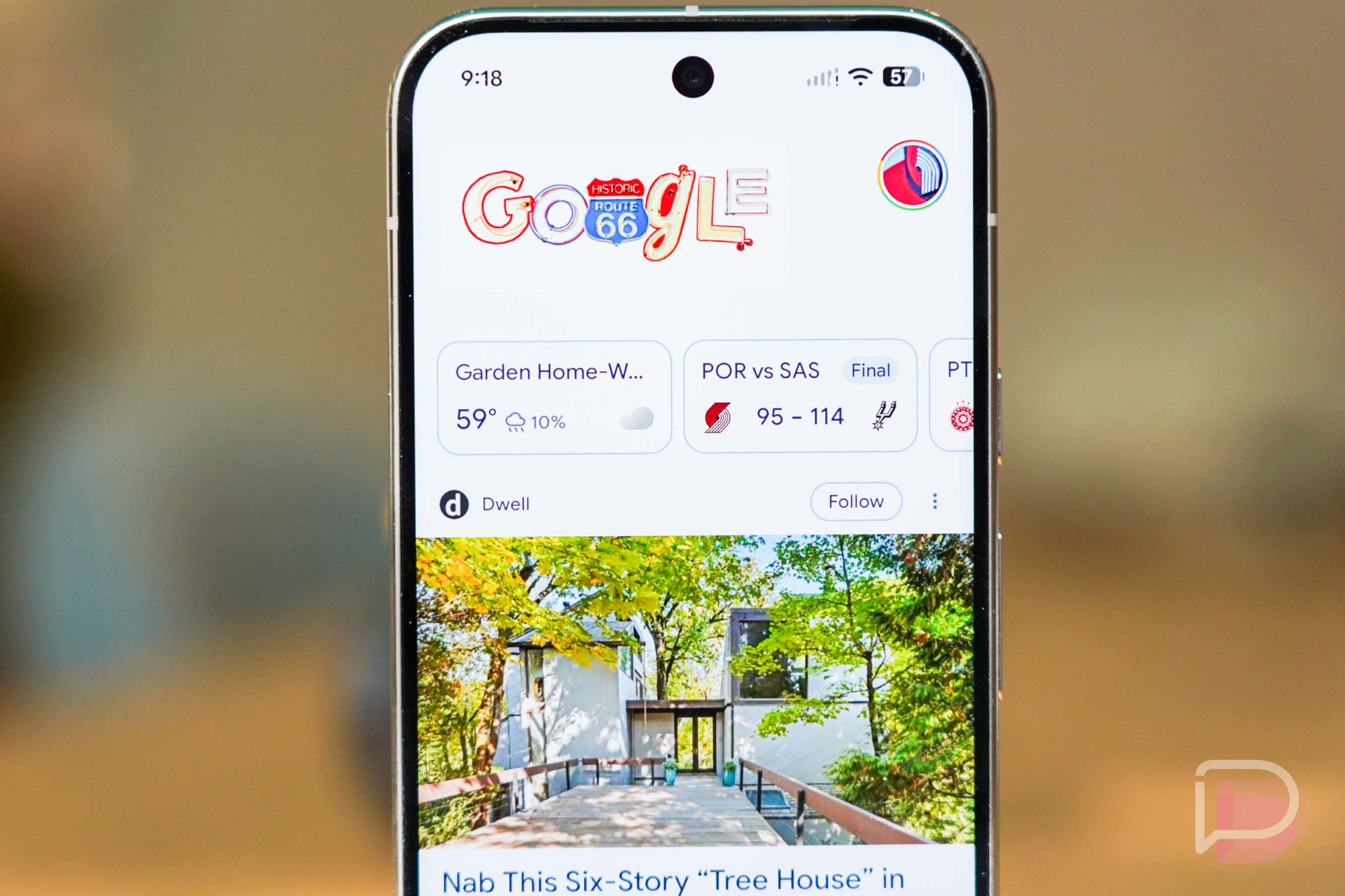
Users can access these settings within their Google app preferences, typically found under the “Discover” or “Search personalization” customization options. By specifying favored websites, individuals can influence the visibility of content from those sources across their Google Search results and Discover feeds. This customization aims to enhance the user experience by delivering more relevant and desired information, moving beyond generic algorithmic suggestions.
Furthermore, Google’s ongoing development of AI Overviews and an AI Search experience has prompted discussions within the media industry regarding content visibility and attribution. The preferred sources option offers a direct method for users to curate their content consumption, ensuring they continue to see results from specific publishers on Google’s platforms. This functionality is distinct from simply blocking unwanted sites and instead focuses on promoting desired ones.
Additionally, managing these preferences can be done through the Google app’s settings or by tapping an icon next to “Top stories” in search results. Users can modify their selections at any time to refine their search and discovery experience as needed. This ongoing control allows for continuous optimization of the information stream.
