


Samsung is actively rolling out the latest March 2026 security patch to a wide range of its popular Galaxy smartphones. This essential update is hitting devices including the flagship Galaxy S24 series and two generations of foldable phones, bringing vital security enhancements to users worldwide. Keeping your device updated is crucial for protecting your personal information and ensuring smooth operation.
Which Galaxy Devices Are Receiving the Update?
The March 2026 Galaxy March security patch is being distributed to a substantial number of Samsung devices. Leading the charge are the latest flagship models, including the entire Galaxy S24 series: the Galaxy S24, S24+, S24 Ultra, and even the Galaxy S24 FE.
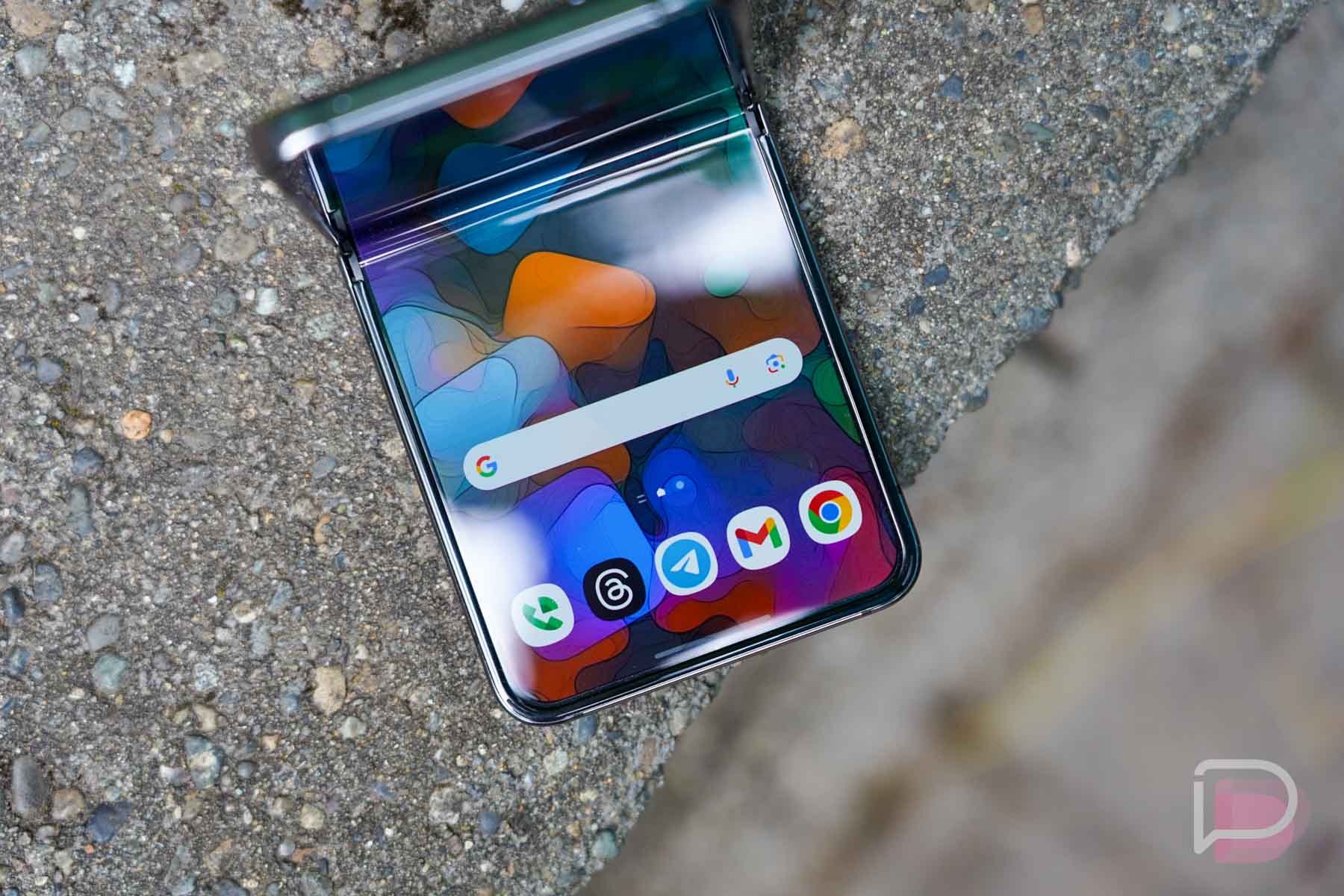
Furthermore, Samsung’s innovative foldable lineup is also seeing this important update. Both the Galaxy Z Fold 5 and Z Flip 5, alongside their predecessors, the Galaxy Z Fold 4 and Z Flip 4, are now receiving the patch. Additionally, other popular Galaxy devices such as the Galaxy S23 series, Galaxy A55, Galaxy A56, and Galaxy A36 are also part of this extensive rollout.
What Does the March Security Patch Include?
This latest update is primarily focused on strengthening the security of your device. While the changelog doesn’t indicate any new features or significant software changes, it addresses a multitude of vulnerabilities that could compromise your phone’s safety.
The March 2026 security bulletin includes fixes for 65 to 67 security vulnerabilities. A significant portion of these — around 60 fixes — come from Google for the Android operating system, while 5 to 7 are specific patches for Samsung’s One UI software. Notably, some of the addressed issues are critical, including vulnerabilities in the Android System component that could allow remote code execution without requiring any user interaction.
Of particular concern is a Qualcomm vulnerability, identified as CVE-2026-21385, which has been noted to be under limited, targeted exploitation. Installing this update promptly helps protect against such serious threats. For more technical details on the Android-specific patches, you can refer to the official Android Security Bulletin—March 2026. Samsung also provides information on its Mobile Security page.
How to Update Your Galaxy Phone
Receiving this crucial update is straightforward. Samsung typically rolls out updates in phases, so if you haven’t received a notification yet, you can manually check for it. To do so, simply:
- Open your phone’s Settings app.
- Scroll down and tap on Software update.
- Select Download and install.
It’s always recommended to connect your device to a stable Wi-Fi network and ensure your battery is sufficiently charged before beginning the update process.
What This Means for You
Installing security patches like the March 2026 update is more important than many users realize. These updates are your first line of defense against cyber threats, protecting your device from potential malware, data breaches, and unauthorized access. By patching vulnerabilities, Samsung helps ensure the stability and longevity of your smartphone, keeping your personal data safe and your user experience secure.
Don’t delay in applying this important update to your Samsung Galaxy device. Staying vigilant with software updates is a simple yet effective way to maintain the security and performance of your mobile technology.