




Android users relying on Google’s Gemini app are currently facing an unexpected setback. A widespread bug has caused several recently introduced features to disappear and the app’s user interface (UI) to revert to an older design, disrupting the experience for many.
This Gemini app bug, affecting both stable and beta versions of the Google app (version 17.14), has been observed over the past day or so. It appears to be a server-side issue, meaning users can’t simply update the app to fix it.
Key Features Lost in the Rollback
The bug has significantly impacted the functionality and appearance of the Gemini app. Users are reporting a loss of several convenient tools and visual elements.
- The ability to upload NotebookLM notebooks via the ‘plus’ menu in the prompt box has been removed, with the design changing from a list to side-by-side pills.
- The “Temporary chat” button, designed for private conversations, has vanished from the top-right corner.
- The “Import memory to Gemini” option is missing from the profile menu, hindering efforts to bring over personal context.
- Voice-to-text functionality has regressed, now automatically sending messages during pauses rather than waiting for a manual send.
- Users can only upload one image at a time, a limitation compared to previous capabilities.
- The option to delete a chat within an ongoing conversation is no longer available.
User Interface Reverts to an Older Look
Beyond the lost features, the visual experience of the Gemini app has also taken a step backward. The sleek black background has reverted to a gray color, and the suggested action pills have lost their distinct outlines.
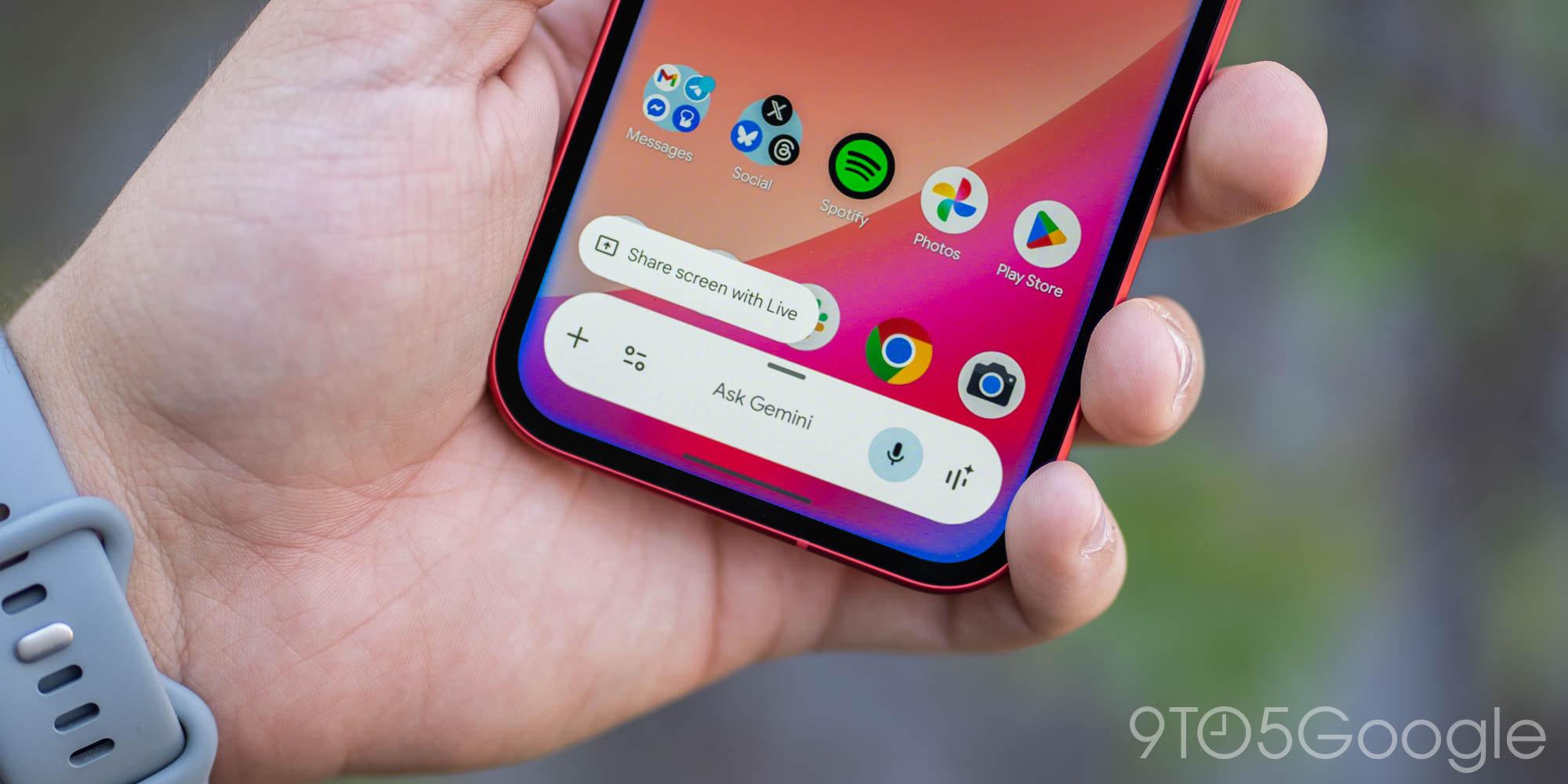
Furthermore, the Android overlay has returned to an earlier design, lacking full access to the Tools menu, and the fullscreen glow effect is no longer present. These changes contribute to a less refined and potentially less intuitive user experience.
What This Means for Users
For many, the Gemini app has become an integral part of their daily workflow, assisting with everything from brainstorming to managing information. This sudden rollback means a disruption to productivity and a less efficient interaction with the AI assistant.
Users who rely on features like NotebookLM integration, temporary chats, or streamlined voice input will find their routines hampered. However, it’s worth noting that the web version, gemini.google.com, remains unaffected and provides full access to features for those needing a workaround.
Google’s Response and Next Steps
While Google has not yet issued an official statement, the issue is widely acknowledged by users across various platforms. The expectation is that Google will deploy a server-side fix to restore the lost features and the updated UI in due course.
In the meantime, affected users can consider providing feedback directly through the app’s settings or by visiting the Gemini web interface to report their experience. This helps Google prioritize and address the bug more quickly. You can also check for updates to the Gemini app on the Google Play Store, although many of these changes are often server-side.
Conclusion
The recent bug affecting the Gemini app on Android is an unfortunate setback for users who have come to rely on its advanced features and modern interface. While the web version offers a temporary solution, the community eagerly awaits a swift resolution from Google to restore the full functionality and streamlined experience of their AI assistant.
Source
