



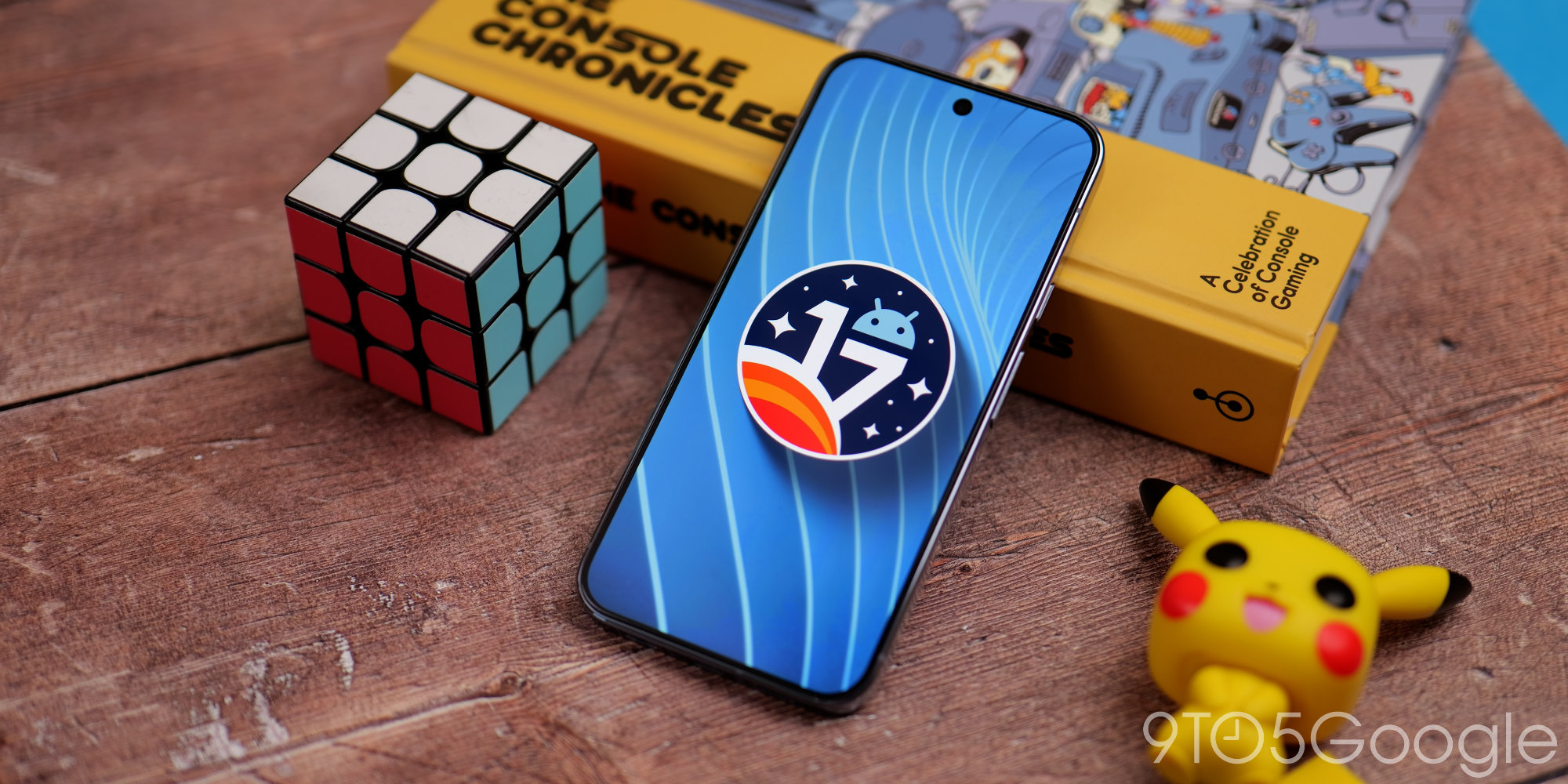
Google has officially released Android 17 Beta 3 for its Pixel devices, marking a significant step forward in the development cycle. This latest beta arrives approximately a month after its predecessor, bringing a host of refinements and crucial updates for both users and developers.
This release is particularly noteworthy as it achieves “Platform Stability.” This means that Android 17’s internal and external APIs, along with app-facing behaviors, are now finalized. For developers, this is the cue to begin final testing to ensure their apps are fully compatible with the upcoming stable release.
What’s New in Android 17 Beta 3?
Android 17 Beta 3 introduces several enhancements, focusing on user experience, developer capabilities, and underlying system improvements.
User Interface Tweaks
- Bubbles for All Apps: A notable change is that Bubbles, a feature for floating chat heads, are now fully enabled for any application. This expands how users can interact with notifications.
- Redesigned Screen Recording Toolbar: The screen recording toolbar has received a visual overhaul, likely offering a more intuitive experience.
- Hidden App Labels: Users now have the option to hide app names on the home screen, providing a cleaner, more minimalist look. This setting can be found within the system customization and wallpaper picker.
- Separate Wi-Fi and Mobile Data Toggles: While seen in Canary builds, the beta might incorporate the highly requested return of separate Wi-Fi and mobile data toggles, moving away from the combined ‘Internet’ tile. This simplifies quick access to network settings.
Media and Camera Enhancements
Google has also focused on bolstering media and camera functionalities in this beta release:
- Photo Picker Customization: Developers can now modify the grid view aspect ratio of the photo picker, switching from the default 1:1 square to a 9:16 portrait display for better UI integration.
- RAW14 Image Format: Professional camera applications can now capture 14-bit per pixel RAW images, allowing for maximum detail and color depth from compatible sensors.
- Vendor-Defined Camera Extensions: Hardware partners can now define custom camera extension modes, such as ‘Super Resolution’ or AI enhancements, accessible via new APIs.
- Camera Device Type APIs: New APIs allow apps to identify camera types, distinguishing between built-in hardware, external USB webcams, or virtual cameras.
Connectivity and System Improvements
Beyond visual and camera updates, Android 17 Beta 3 refines connectivity and core system behaviors:
- Bluetooth LE Audio Hearing Aids: A new device category allows apps to distinguish hearing aids from generic LE Audio headsets, enabling tailored UI.
- Safer Dynamic Code Loading (DCL): For apps targeting Android 17, the DCL protection for DEX and JAR files now extends to native libraries, enhancing security. All native files loaded via
System.load()must be read-only. - Local Network Protections: Apps targeting Android 17 or higher will have local network access blocked by default, improving privacy.
How to Get Android 17 Beta 3
If you own a compatible Pixel device (Pixel 6 and newer models are typically supported), you can enroll in the Android Beta Program. Once enrolled, your device will receive the update over-the-air (OTA). Alternatively, developers can download system images from the Android Developers website for manual flashing or emulator testing.
What This Means for You
For everyday users, Android 17 Beta 3 offers a sneak peek at the polished features and performance improvements expected in the final release. While beta versions can sometimes have bugs, this release’s Platform Stability status suggests a more refined experience. For developers, it’s a critical milestone to ensure app compatibility and leverage new APIs, preparing their creations for millions of Android users. The focus on camera, privacy, and UI customization indicates a more robust and user-centric Android experience on the horizon.
Conclusion
Android 17 Beta 3 is a substantial update, pushing the platform closer to its stable debut. With finalized APIs and a host of user-facing and under-the-hood improvements, it sets the stage for a more secure, capable, and enjoyable Android experience. Keep an eye out for the official release later this year, and consider exploring the beta program if you’re eager to try these new features on your Pixel device. For more detailed information, developers can visit the Android Developers release notes.

