

Close Menu
DroidfeatsDroidfeats

    Subscribe to Updates

    Join our most passionate readers to get instant access to tech tips as they arrive!

    What's Hot
    Android’s Hidden “System Services” Menu: Boost Your Phone’s Reliability

    Android’s Hidden “System Services” Menu: Boost Your Phone’s Reliability

    April 12, 2026
    Android Phones Can Now AirDrop with iPhone & Mac: The Full List

    Android Phones Can Now AirDrop with iPhone & Mac: The Full List

    April 11, 2026
    Garmin’s Whoop Rival: A Game-Changer in Wearable Tech?

    Garmin’s Whoop Rival: A Game-Changer in Wearable Tech?

    April 11, 2026
    Facebook X (Twitter) Instagram
    • About
    • Privacy Policy
    • DMCA
    • Team
    • Get In Touch
    Facebook X (Twitter) Instagram Pinterest RSS
    DroidfeatsDroidfeats
    • Home
    • News
    • Apps
    • Tips
    • VPN
    • #TheBest
      • Get GCam Ports
      • USB Drivers
      • Get Magisk
      • Get Play Store
      • Get ADB binaries
    • Commands
    Best Deals
    DroidfeatsDroidfeats
    News

    Android’s Hidden “System Services” Menu: Boost Your Phone’s Reliability

    Saeed Ashif AhmedBy Saeed Ashif AhmedApril 12, 2026No Comments3 Mins Read
    Share
    Facebook Twitter LinkedIn Pinterest Reddit Email

    Keeping your Android phone running smoothly often means staying on top of updates. While you’re likely familiar with app updates and monthly security patches, there’s a lesser-known corner of your Android settings dedicated to crucial system component updates: the secret “System services” menu. This hidden gem ensures your device receives vital patches directly from Google, often without you even realizing it.
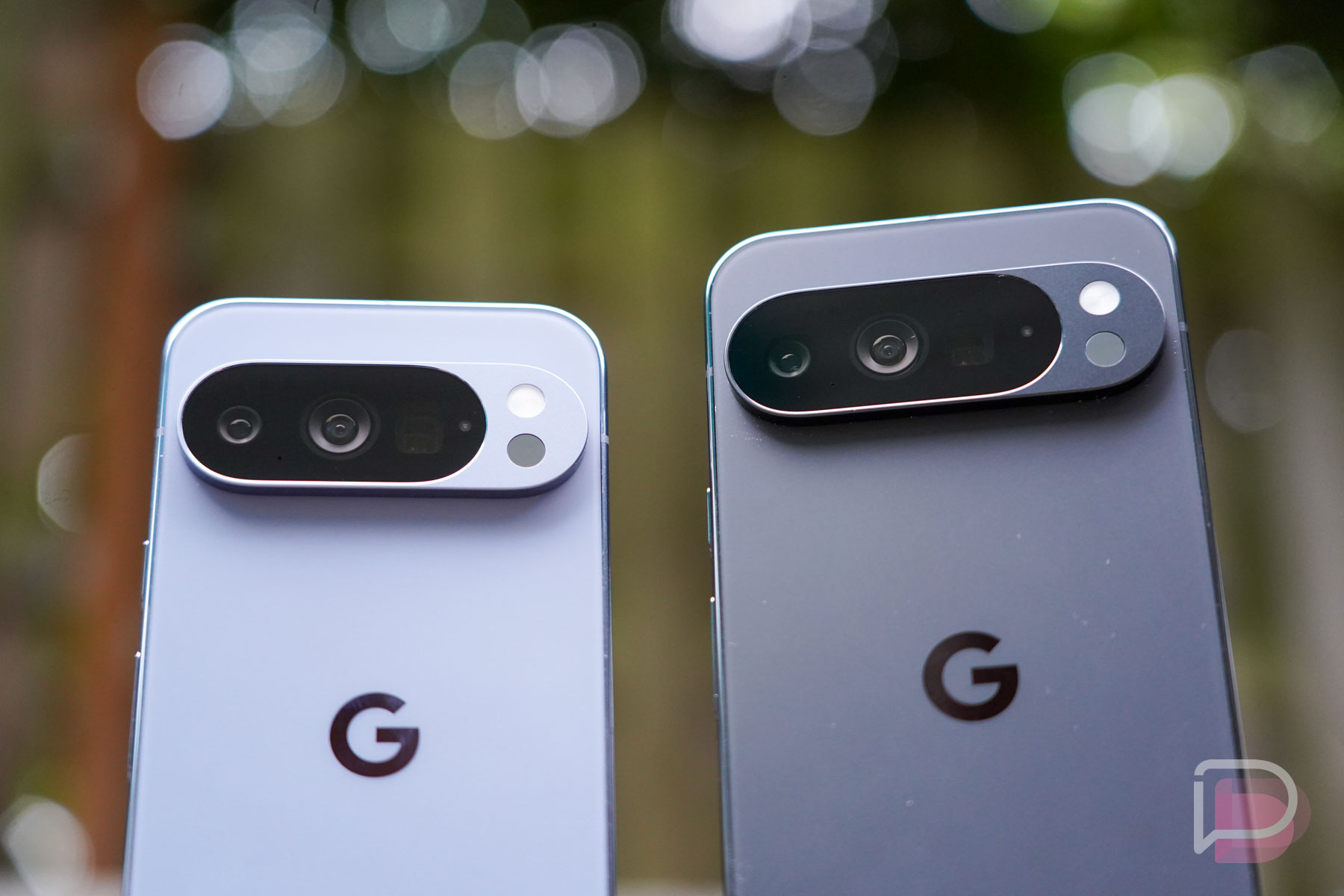
    Pixel 10 Pro - Magic Cue
    Pixel 10 Pro – Magic Cue | Image credit: Droid Life

    What is This Secret “System services” Menu?

    Beyond the typical system updates delivered by your phone manufacturer and app updates from the Google Play Store, Android includes a dedicated section for “Google System services” updates. These are distinct updates that Google pushes directly to specific core components and features on your device. The Droid Life article highlights this as a “secret update menu” that many users might overlook.

    Where to Find It

    Accessing this menu is straightforward, though its location can vary slightly depending on your phone’s brand. On a Google Pixel, you’ll open Settings, tap your Google profile at the top (where your name and “Google services and preferences” are), and then look for System services. On a Samsung phone, you’d navigate to Settings, scroll to Google services, tap the All services tab, and then find System services. Alternatively, searching for “System services” within your phone’s settings should lead you right to it.

    Understanding Google System Services Updates

    These “Google System services” updates are part of Google’s broader strategy to modularize Android, allowing for more agile delivery of improvements. They work alongside initiatives like Project Mainline, which updates critical OS components directly through the Google Play Store infrastructure. For example, the Droid Life article noted an update available for “Google Play Services for AR” within this menu.

    Why It Matters: Enhancing Your Android Experience

    The significance of keeping your Google System services updated cannot be overstated. By delivering these patches directly, Google can more quickly address vulnerabilities and introduce enhancements to specific features, bypassing slower manufacturer update cycles. This contributes to a more secure and reliable Android experience, often without requiring a full device restart. Google Play Services for AR, for instance, benefits from these timely updates, ensuring augmented reality features function optimally and securely.

    What This Means for You

    For you, the Android user, this hidden menu offers a proactive way to ensure your device’s Google-powered features are always running the latest versions. Regularly checking this section is a simple step to bolster your device’s security and overall performance. Keeping your Android device updated, including these services, is paramount for its health and your digital safety.

    Conclusion

    The “System services” update menu might be hidden, but its role in maintaining your Android device’s security and functionality is anything but. By taking a moment to explore this often-overlooked section, you ensure that critical Google-powered features and underlying components are always up-to-date. Make it a habit to peek into this secret menu; it’s a small effort for a significantly more secure and optimized Android experience.

    Source

    • Droid Life
    Android security Android Updates DroidFeats Google System services Modular updates
    Follow on Google News Follow on Facebook
    Share. Facebook Twitter Pinterest LinkedIn Tumblr Email
    Previous ArticleAndroid Phones Can Now AirDrop with iPhone & Mac: The Full List
    Saeed Ashif Ahmed
    • Website
    • Facebook
    • X (Twitter)
    • LinkedIn

    Saeed Ashif Ahmed is passionate about emerging technologies and their potential to create a fairer world. A car enthusiast and civil engineer, he loves cricket and cherishes his alma mater, Navodaya Vidyalaya (JNV).

    Related Posts

    Android Phones Can Now AirDrop with iPhone & Mac: The Full List
    News

    Android Phones Can Now AirDrop with iPhone & Mac: The Full List

    April 11, 2026
    Garmin’s Whoop Rival: A Game-Changer in Wearable Tech?
    News

    Garmin’s Whoop Rival: A Game-Changer in Wearable Tech?

    April 11, 2026
    Samsung Galaxy Z TriFold Restock Live: Grab the Ultimate Foldable Now!
    News

    Samsung Galaxy Z TriFold Restock Live: Grab the Ultimate Foldable Now!

    April 11, 2026
    Add A Comment
    Leave A Reply Cancel Reply

    Top Posts
    MX Player Custom Codec [AC3, DTS, MLP, TrueHD, and more]

    MX Player Custom Codec [AC3, DTS, MLP, TrueHD, and more]

    January 4, 2025182K
    Do a Barrel Roll 20 Times on Google & other search games (2025)

    Do a Barrel Roll 20 Times on Google & other search games (2025)

    April 12, 202558,492
    47 best root apps for Android devices in 2025 (NEW LIST – Updated)

    47 best root apps for Android devices in 2025 (NEW LIST – Updated)

    April 16, 202529,710
    Stay In Touch
    • Facebook
    • Twitter
    • Instagram
    • Pinterest
    • Reddit
    • Telegram
    Latest Reviews
    Your dream Tablet just got cheaper: Galaxy Tab S9 Ultra sale
    9.5
    Deals

    Your dream Tablet just got cheaper: Galaxy Tab S9 Ultra sale

    Leisangthem RajshreeMarch 3, 2024
    Tixee Review – Honest opinion from a trader [Updated] Tips

    Tixee Review – Honest opinion from a trader [Updated]

    Saeed Ashif AhmedNovember 3, 2022

    Subscribe to Updates

    Join our most passionate readers to get instant access to tech tips as they arrive!

    Most Popular
    MX Player Custom Codec [AC3, DTS, MLP, TrueHD, and more]

    MX Player Custom Codec [AC3, DTS, MLP, TrueHD, and more]

    January 4, 2025182K
    Do a Barrel Roll 20 Times on Google & other search games (2025)

    Do a Barrel Roll 20 Times on Google & other search games (2025)

    April 12, 202558,492
    47 best root apps for Android devices in 2025 (NEW LIST – Updated)

    47 best root apps for Android devices in 2025 (NEW LIST – Updated)

    April 16, 202529,710
    Our Picks
    Android’s Hidden “System Services” Menu: Boost Your Phone’s Reliability

    Android’s Hidden “System Services” Menu: Boost Your Phone’s Reliability

    April 12, 2026
    Android Phones Can Now AirDrop with iPhone & Mac: The Full List

    Android Phones Can Now AirDrop with iPhone & Mac: The Full List

    April 11, 2026
    Garmin’s Whoop Rival: A Game-Changer in Wearable Tech?

    Garmin’s Whoop Rival: A Game-Changer in Wearable Tech?

    April 11, 2026

    Subscribe to Updates

    Join our most passionate readers to get instant access to tech tips as they arrive!

    Facebook X (Twitter) Instagram Pinterest
    • About Us
    • Privacy Policy
    • Terms
    • Jobs
    • Contact
    © 2026 Droidfeats. All rights reserved.

    Type above and press Enter to search. Press Esc to cancel.

    Ad Blocker Enabled!
    Ad Blocker Enabled!
    Our website is made possible by displaying online advertisements to our visitors. Please support us by disabling your Ad Blocker.