Close Menu
DroidfeatsDroidfeats

    Subscribe to Updates

    Join our most passionate readers to get instant access to tech tips as they arrive!

    What's Hot
    Samsung Galaxy Z Fold 8 Rumors Detail Lighter Design, Camera Upgrades

    Samsung Galaxy Z Fold 8 Rumors Detail Lighter Design, Camera Upgrades

    May 21, 2026
    Motorola Edge 70 Sees Significant Price Drop on Amazon

    Motorola Edge 70 Sees Significant Price Drop on Amazon

    May 21, 2026
    Wear OS 7 Unveiled at Google I/O 2026 with Key Smartwatch Updates

    Wear OS 7 Unveiled at Google I/O 2026 with Key Smartwatch Updates

    May 21, 2026
    Facebook X (Twitter) Instagram
    • About
    • Privacy Policy
    • DMCA
    • Team
    • Get In Touch
    Facebook X (Twitter) Instagram Pinterest RSS
    DroidfeatsDroidfeats
    • Home
    • News
    • Apps
    • Tips
    • VPN
    • #TheBest
      • Get GCam Ports
      • USB Drivers
      • Get Magisk
      • Get Play Store
      • Get ADB binaries
    • LoL Tier List
    Best Deals
    DroidfeatsDroidfeats
    News

    Google Messages Gets Trash Folder: Your Texts Are Safer Now

    Saeed Ashif AhmedBy Saeed Ashif AhmedApril 11, 2026No Comments3 Mins Read
    Share
    Facebook Twitter LinkedIn Pinterest Reddit Email

    Accidentally deleting an important conversation in Google Messages is a frustration many Android users know too well. Fortunately, that worry is now a thing of the past! Following its announcement last month, Google Messages is widely rolling out a brand-new Trash folder, giving you a crucial safety net for your chats.

    This welcome update ensures that your messages aren’t gone forever with a single tap, offering a much-needed second chance to recover accidentally deleted conversations. The Google Messages Trash folder is a significant quality-of-life improvement for millions.
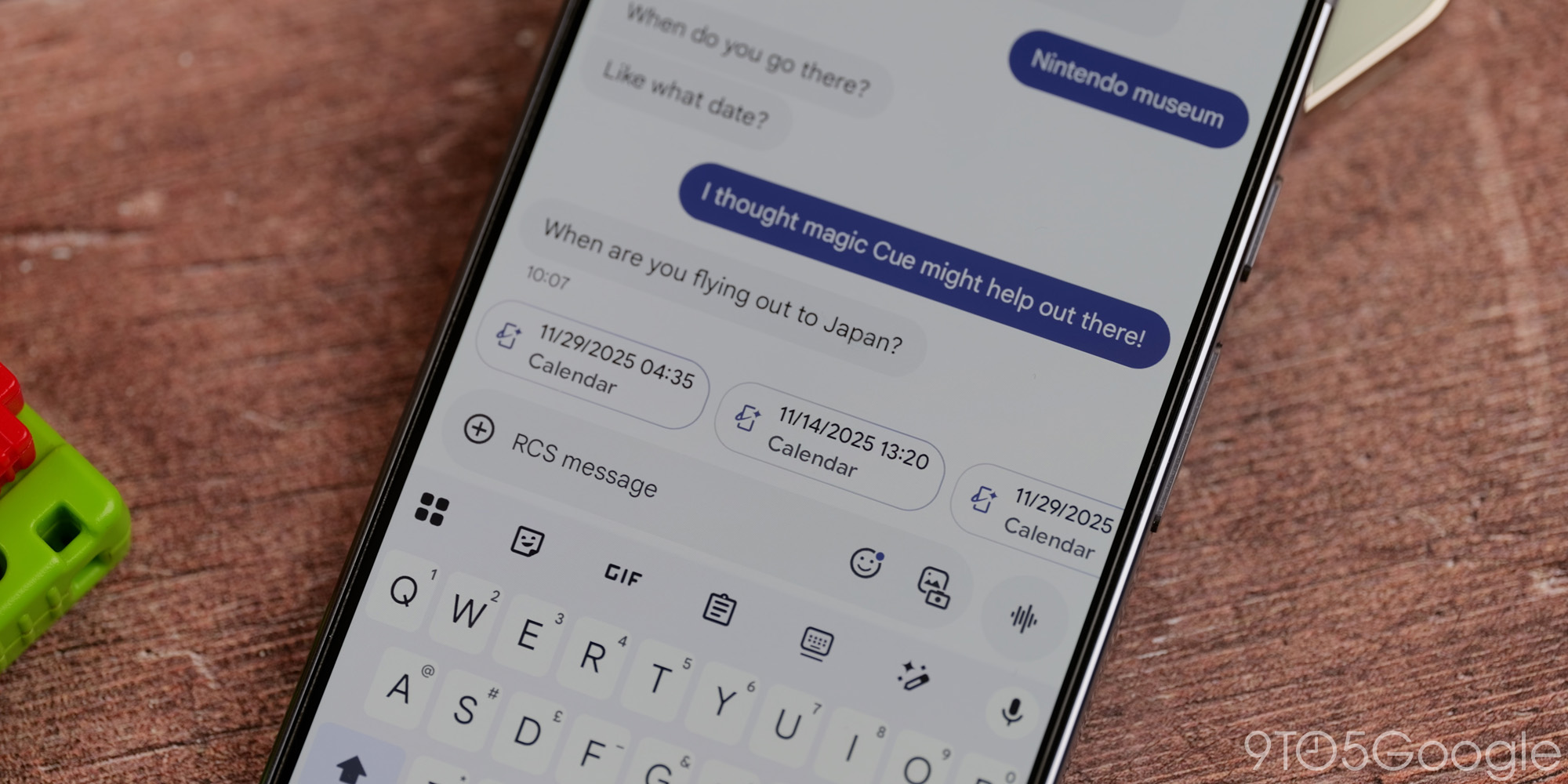
    | Image credit: 9to5Google

    What is the Google Messages Trash Folder?

    The Trash folder functions much like the recycling bin on your computer or the trash in your email app. When you delete a conversation in Google Messages, it no longer disappears permanently right away. Instead, it’s moved to a dedicated Trash folder within the app.

    This means you have a grace period to review and restore any chats you might have deleted by mistake. It’s a simple yet powerful feature designed to prevent the loss of valuable information or cherished memories.

    How to Access and Use It

    Finding your new Trash folder is straightforward. To access it, simply open the Google Messages app and tap on the three-dot menu icon (often labeled “More options” or “Settings”) usually located in the top right corner of your screen. You will then see “Trash” listed as an option, complete with a small trash can icon next to it.

    Once inside the Trash folder, you’ll see all your recently deleted conversations. Messages stored here will remain for 30 days. After this period, they will be automatically and permanently deleted from your device. You have two main actions available:

    • Restore: Select a conversation and choose to restore it, moving it back to your main message inbox.
    • Delete Permanently: If you’re sure you want to get rid of a conversation immediately, you can choose to permanently delete it from the Trash folder before the 30-day period expires.

    This feature is rolling out widely to users, appearing as a server-side update, meaning you might not need to update your app through the Google Play Store to receive it. However, keeping your Google Messages app updated is always a good practice for the latest features and security.

    Why This Matters

    The introduction of the Trash folder is a significant enhancement to the user experience in Google Messages. In our fast-paced digital lives, accidental deletions are common. This feature provides peace of mind, knowing that important information — from appointment details to sentimental conversations — can be easily retrieved.

    Furthermore, it aligns Google Messages with other modern communication platforms and operating systems that offer similar recovery options, making the app more robust and user-friendly for everyone on Android.

    Conclusion

    The new Trash folder in Google Messages is a small but mighty addition that addresses a common pain point for users. It underscores Google’s commitment to improving its messaging platform by adding practical features that enhance usability and prevent data loss. So, go ahead and manage your messages with a little less worry – your texts now have a safety net!

    Source

    • 9to5Google
    Android Google Messages Messaging App Tech News Trash Folder
    Add Droidfeats as a preferred source on Google
    Share. Facebook Twitter Pinterest LinkedIn Tumblr Email Copy Link
    Previous ArticleYouTube Premium US Prices Surge: What Subscribers Need to Know
    Next Article Android’s New Tap to Share: Quick Share Gets a Familiar Upgrade
    Saeed Ashif Ahmed
    • Website
    • Facebook
    • X (Twitter)
    • LinkedIn

    Saeed Ashif Ahmed is passionate about emerging technologies and their potential to create a fairer world. A car enthusiast and civil engineer, he loves cricket and cherishes his alma mater, Navodaya Vidyalaya (JNV).

    Related Posts

    Samsung Galaxy Z Fold 8 Rumors Detail Lighter Design, Camera Upgrades
    News

    Samsung Galaxy Z Fold 8 Rumors Detail Lighter Design, Camera Upgrades

    May 21, 2026
    Motorola Edge 70 Sees Significant Price Drop on Amazon
    News

    Motorola Edge 70 Sees Significant Price Drop on Amazon

    May 21, 2026
    Wear OS 7 Unveiled at Google I/O 2026 with Key Smartwatch Updates
    News

    Wear OS 7 Unveiled at Google I/O 2026 with Key Smartwatch Updates

    May 21, 2026
    Add A Comment
    Leave A Reply Cancel Reply

    Top Posts
    MX Player Custom Codec [AC3, DTS, MLP, TrueHD, and more]

    MX Player Custom Codec [AC3, DTS, MLP, TrueHD, and more]

    May 1, 2026186K
    Do a Barrel Roll 20 Times on Google & other search games (2026)

    Do a Barrel Roll 20 Times on Google & other search games (2026)

    May 1, 202658,523
    47 best root apps for Android devices in 2025 (NEW LIST – Updated)

    47 best root apps for Android devices in 2025 (NEW LIST – Updated)

    April 16, 202529,975
    Stay In Touch
    • Facebook
    • Twitter
    • Instagram
    • Pinterest
    • Reddit
    • Telegram
    Latest News
    Samsung Galaxy Z Fold 8 Rumors Detail Lighter Design, Camera Upgrades News

    Samsung Galaxy Z Fold 8 Rumors Detail Lighter Design, Camera Upgrades

    Saeed Ashif AhmedMay 21, 2026
    Motorola Edge 70 Sees Significant Price Drop on Amazon News

    Motorola Edge 70 Sees Significant Price Drop on Amazon

    Saeed Ashif AhmedMay 21, 2026
    Wear OS 7 Unveiled at Google I/O 2026 with Key Smartwatch Updates News

    Wear OS 7 Unveiled at Google I/O 2026 with Key Smartwatch Updates

    Palumbo AngelaMay 21, 2026

    Subscribe to Updates

    Join our most passionate readers to get instant access to tech tips as they arrive!

    Most Popular
    MX Player Custom Codec [AC3, DTS, MLP, TrueHD, and more]

    MX Player Custom Codec [AC3, DTS, MLP, TrueHD, and more]

    May 1, 2026186K
    Do a Barrel Roll 20 Times on Google & other search games (2026)

    Do a Barrel Roll 20 Times on Google & other search games (2026)

    May 1, 202658,523
    47 best root apps for Android devices in 2025 (NEW LIST – Updated)

    47 best root apps for Android devices in 2025 (NEW LIST – Updated)

    April 16, 202529,975
    Our Picks
    Samsung Galaxy Z Fold 8 Rumors Detail Lighter Design, Camera Upgrades

    Samsung Galaxy Z Fold 8 Rumors Detail Lighter Design, Camera Upgrades

    May 21, 2026
    Motorola Edge 70 Sees Significant Price Drop on Amazon

    Motorola Edge 70 Sees Significant Price Drop on Amazon

    May 21, 2026
    Wear OS 7 Unveiled at Google I/O 2026 with Key Smartwatch Updates

    Wear OS 7 Unveiled at Google I/O 2026 with Key Smartwatch Updates

    May 21, 2026

    Subscribe to Updates

    Join our most passionate readers to get instant access to tech tips as they arrive!

    Facebook X (Twitter) Instagram Pinterest
    • About Us
    • Privacy Policy
    • Terms
    • Jobs
    • Contact
    © 2026 Droidfeats. All rights reserved.

    Type above and press Enter to search. Press Esc to cancel.

    Ad Blocker Enabled!
    Ad Blocker Enabled!
    Our website is made possible by displaying online advertisements to our visitors. Please support us by disabling your Ad Blocker.