


Close Menu
DroidfeatsDroidfeats

    Subscribe to Updates

    Join our most passionate readers to get instant access to tech tips as they arrive!

    What's Hot
    Google Photos Gets AI Enhance Button & Video Speed Controls

    Google Photos Gets AI Enhance Button & Video Speed Controls

    April 7, 2026
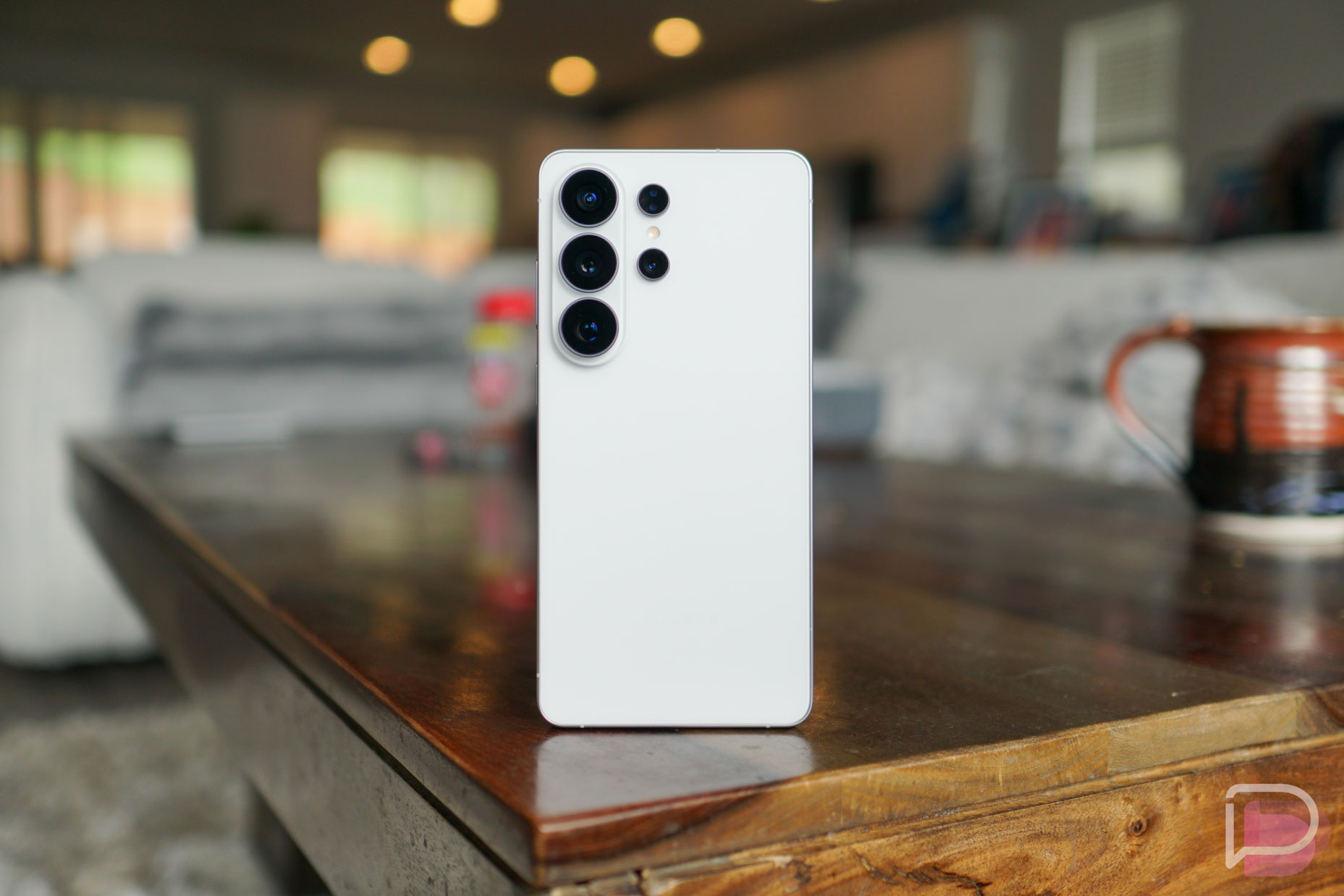
    Samsung’s Galaxy S27 Pro: A New S Pen-Less Flagship Emerges

    Samsung’s Galaxy S27 Pro: A New S Pen-Less Flagship Emerges

    April 7, 2026
    Google Play Store Boosts App Discovery with Review Search, Drops Device Filter

    Google Play Store Boosts App Discovery with Review Search, Drops Device Filter

    April 7, 2026
    Facebook X (Twitter) Instagram
    • About
    • Privacy Policy
    • DMCA
    • Team
    • Get In Touch
    Facebook X (Twitter) Instagram Pinterest RSS
    DroidfeatsDroidfeats
    • Home
    • News
    • Apps
    • Tips
    • VPN
    • #TheBest
      • Get GCam Ports
      • USB Drivers
      • Get Magisk
      • Get Play Store
      • Get ADB binaries
    • Commands
    Best Deals
    DroidfeatsDroidfeats
    News

    Google Photos Gets AI Enhance Button & Video Speed Controls

    Saeed Ashif AhmedBy Saeed Ashif AhmedApril 7, 2026No Comments3 Mins Read
    Share
    Facebook Twitter LinkedIn Pinterest Reddit Email

    Get ready to supercharge your digital memories! Google Photos is rolling out two fantastic new features to all Android users: an “AI Enhance” button for instant photo improvements and versatile video playback speed controls. These additions are designed to make managing and enjoying your photos and videos even easier and more intuitive.
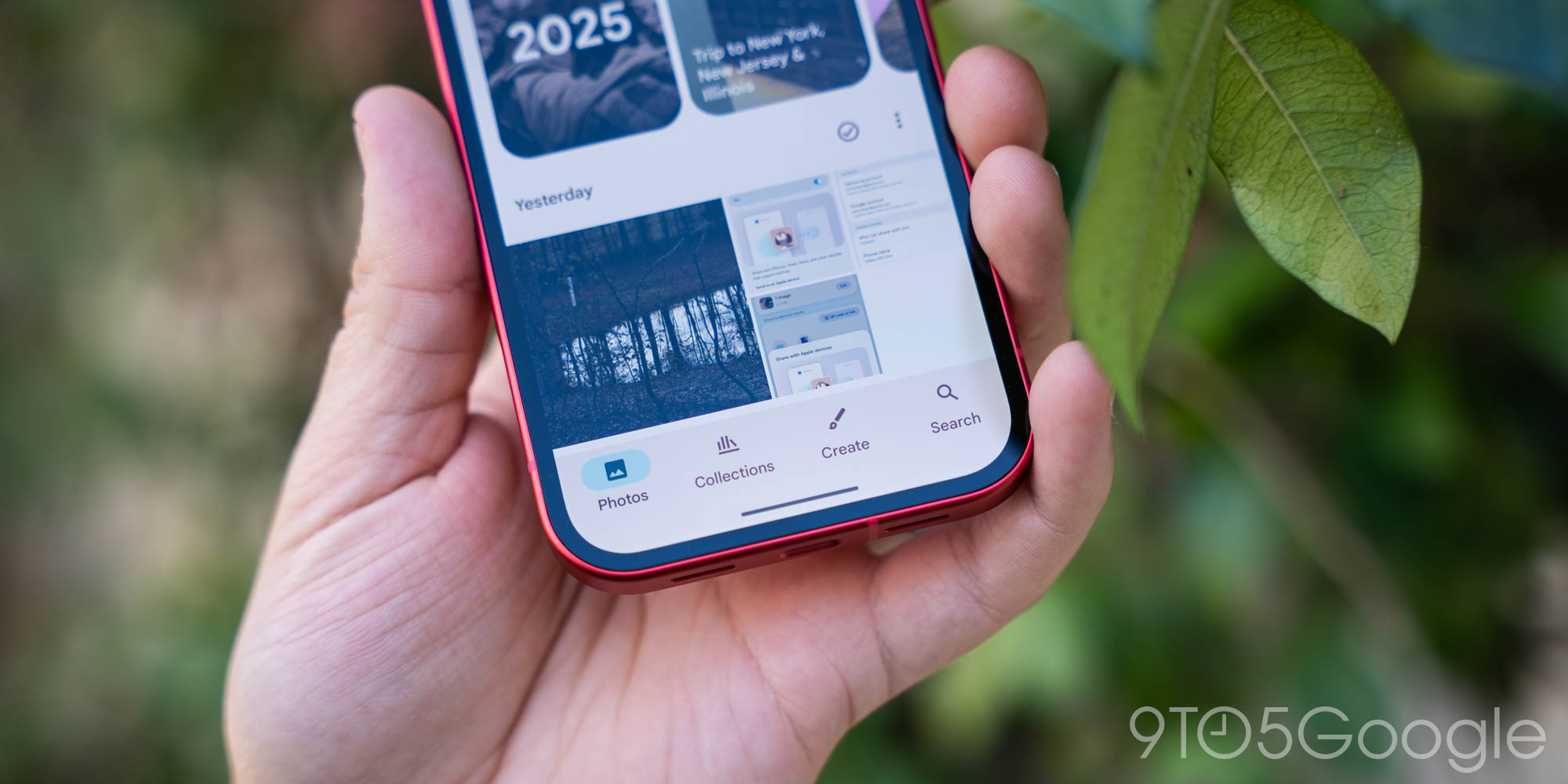
    | Image credit: 9to5Google

    The update, which has already begun its rollout, brings powerful new tools directly into the hands of millions of Android users. This means you can now elevate your photos and customize your video viewing experience with just a few taps within the popular Google Photos app.

    One-Tap Photo Magic with AI Enhance

    The highly anticipated “AI Enhance” button is here to revolutionize photo editing for the everyday user. This new feature allows you to instantly improve your pictures with a single tap. It works by intelligently applying various edits, focusing on balancing light and color, to enhance your image quality automatically.

    You’ll find the AI Enhance button conveniently located within the Google Photos editor, often next to other tools like “Magic Editor.” It offers a quick and effortless way to make your photos look their best without needing advanced editing skills.

    Master Your Videos with Playback Speed Controls

    Beyond photos, Google Photos is also enhancing the video experience with new playback speed controls. Now, you have the flexibility to watch your videos at different speeds, ranging from slower to faster, to suit your viewing preferences.

    The available speed options include 0.25x, 0.5x, 0.75x, 1x (normal), 1.25x, 1.5x, and 2x. You can access these controls directly within the video player interface, typically through the three-dot menu, when you’re watching a video in the app. This feature brings a level of control previously found in dedicated video players to your personal media library.

    Rolling Out Now to All Android Users

    Excitingly, these new features are not limited to a select group or a future update. Google has confirmed that the “AI Enhance” button and video playback speed controls are already rolling out to all Android users worldwide. This means you should begin seeing them appear in your Google Photos app very soon, if not already.

    Keep an eye on your app updates to ensure you have the latest version. Once updated, these powerful new tools will be ready for you to explore and integrate into your daily photo and video management routine.

    What This Means for Your Memories

    These additions significantly streamline how users interact with their digital memories. The AI Enhance button democratizes photo editing, making professional-looking adjustments accessible to everyone. No more complicated menus or guesswork – just a single tap for a better photo.

    Furthermore, the video speed controls add a new dimension to video consumption within Google Photos. Whether you’re trying to analyze a quick action shot or simply want to fast-forward through a less interesting part of a long family video, these controls offer unprecedented convenience and customization for your viewing experience.

    Conclusion

    Google Photos continues to evolve as a comprehensive hub for your digital life. With the introduction of the ‘AI Enhance’ button and versatile video playback speed controls, Google is making it easier than ever to manage, edit, and enjoy your precious memories. These user-friendly features underscore Google’s commitment to enhancing the user experience through intelligent and practical updates.

    Source

    • 9to5Google
    AI Enhance Android Google Photos Photo Editing Video Speed Control
    Follow on Google News Follow on Facebook
    Share. Facebook Twitter Pinterest LinkedIn Tumblr Email
    Previous ArticleSamsung’s Galaxy S27 Pro: A New S Pen-Less Flagship Emerges
    Saeed Ashif Ahmed
    • Website
    • Facebook
    • X (Twitter)
    • LinkedIn

    Saeed Ashif Ahmed is passionate about emerging technologies and their potential to create a fairer world. A car enthusiast and civil engineer, he loves cricket and cherishes his alma mater, Navodaya Vidyalaya (JNV).

    Related Posts

    Samsung’s Galaxy S27 Pro: A New S Pen-Less Flagship Emerges
    News

    Samsung’s Galaxy S27 Pro: A New S Pen-Less Flagship Emerges

    April 7, 2026
    Google Play Store Boosts App Discovery with Review Search, Drops Device Filter
    News

    Google Play Store Boosts App Discovery with Review Search, Drops Device Filter

    April 7, 2026
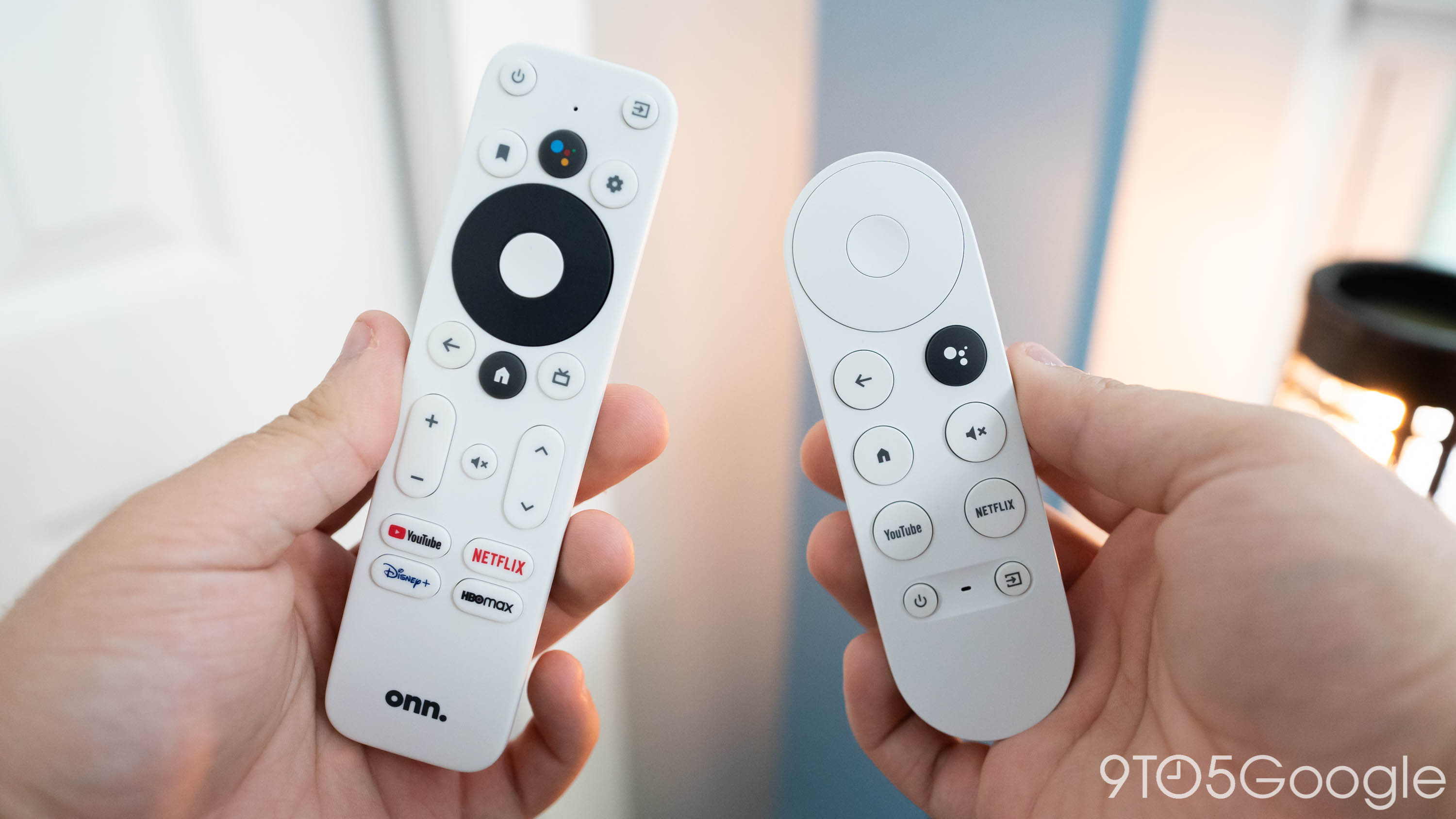
    Walmart’s Onn Google TV 4K Streamer Arrives for Just $30
    News

    Walmart’s Onn Google TV 4K Streamer Arrives for Just $30

    April 6, 2026
    Add A Comment
    Leave A Reply Cancel Reply

    Top Posts
    MX Player Custom Codec [AC3, DTS, MLP, TrueHD, and more]

    MX Player Custom Codec [AC3, DTS, MLP, TrueHD, and more]

    January 4, 2025182K
    Do a Barrel Roll 20 Times on Google & other search games (2025)

    Do a Barrel Roll 20 Times on Google & other search games (2025)

    April 12, 202558,492
    47 best root apps for Android devices in 2025 (NEW LIST – Updated)

    47 best root apps for Android devices in 2025 (NEW LIST – Updated)

    April 16, 202529,708
    Stay In Touch
    • Facebook
    • Twitter
    • Instagram
    • Pinterest
    • Reddit
    • Telegram
    Latest Reviews
    Your dream Tablet just got cheaper: Galaxy Tab S9 Ultra sale
    9.5
    Deals

    Your dream Tablet just got cheaper: Galaxy Tab S9 Ultra sale

    Leisangthem RajshreeMarch 3, 2024
    Tixee Review – Honest opinion from a trader [Updated] Tips

    Tixee Review – Honest opinion from a trader [Updated]

    Saeed Ashif AhmedNovember 3, 2022

    Subscribe to Updates

    Join our most passionate readers to get instant access to tech tips as they arrive!

    Most Popular
    MX Player Custom Codec [AC3, DTS, MLP, TrueHD, and more]

    MX Player Custom Codec [AC3, DTS, MLP, TrueHD, and more]

    January 4, 2025182K
    Do a Barrel Roll 20 Times on Google & other search games (2025)

    Do a Barrel Roll 20 Times on Google & other search games (2025)

    April 12, 202558,492
    47 best root apps for Android devices in 2025 (NEW LIST – Updated)

    47 best root apps for Android devices in 2025 (NEW LIST – Updated)

    April 16, 202529,708
    Our Picks
    Google Photos Gets AI Enhance Button & Video Speed Controls

    Google Photos Gets AI Enhance Button & Video Speed Controls

    April 7, 2026
    Samsung’s Galaxy S27 Pro: A New S Pen-Less Flagship Emerges

    Samsung’s Galaxy S27 Pro: A New S Pen-Less Flagship Emerges

    April 7, 2026
    Google Play Store Boosts App Discovery with Review Search, Drops Device Filter

    Google Play Store Boosts App Discovery with Review Search, Drops Device Filter

    April 7, 2026

    Subscribe to Updates

    Join our most passionate readers to get instant access to tech tips as they arrive!

    Facebook X (Twitter) Instagram Pinterest
    • About Us
    • Privacy Policy
    • Terms
    • Jobs
    • Contact
    © 2026 Droidfeats. All rights reserved.

    Type above and press Enter to search. Press Esc to cancel.

    Ad Blocker Enabled!
    Ad Blocker Enabled!
    Our website is made possible by displaying online advertisements to our visitors. Please support us by disabling your Ad Blocker.