




Galaxy Watch owners are increasingly reporting a frustrating problem: their smartwatches are losing battery life much faster than usual. Many users suspect a recent software update might be the culprit, leaving them with devices that struggle to last through the day.
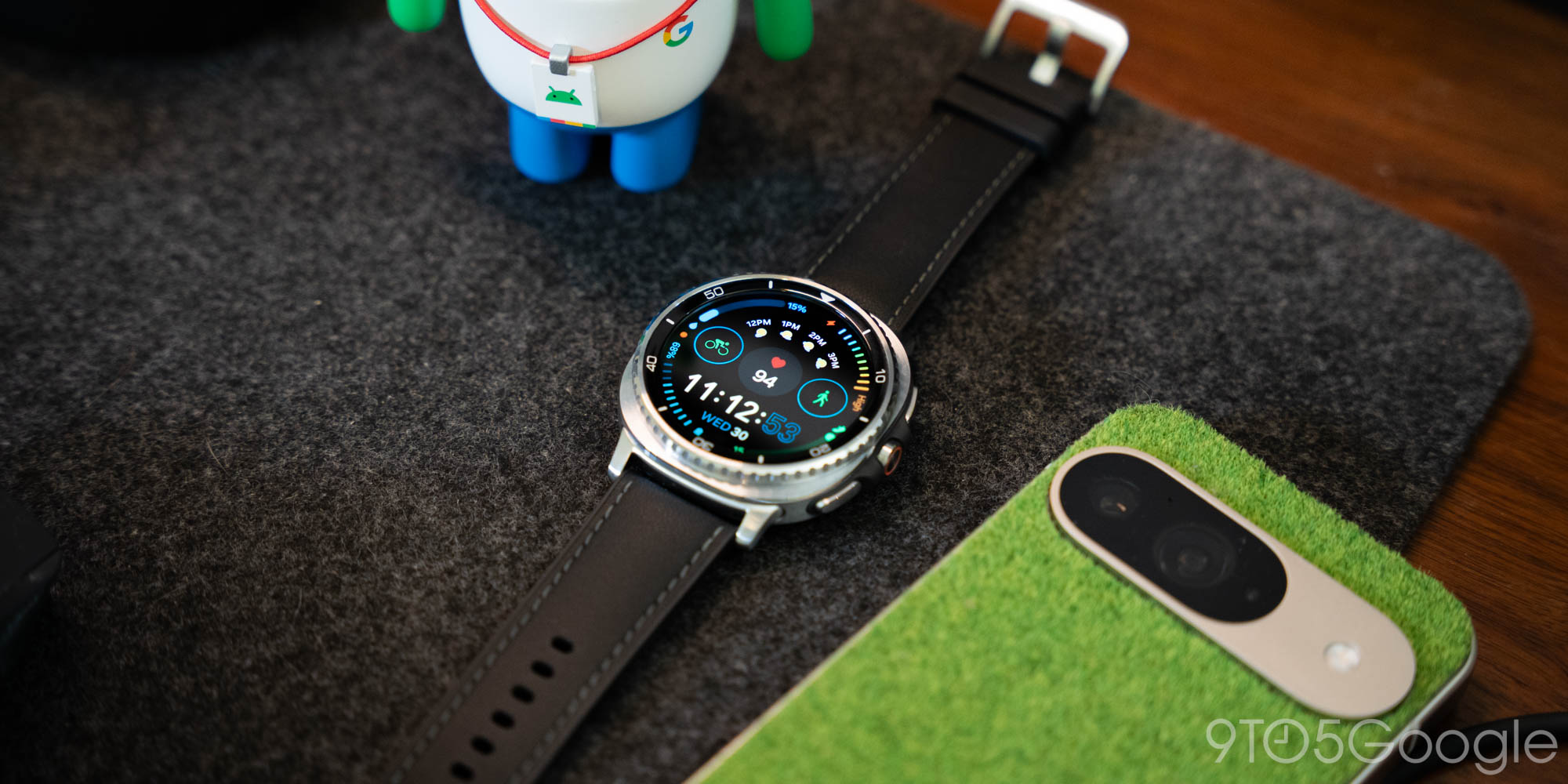
This widespread concern among the Galaxy Watch community suggests that something significant has changed, potentially impacting the daily usability of these popular wearables. The sudden drop in battery performance is a major inconvenience for those who rely on their watch throughout the day for notifications, fitness tracking, and more.
Understanding the Battery Drain Reports
Reports are surfacing across various online forums and social media platforms, with users detailing their experiences of accelerated battery drain. Some users claim their watch’s battery life has been cut in half, while others report needing to charge their device multiple times a day after the update. These reports span different Galaxy Watch models, including the Watch 7, Classic 6, Classic 8, and Ultra 2025, indicating a broader issue rather than one specific device.
Essentially, what used to be a full day’s charge is now barely making it past a few hours for some. This isn’t just a minor annoyance; it significantly impacts the core functionality of a smartwatch, which is designed for convenience and continuous use.
Potential Causes and What Users Are Saying
The Recent Software Update
The most common theory among affected users points to a recent software update. It’s not uncommon for new updates to introduce bugs or optimize features in ways that inadvertently affect battery life. Often, updates can change how background processes run or how frequently sensors collect data, leading to increased power consumption. Samsung regularly rolls out updates to its Galaxy Watch line, aiming to improve performance and add new features.
However, if these reports are accurate, this particular update seems to have had an unintended negative side effect. Many users are pointing to Google Play Services as a main culprit for the increased battery usage. Users are eagerly awaiting official acknowledgment or a fix from Samsung to address the issue.
Other Factors to Consider
While the update is a primary suspect, other factors can also contribute to battery drain. High screen brightness, constant GPS usage, frequent heart rate monitoring, and a large number of active apps running in the background can all consume significant power. Additionally, new watch faces or complications that update frequently might also be more demanding on the battery. It’s worth reviewing your watch settings to see if any changes were made automatically after an update.
What This Means for Galaxy Watch Owners
For many, a smartwatch is an essential tool, and a severely reduced battery life can make it practically unusable. This situation means users might need to adapt their charging habits, carrying chargers with them or limiting their watch’s features to conserve power. It also highlights the importance of stable software releases for wearable devices.
- Reduced Usability: Shorter battery life means less time for tracking workouts, receiving notifications, and using smart features.
- Inconvenience: Users may need to charge their watch more frequently, disrupting their daily routines.
- Uncertainty: The lack of an official explanation leaves users unsure whether the issue is temporary or a lasting problem.
What to Do If Your Galaxy Watch is Affected
If your Galaxy Watch is experiencing unusual battery drain, there are a few steps you can take while waiting for an official resolution from Samsung. You can visit Samsung Support for general troubleshooting guides.
- Check for Further Updates: Sometimes, a quick follow-up patch is released to fix issues introduced in a previous update.
- Restart Your Watch: A simple restart can often resolve temporary software glitches and has helped some users.
- Review App Usage and Settings: Disable unnecessary background app refresh, reduce screen brightness, and turn off “Always-On Display” if you haven’t already. Consider uninstalling recently installed apps that might be power-hungry. Clearing the cache and storage for Google Play Services has also been suggested.
- Reset Settings: As a last resort, resetting your watch’s settings (not a full factory reset initially) can sometimes help.
Many Galaxy Watches run on Wear OS by Google, so general Wear OS troubleshooting tips might also apply.
The situation is still developing, and DroidFeats will continue to monitor user reports and any official statements from Samsung. Hopefully, a swift solution will be provided to restore the excellent battery performance Galaxy Watch users have come to expect.
