


Google Messages is rolling out its custom chat themes feature to standard SMS and MMS conversations, removing the previous requirement that both participants use Rich Communication Services (RCS).
Key points
- Google Messages is expanding custom chat themes beyond RCS to standard SMS and MMS threads.
- Users can set curated backgrounds or personal gallery images alongside custom bubble color palettes.
- Themes remain private to the user's device and do not alter what the conversation recipient sees.
- The option appears in the three-dot menu and contact details page within conversation threads.
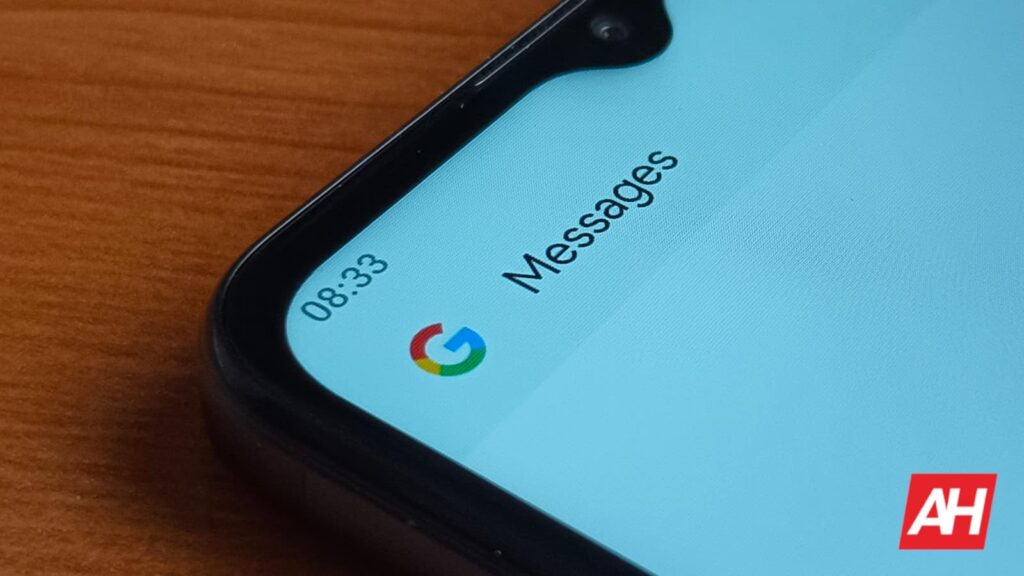
The expansion brings visual customization to legacy text threads across Android phones. Users can now apply distinct background wallpapers and color palettes to individual SMS threads, matching an experience previously restricted to data-based RCS messaging.
Custom Wallpapers and Bubble Palettes for SMS
The feature allows users to replace the default plain white or dark background of a text conversation with custom artwork or personal photos. When applied, the selected wallpaper dynamically pairs with coordinated bubble colors for incoming and outgoing messages.
Users can pick from several curated preset galleries, including categories such as Landscapes, Animals, and Space. Alternatively, users can choose an image stored in their local photo gallery. This functionality follows an earlier Google Messages overhaul that replaced basic color-switching options with full wallpaper backgrounds.
How to Access the New SMS Chat Themes
Eligible users can access the tool directly from within any one-on-one or group text thread. Google highlights the feature in updated builds by placing a temporary red dot indicator over the conversation settings.
To configure a theme in an active SMS conversation:
- Open the conversation and tap the three-dot menu icon in the upper-right corner.
- Select the Chat theme option from the drop-down list.
- Alternatively, tap the contact name or group header at the top to access conversation details, then tap Chat theme.
- Select a preset wallpaper, choose an image from the device gallery, or pick a color palette.
- Confirm the selection to apply the design immediately to the thread.
Users who need instructions on navigation and managing settings can consult guides on how to use chat themes in Google Messages to inspect each option.
Client-Side Customization and Privacy Controls
Unlike early implementations of color changes in Google’s RCS architecture, chat themes operate strictly on a client-side basis. Themes applied to standard SMS conversations are stored locally on the sender’s device and do not transmit any formatting data to the recipient.
According to official documentation from Google Messages Support, changes to chat themes are visible only to the person who configures them. When an Android user applies a custom background to an SMS thread with an iPhone user or an Android user without RCS, the recipient continues to see their own default messaging interface without interruption.
The local nature of the feature ensures that styling preferences remain private. Google previously stated during the initial rollout of themes that the system was built so users could style individual chats without altering or interfering with what the recipient sees.
Expansion Beyond Rich Communication Services
Google officially launched custom chat themes for RCS conversations on August 27, 2026, following beta trials through the preceding months. At launch, the feature required active RCS connections, leaving fallback SMS threads unstyled.
The move to extend customization tools to legacy text threads matches broader updates across the platform. Earlier this year, several Google Messages releases introduced upgraded media handling and improved message management across mixed conversation types.
Security and organization have also received dedicated attention in recent client revisions, such as the introduction of a dedicated Google Messages trash folder to recover accidentally removed threads within a 30-day window.
The rollout of SMS chat themes appears to be activating via a server-side update linked to current Google Messages client builds. Google has not published a formal timetable for complete global availability across all cellular carriers.