Google has initiated the rollout of its May system updates for Google Play Services (v26.17) and the Google Play Store (v51.3), introducing modifications to account management during sign-in. These Google Play updates are part of the broader Google System Services monthly release.
These regular updates are crucial for maintaining the performance, security, and stability of Android devices. They ensure that core functionalities operate smoothly and that users have access to the latest platform improvements and patches. The updates are delivered directly by Google, independent of device manufacturer updates, providing a consistent experience across compatible Android phones and tablets.
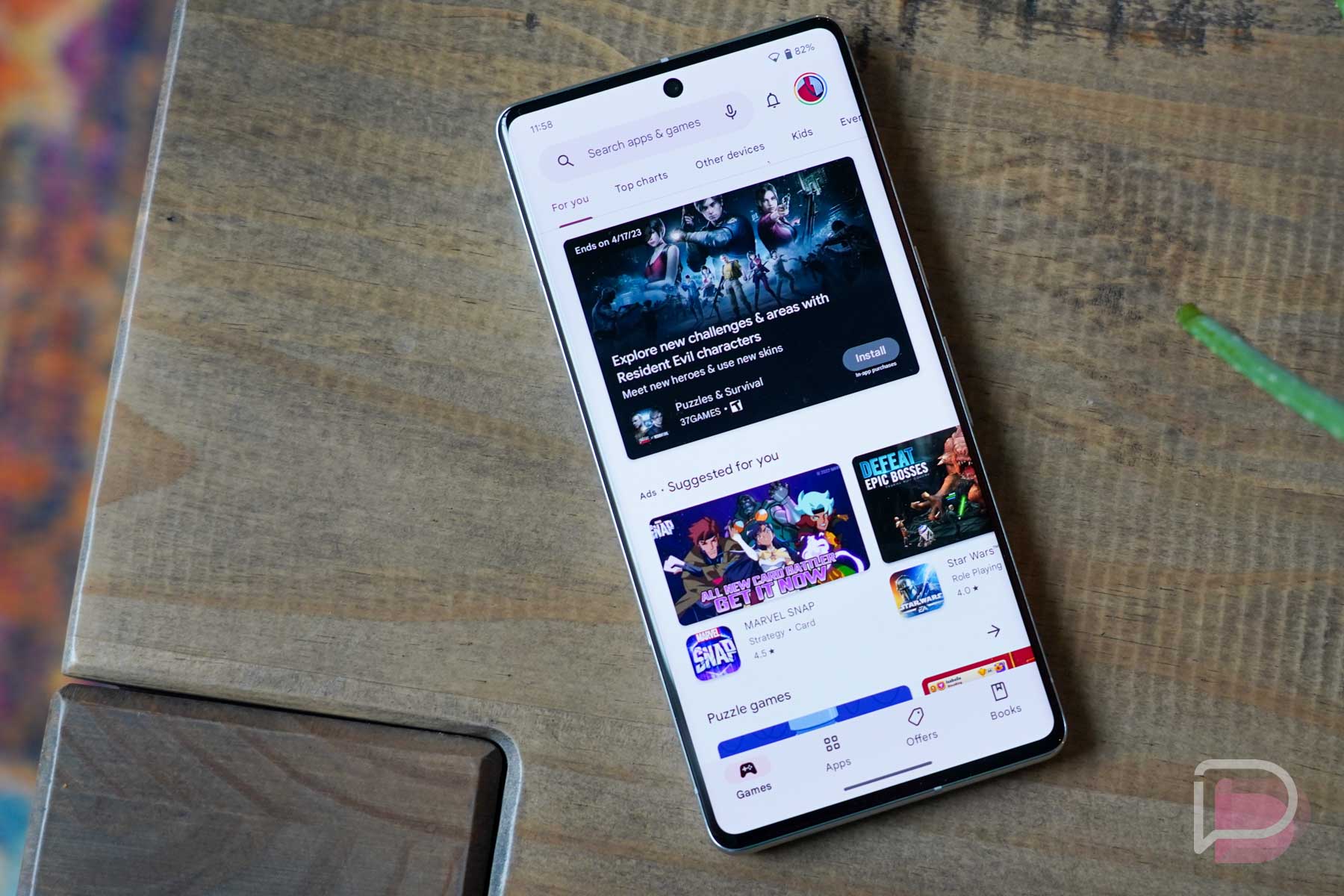
The primary change noted in this initial rollout affects how users manage their accounts when signing into various Google services. This update aims to streamline the user experience for account authentication and management across the Android ecosystem. Specific details on the exact nature of these account management changes are not yet fully elaborated, though one change includes a warning screen when signing in with a Dasher account on Android desktop devices.
However, the current list of detailed changes is concise at this moment. Google Play Services is a background service that provides core functionalities like authentication and location services, while the Google Play Store is the primary app distribution platform for Android. Google frequently deploys additional updates and refinements throughout the month for its various Android components, often introducing further features or bug fixes beyond the initial announcement. Therefore, users may see further enhancements or optimizations emerge in the coming weeks.
Furthermore, these updates are typically rolled out in stages. This staggered approach allows Google to monitor performance and address any unforeseen issues before a wider distribution. Device owners should monitor their system notifications for these incoming updates, which are applied automatically in the background.
For more information on how Google manages updates and the roles of its core services, users can refer to the official Google Play Help pages.