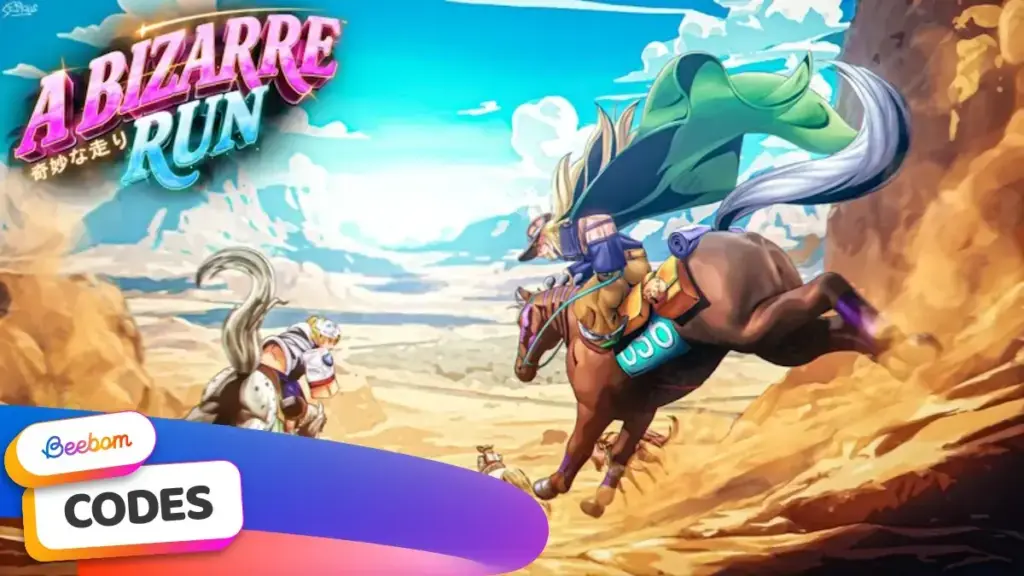
A Bizarre Run, a new Roblox game built around JoJo’s Bizarre Adventure’s Steel Ball Run arc, has one working code as of November 7, 2026: RELEASE, which hands out free Cash.
Key points
- The only active A Bizarre Run code as of November 7, 2026, is RELEASE, which gives free Cash.
- Reward amounts differ by source, with most outlets reporting 15,000 Cash and one wiki listing 5,000 Cash.
- A Bizarre Run is a new Roblox title inspired by the Steel Ball Run arc of JoJo's Bizarre Adventure.
- Players redeem codes through the Codes button in the game's bottom menu after completing or skipping the tutorial.
- No codes have expired yet because the game only just launched.
The game launched recently and already has players racing to cash in codes before developers swap them out for new ones. Codes like this give newcomers an early boost in a title that mixes horse racing with Stand-based combat, a system that rewards players who move fast and build up currency early. See also: Build a Phone Empire Codes for October 2026: Free Cash.
What the RELEASE Code Gives
The RELEASE code is the only one active right now. Most tracking sites, including Beebom, ProGameGuides, Destructoid and MrGuider, list the reward as 15,000 Cash. One fan wiki lists the same code at 5,000 Cash, so players should expect the payout to land somewhere in that range until the discrepancy is sorted out.
- RELEASE — 15,000 Cash (some sources list 5,000 Cash)
No codes have expired yet. The game is new enough that the only code in circulation is the launch one, shared by the developer known as Chrollo, who also created Blue Lock Rivals, Basketball Zero and Soccer Zero. Related: How to Redeem Fisch Codes in Roblox for Free Rewards.
How to Redeem Codes in A Bizarre Run
Redeeming codes takes a few taps once the tutorial is finished. Players need to complete or skip it before the Codes button becomes available.
- Open A Bizarre Run on Roblox.
- Click the Codes button from the bottom menu.
- Type a working code or paste it from a verified list.
- Click the Redeem button to claim the reward.