Roblox title Blue Lock Farm updated its active reward catalog on October 3, adding codes that provide free equipment, character traits, and stat-boosting potions. The new items allow players to acquire in-game currency and recruit higher-tier soccer athletes without spending Robux.
Key points
- Two new codes joined the active roster on October 3, offering Monster Balls and traits.
- Players can redeem active codes directly inside the in-game shop menu.
- Redeemed rewards provide items like potions and traits to help collect soccer units.
- All current promo codes are limited to a single redemption per Roblox account.
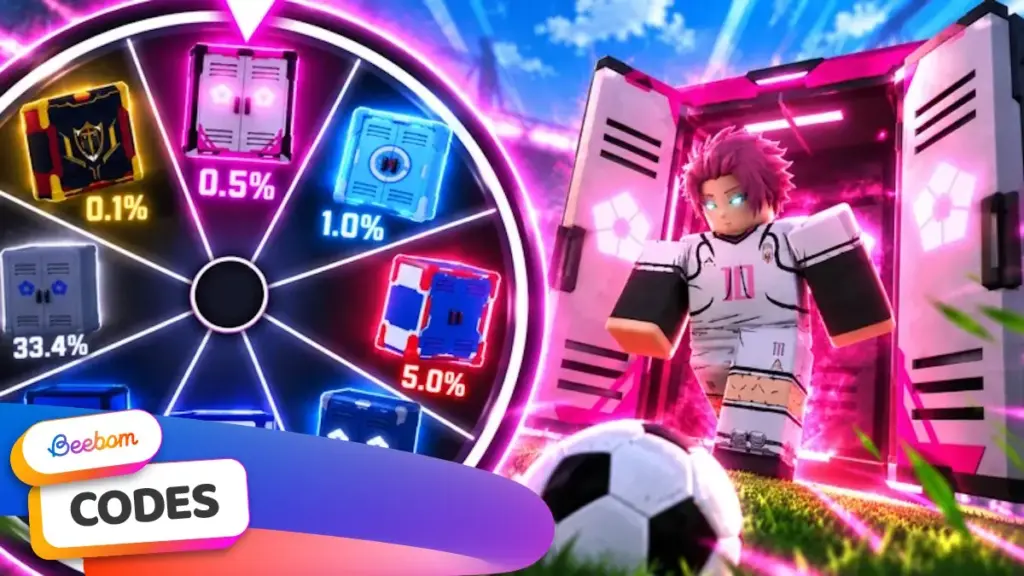
Blue Lock Farm combines team management with soccer mini-games. Players open virtual lockers to obtain characters based on the source series, including Isagi, Bachira, and Rin. These characters generate revenue while playing on the field, which funds additional spins for rare team additions. Using promotional codes reduces the time required to gather high-value currency and modifiers.
Active Blue Lock Farm Promo Codes
The developer has four active redemption codes available. The latest additions introduce specialized soccer balls designed to alter drop probabilities and character earnings.
| Code | Reward |
|---|---|
| ADMINABUSE2 | 1 Monster Ball and Traits |
| BALLS | 1 Monster Ball, 1 Beach Ball, and 1 Supercharged Ball |
| WEATHER | 1 Luck Potion and 5 Traits |
| COMMUNITY | 3 of All Potions |
As of October 4, there are no expired codes on record for the game. Because developers can deactivate promotional codes without prior notice, players should claim available items as soon as possible.
How to Redeem Codes in Blue Lock Farm
The redemption system is built directly into the game interface and does not require account verification or external web portals. Players can claim rewards by following these steps:
- Open the Roblox application and launch Blue Lock Farm.
- Select the Shop icon located on the left-hand navigation menu.
- Scroll to the bottom of the shop interface to locate the code entry box.
- Enter a working code exactly as displayed.
- Click the Redeem button to deposit the rewards into your inventory.
Troubleshooting Invalid Code Errors
Players encountering error messages when submitting a code typically face case-sensitivity issues or spacing mistakes. Entering codes directly or copying them without trailing spaces prevents syntax errors.
Every promotional code is restricted to a single redemption per Roblox account. Players attempting to claim a code a second time will receive a rejection notice. If an error occurs immediately following a game update, the game server may be running an older build. Joining a newly created server instance usually resolves connection discrepancies between the client and updated game databases.
Finding Additional Community Rewards
New codes typically coincide with content milestones, seasonal updates, or server maintenance compensations. The development team publishes active codes through the official Blue Lock Farm Discord server within the dedicated announcements channel under the information category.
While community channels provide early alerts when text strings go live, reward specifics are generally omitted from chat notices until verified through the in-game inventory system.