Tips
How to Leave the Google Home Public Preview Program
Step-by-step instructions to leave Google Home Public Preview and return your Nest or Home devices to stable, production firmware.
Topic
4 stories
Step-by-step instructions to leave Google Home Public Preview and return your Nest or Home devices to stable, production firmware.
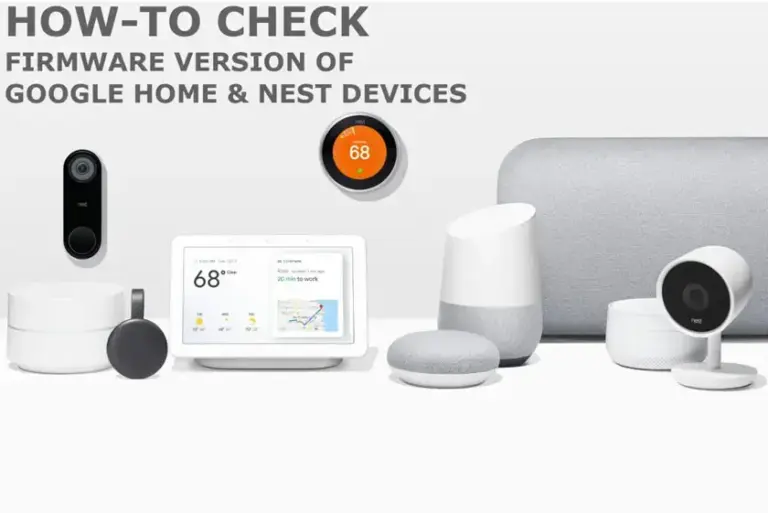
Quick steps to find your Google Home or Nest speaker's firmware version through the Google Home app's Device Information screen.
Your Google Home speaker has no update button. Here's how to check its firmware version and force it to grab the latest patch.
Google's powerful Gemini for Home AI is now rolling out to Nest smart speakers and displays in the UK, Australia, and Europe. Get ready…