Quick answer
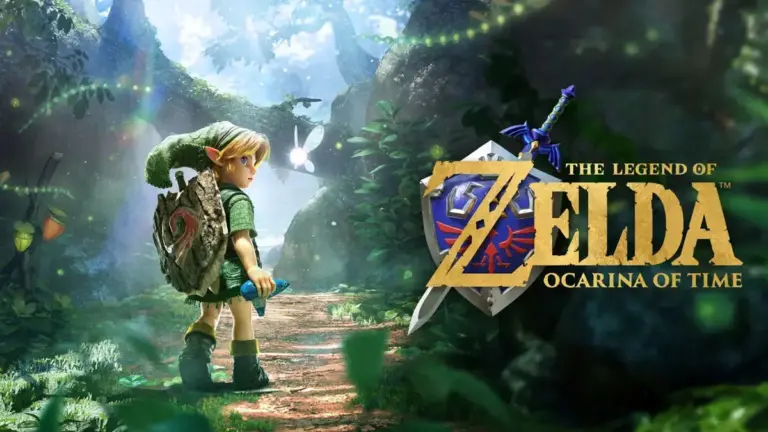
You can no longer preload Zelda Ocarina of Time Remake because the game launched on November 5, 2026; buying it now from the Nintendo eShop or nintendo.com downloads the full 24.9 GB game and lets you play right away.
If you searched for how to preload Ocarina of Time Remake, you’ve landed a few days late. Nintendo opened the preload window on October 29 and the game released on November 5, so there’s no pre-order queue left to join.
That’s not bad news. A digital purchase now installs the complete game immediately, with no waiting for an unlock timer. Below you’ll find the fastest way to get it running on your Switch 2 today, plus what the old preload process looked like in case Nintendo runs a similar window for a future Zelda title.
Before you start
- Difficulty Easy
- Time needed 10 minutes
- Works on Nintendo Switch 2 console, eShop and nintendo.com
What you'll need
- A Nintendo Switch 2 console (not compatible with original Switch, OLED or Lite)
- A Nintendo Account with a working payment method
- At least 25 GB of free storage, ideally closer to 27-30 GB
- An internet connection for the game and the day-one update
Important
- Ocarina of Time Remake only appears in the eShop on a Nintendo Switch 2; it will not show up on an original Switch, OLED or Lite console.
- If your payment method fails at checkout, the purchase is canceled and nothing downloads, so double-check your balance or card details first.
Download and Play Ocarina of Time Now
Since the preload window is closed, buying the game is a normal eShop purchase that starts downloading immediately.
Step 1: Open the Nintendo eShop
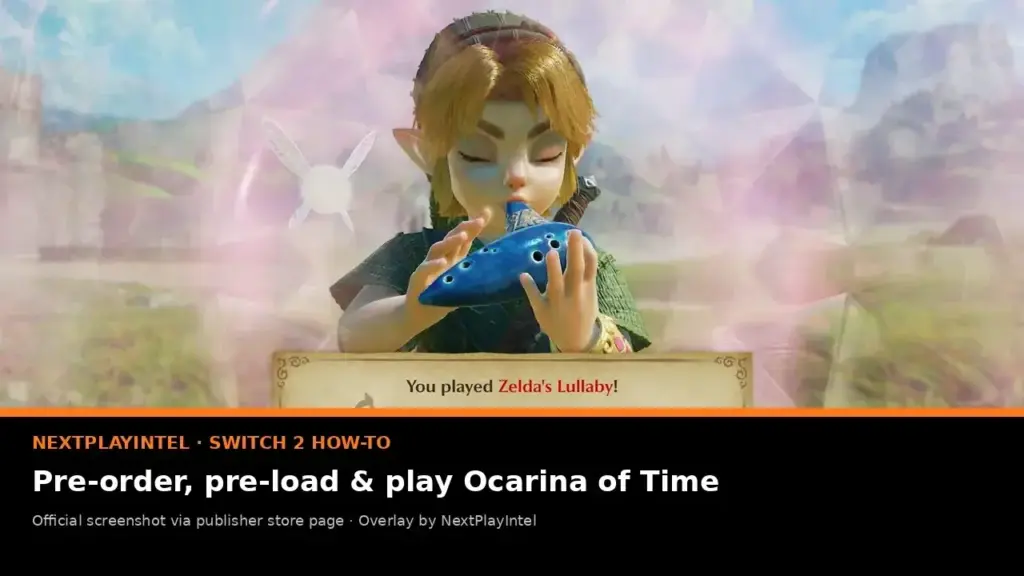
From the Switch 2 HOME Menu, open Nintendo eShop and search for The Legend of Zelda: Ocarina of Time.
Tip: Confirm you're signed into the Nintendo Account that holds your preferred payment method before buying.
Step 2: Select Purchase instead of Pre-Order
Because the game has already released, the eShop now shows Purchase where it used to show Proceed to Pre-Order.
Tap it, confirm your payment method, and the download starts automatically on your console.
Step 3: Check your free storage
Nintendo’s US and UK store pages list the final install size at 24.9 GB. Free up at least that much space before you start, and leave extra room if you plan to install the day-one update.
Tip: If you're short on space, a microSD Express card is the only supported way to expand Switch 2 storage.
Step 4: Install the day-one update
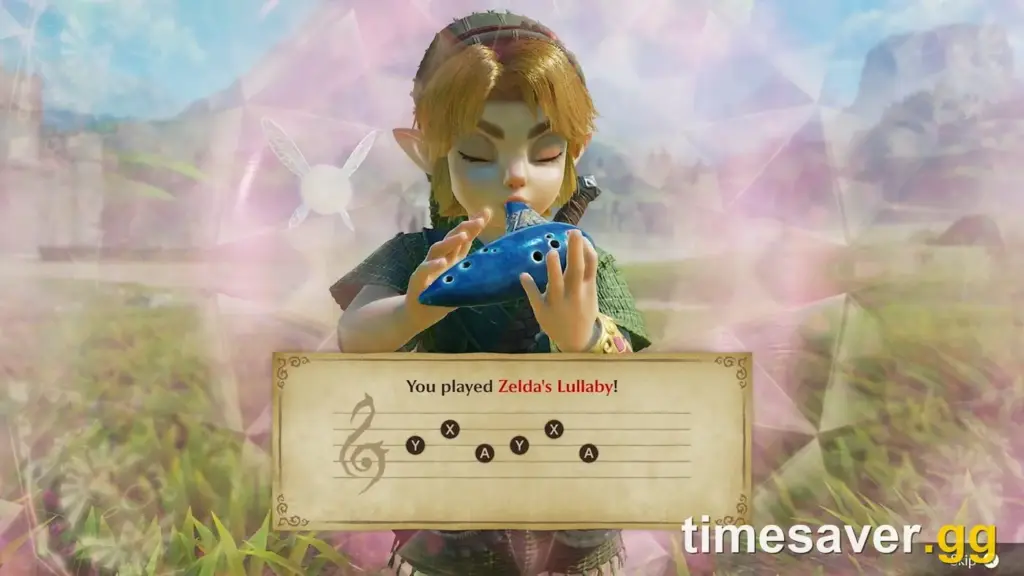
When the base game finishes downloading, open it once to trigger Ver. 1.1.1, the update that adds Zelda Notes support. Total install size settles at around 24.9 GB once this is applied.
Step 5: Launch the game
Once the update finishes, select the game icon from the HOME Menu to start playing straight away. No unlock timer applies since launch has already passed.
Tip: US digital buyers through November 23 still get a free 40th Anniversary wallpaper as a purchase bonus.
Buy From Nintendo.com Instead of the Console
Buying from the website works the same way and pushes the download to your linked Switch 2 remotely.
Step 1: Search for the game on nintendo.com
Go to the Nintendo Store website and search for The Legend of Zelda: Ocarina of Time, then open its product page.
Step 2: Select Purchase and confirm checkout
Choose Purchase, sign in with your Nintendo Account if prompted, and complete checkout with a saved payment method.
Step 3: Let the console download automatically
Your Switch 2 must be powered on or in sleep mode with an active internet connection and enough free storage. The game downloads to the console tied to your Nintendo Account without you touching the eShop directly.
Tip: This route is handy if your console is at home and you're buying from a phone or computer.
Pro tips
- Keep roughly 27-30 GB free rather than the bare minimum, since early size estimates ranged from 24.5 GB to 27 GB before Nintendo settled on 24.9 GB.
- If you pre-ordered before launch and the icon still says the game can't be played yet, connect to the internet and let the small unlock update finish downloading.
- Nintendo Switch Game Vouchers cannot be redeemed for this title since it's a Switch 2 exclusive; pay with eShop funds, a card, or PayPal instead.
Troubleshooting
| Problem | What to do |
|---|---|
| The game icon appears but says it can't be played yet | This usually means the small day-one update hasn't finished. Connect to the internet, open the game, and accept the update, or restart the console and check System Settings > System > System Update. |
| No icon shows up after a pre-order | placeholder |
| Download is stuck or paused | Check your sleep settings, free storage and network connection, since any of these can pause a large download mid-way. |
| The game isn't listed in the eShop at all | Make sure you're searching on a Nintendo Switch 2; this title never appears on original Switch hardware. |
| A Game Voucher is refused at checkout | Switch Game Vouchers don't work on Switch 2 exclusives. Switch to eShop funds, a credit card, or PayPal. |
Frequently asked questions
Can I still preload Ocarina of Time Remake?
No. The game released on November 5, 2026, so preloading ended and any purchase now downloads the full game immediately.
How big is the Ocarina of Time Remake download?
Nintendo’s US and UK store pages list the final size at 24.9 GB, including the day-one update.
Does the game work on the original Nintendo Switch?
No. It’s a Nintendo Switch 2 exclusive and never appears in the eShop on original Switch, Switch OLED or Switch Lite consoles.
Is there a Deluxe Edition with early access?
No. Nintendo did not offer a Deluxe Edition or any paid early-access tier for this title.
With the preload window closed, buying Ocarina of Time Remake today is as simple as searching for it in the eShop and hitting purchase. For everything else about the launch, including pricing by region and the original unlock schedule, see our Ocarina of Time Remake release guide.
Sources and further reading
- Timesaver Gg — Ocarina of Time Switch 2 Price and Preorder Guide: Out Now, 24.9 GB Download and the Zelda
- Nintendo — How to Pre-Order a digital game on Nintendo eShop – Support – Nintendo
- En Americas Support Nintendo
- NextPlayIntel — Ocarina of Time Switch 2: Pre-load, Unlock Time and Price