Tips
How to Reboot and Force Update Google Nest and Home Speakers
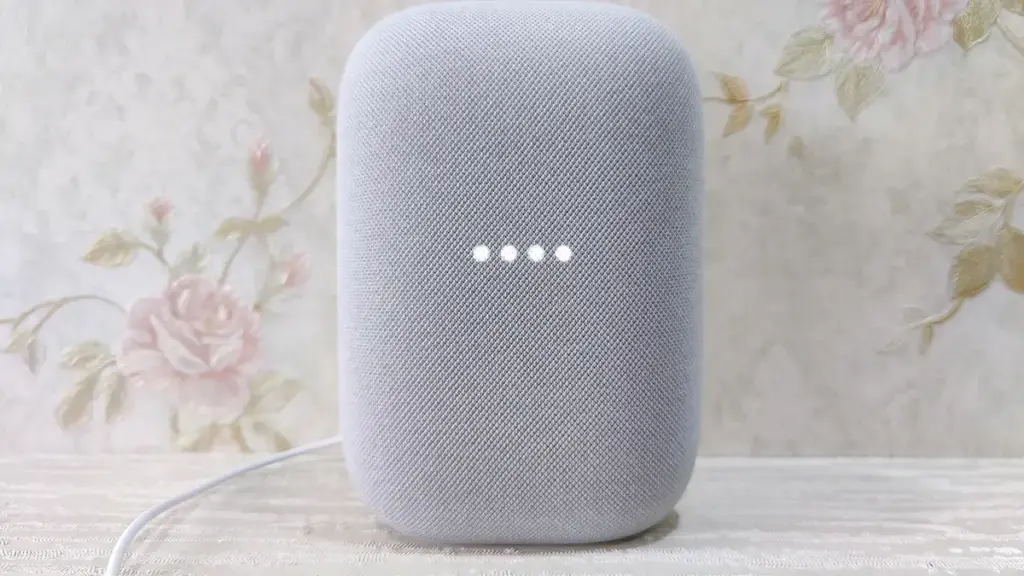
Rebooting your Google Nest or Home speaker through the Home app is the only way to nudge it into checking for a pending firmware update.
Topic
5 stories
Rebooting your Google Nest or Home speaker through the Home app is the only way to nudge it into checking for a pending firmware update.
Get early firmware and app updates for your Nest and Home speakers by joining the right Google preview program.
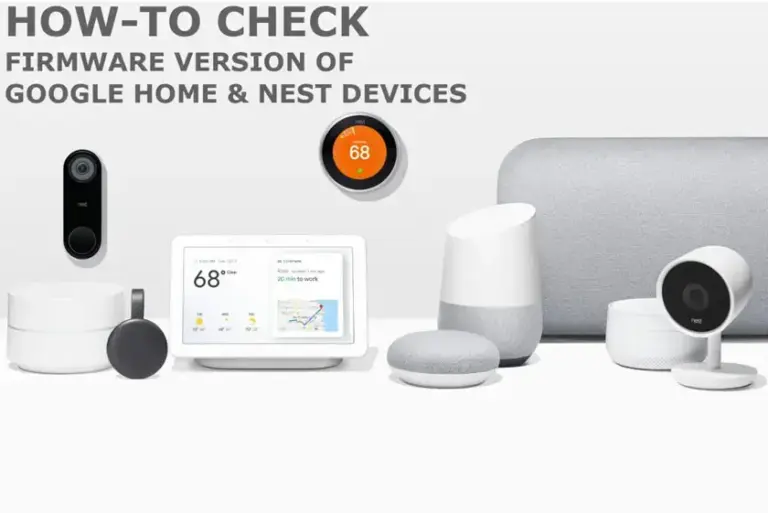
Quick steps to find your Google Home or Nest speaker's firmware version through the Google Home app's Device Information screen.
Your Google Home speaker has no update button. Here's how to check its firmware version and force it to grab the latest patch.
Your Google Home Speaker downloading hundreds of gigabytes in the background? Here's how to check, restrict, and fix excessive data usage.