Samsung Galaxy smartphone owners can access extensive customization features beyond standard system settings through Good Lock, a powerful application often overlooked by users.
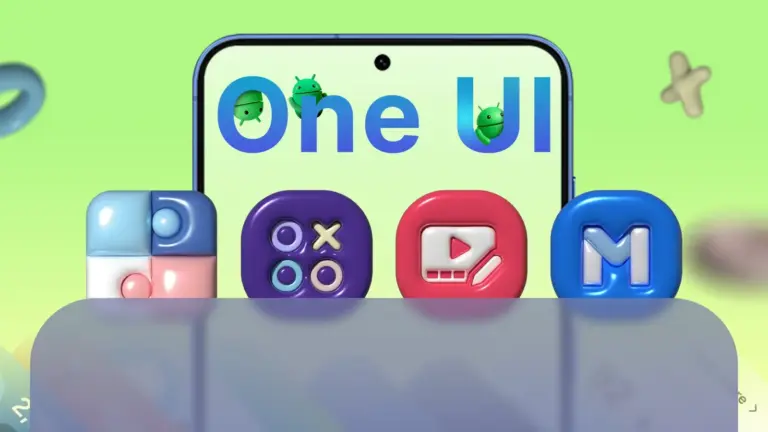
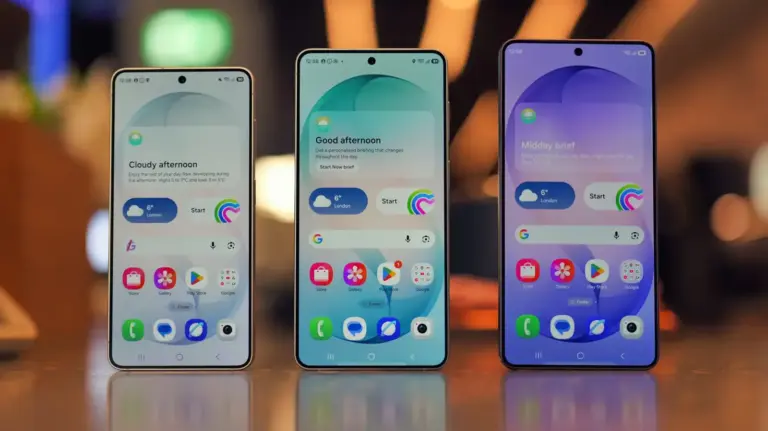
This hidden app significantly enhances the One UI experience, providing a suite of modules that allow for deep modifications to the device’s interface and the addition of new functionalities. It enables users to personalize aspects ranging from the lock screen and notification panel to navigation gestures and multitasking capabilities.

Good Lock is not pre-installed on Galaxy devices, requiring users to download it separately from the Galaxy Store. Once installed, the app functions as a central hub for various modular components, each specifically designed to customize a different part of the One UI operating system. These modules offer granular control over visual elements and system behaviors that are not typically accessible through the default settings menu.
For instance, users can modify the clock style and layout on their lock screen, create custom navigation bar layouts with personalized icons, or enhance the multitasking experience with advanced window management tools. Other modules allow for detailed adjustments to the quick panel, notification aesthetics, and even sound profiles, offering a level of control rarely found in standard smartphone interfaces.
The app’s modular design ensures that users only install the specific customization tools they wish to use, which helps in keeping the system streamlined and efficient. This approach allows for a highly tailored user experience without unnecessary features impacting performance.
Furthermore, Good Lock provides options to tailor notification aesthetics, adjust sound assistant features, and even create personalized routines based on user activity. This extensive personalization capability empowers Galaxy owners to truly make their device unique, aligning its operation and appearance with their individual preferences. Information on Samsung’s broader product ecosystem is available on their official website here.
Samsung regularly updates the Good Lock application, ensuring its compatibility with the latest versions of One UI and frequently introducing new customization possibilities. Users interested in exploring these advanced features can find Good Lock readily available for download and installation within the Galaxy Store.