
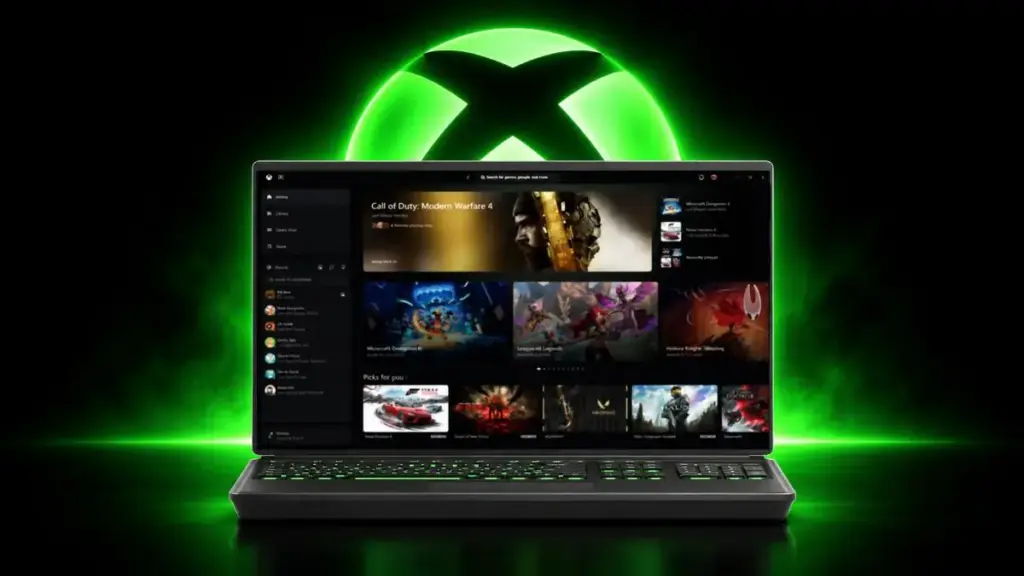
Microsoft began rolling out a redesigned Xbox PC app to Xbox Insiders on November 5, 2026, promising load times up to 60% faster along with simpler navigation and a cleaner interface.
Key points
- Xbox Insiders can try the redesigned Xbox PC app starting November 5, 2026.
- The app launches up to 60% faster, with Home, Store and Game Pass pages loading up to 50% faster.
- In-app windows open up to 65% faster, and search now combines games, add-ons and people in one place.
- A new Library tab merges owned and Game Pass cloud titles with sorting by genre, input type and recent play.
- Microsoft is also updating the Xbox web experience and bringing the refreshed look to cloud gaming apps on TVs and VR headsets.
The update matters for PC gamers who have long complained that the Xbox app feels sluggish next to rivals like Steam. Microsoft is leaning on performance and usability fixes to keep Game Pass subscribers engaged on Windows, where the storefront has struggled to match the catalog depth and speed of competing launchers.
What’s Faster and What’s Not
According to Xbox Wire, Home, Store and Xbox Game Pass pages now load up to 50% faster, while in-app windows open up to 65% faster. Microsoft said in its announcement, “We’re making Xbox on Windows faster and more responsive. Starting today, we’re rolling out updates that make our app up to 60% faster.”
Those figures describe how quickly the app itself navigates and loads pages, not how fast individual games launch once selected. Microsoft cautions that results “may vary by device, internet connection, system configuration, usage, and other factors,” so the improvements won’t look identical on every PC.
Easier Navigation and Search
The overhaul also reworks how players find games and friends. Library navigation now includes updated filters and more ways to organize a collection, while social features like friend activity, chat and party joining have moved into the main navigation bar instead of being tucked into submenus.
Search has been consolidated as well. A single search now returns results for games, installed titles, add-ons and people, so users no longer have to guess whether they’re looking in the Store, Game Pass catalog or their own library. Microsoft paired the functional changes with refreshed game cards, Home and Settings screens, and new animations meant to make the app easier to scan at a glance.
Cloud Gaming Gets a New Library Tab
Alongside the PC changes, Microsoft is refreshing its Xbox Cloud Gaming experience. A new Library tab brings together owned games and Game Pass cloud titles in one place, with options to browse, sort and filter by recently played titles, genre and input type.