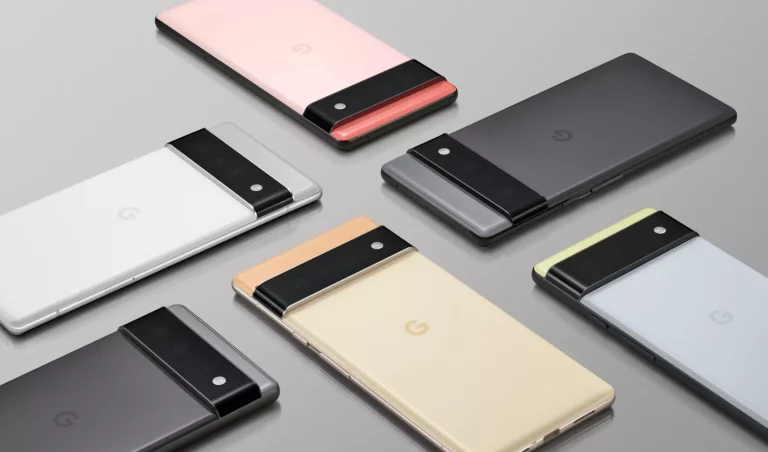
Android P is finally here! Android 9.0 (aka Android P) is now available for download in the form of Developer preview 1. This release won’t give you the full experience of Android P as it’s under Google’s cooking mode (and won’t be fully public until Google I/O), but for the lucky Google Device owners, you will be among the first see the face of Android P.
- These are the first build of Android P developer preview.
- You can download the Developer builds from the links below if you have a compatible Google device.
- The Android Beta program will be open later to try out Android 9.0.
You won’t be able to get this updates via Android Beta program. However, the builds come with a flashable zip, that you can install manually. The build is intended for developers only, and it’s not stable enough for daily use. Very soon Google will open up the Beta Program for Android P.
See also: Official Galaxy S9 wallpapers, themes and apps [port] – [Download]
Download Android P Developer Preview Factory Images
See also: Roadmap – Android P update for all supported devices [list and release date]
Download Android P Developer OTA files
- Google Pixel: OPM1.171019.021 –> PPP1
- Google Pixel XL: OPM1.171019.021 –> PPP1
- Google Pixel 2: OPM1.171019.021 –> PPP1
- Google Pixel 2 XL: OPM1.171019.021 –> PPP1
Unfortunately, Google Pixel C, Nexus 5X, and 6P will not receive Android P release.
If you have TWRP Custom recovery installed on your phone, you can simply flash it. Alternately, you can follow this Google’s guide to install Android P Factory Images.
Official Android P Pages
Official Android P (Android 9.0) update instruction and factory image pages:
What’s new in Android P?
According to the Official Page, here is the quick list major features in Android P:
- Display cutout support.
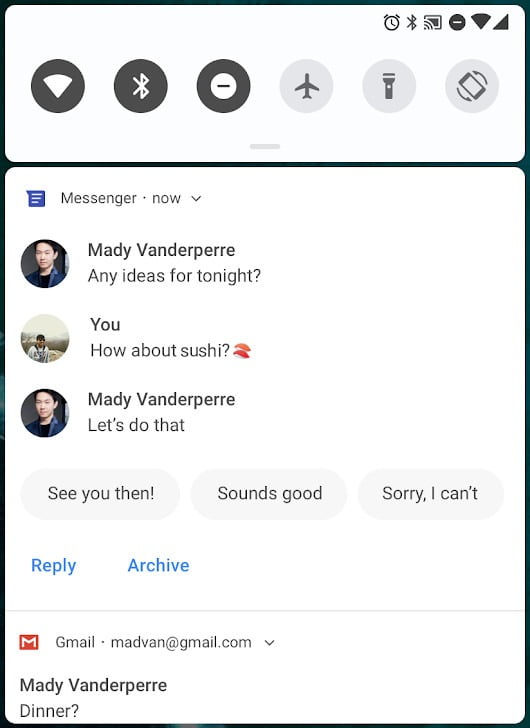
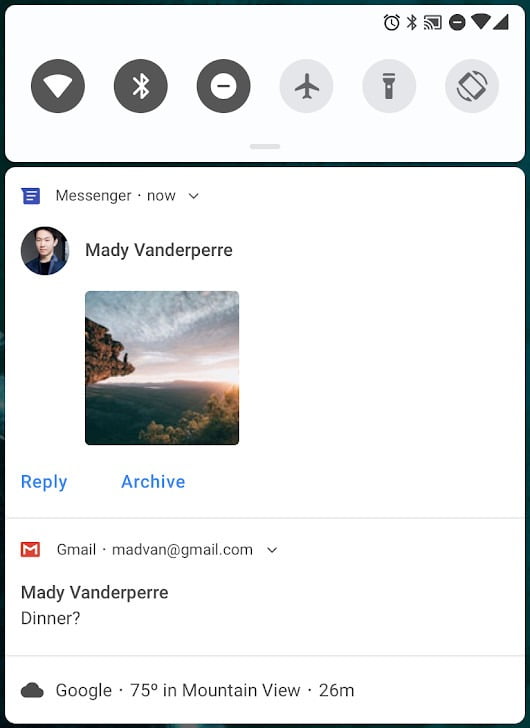
- A new look for notifications.
- Enhanced messaging experience.
- Multi-camera support and camera updates.
- ImageDecoder for bitmaps and drawables.
- HDR VP9 Video, HEIF image compression, and Media APIs.
- Data cost sensitivity in JobScheduler.
- Autofill framework.
- Client-side encryption of Android backups.
- Channel settings, broadcasts, and Do Not Disturb.
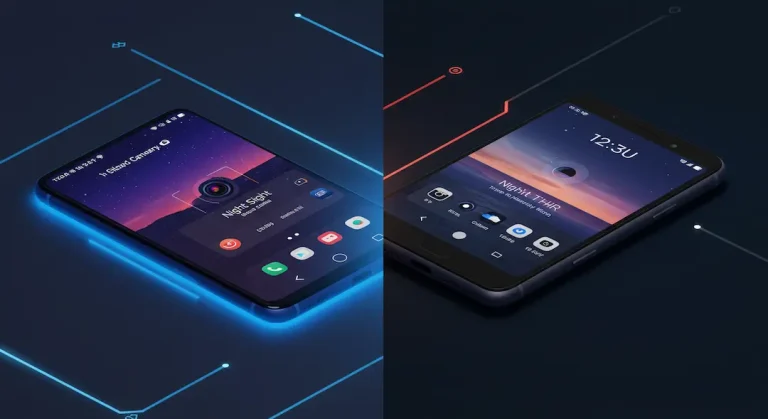
Android P Screenshots
*Source: developer.google.com
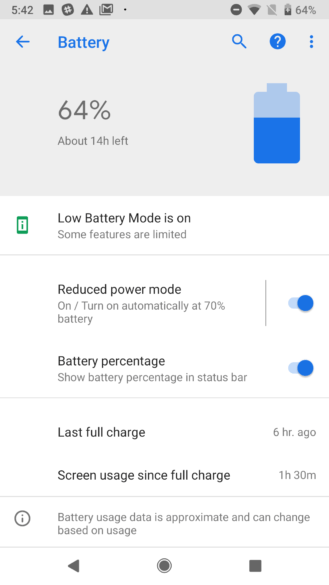
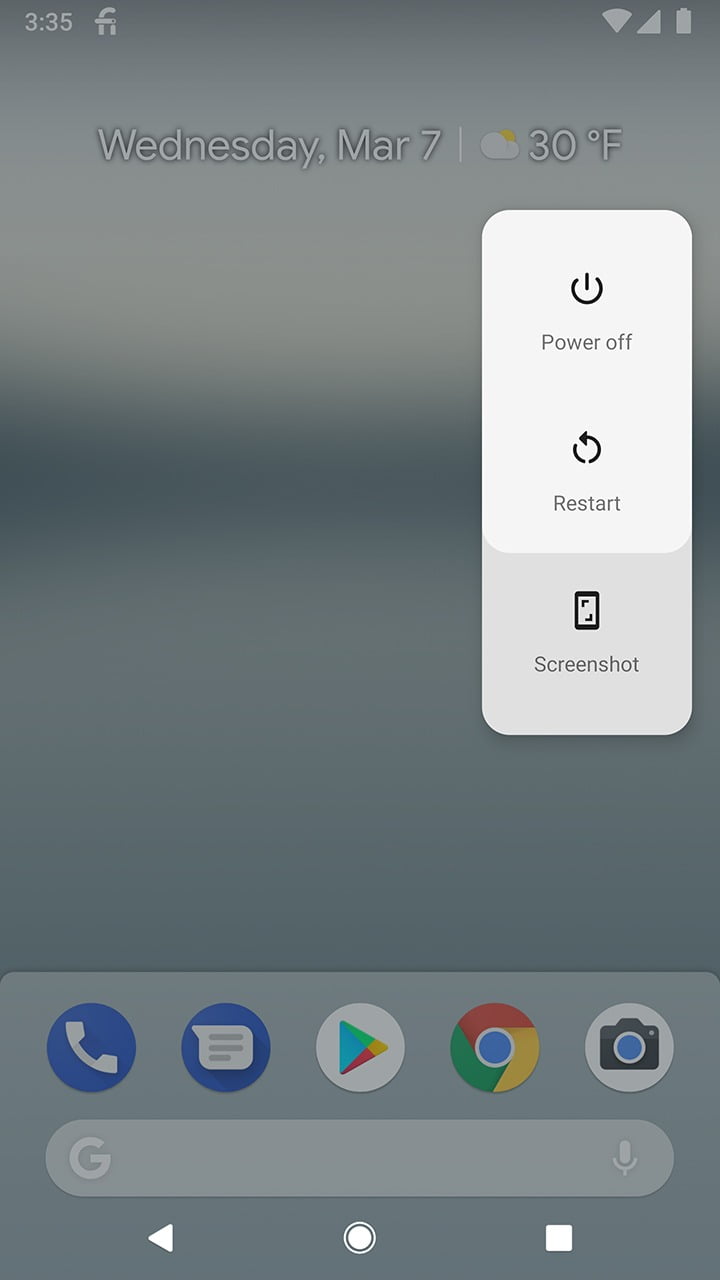
Enjoy the first test of Android P on your Google Pixel, Pixel XL, Pixel 2, and Pixel 2 XL thanks to the Developer Preview Build! If you are curious to know what’s the next update, stay tuned to our Android P page.
If you need some help on how to install Android P on your device, just leave your comment below, we will reply you back as soon as possible with some helpful instruction as well.