Close Menu
DroidfeatsDroidfeats

    Subscribe to Updates

    Join our most passionate readers to get instant access to tech tips as they arrive!

    What's Hot
    Get Android 17 Beta on Your Google Pixel: A Simple Installation Guide

    Get Android 17 Beta on Your Google Pixel: A Simple Installation Guide

    April 17, 2026
    Amazon Unveils Slimmer, Faster Fire TV Stick HD at CES 2026

    Amazon Unveils Slimmer, Faster Fire TV Stick HD at CES 2026

    April 17, 2026
    Android 17 Upgrade: Discover If Your Phone Will Get Google’s Latest OS

    Android 17 Upgrade: Discover If Your Phone Will Get Google’s Latest OS

    April 17, 2026
    Facebook X (Twitter) Instagram
    • About
    • Privacy Policy
    • DMCA
    • Team
    • Get In Touch
    Facebook X (Twitter) Instagram Pinterest RSS
    DroidfeatsDroidfeats
    • Home
    • News
    • Apps
    • Tips
    • VPN
    • #TheBest
      • Get GCam Ports
      • USB Drivers
      • Get Magisk
      • Get Play Store
      • Get ADB binaries
    • Commands
    Best Deals
    DroidfeatsDroidfeats
    News

    Get Android 17 Beta on Your Google Pixel: A Simple Installation Guide

    Saeed Ashif AhmedBy Saeed Ashif AhmedApril 17, 2026No Comments4 Mins Read
    Share
    Facebook Twitter LinkedIn Pinterest Reddit Email

    Exciting news for Pixel owners! Google has officially rolled out the Android 17 Beta, offering an early look at the next generation of Android. This year, Google is taking a different approach by skipping the traditional Developer Preview phase, directly launching into a more refined beta experience for eager users and developers alike.

    If you own a compatible Google Pixel device, you can now dive into Android 17 and explore its upcoming features and improvements. Getting started is easier than you might think, primarily through Google’s dedicated Beta Program.
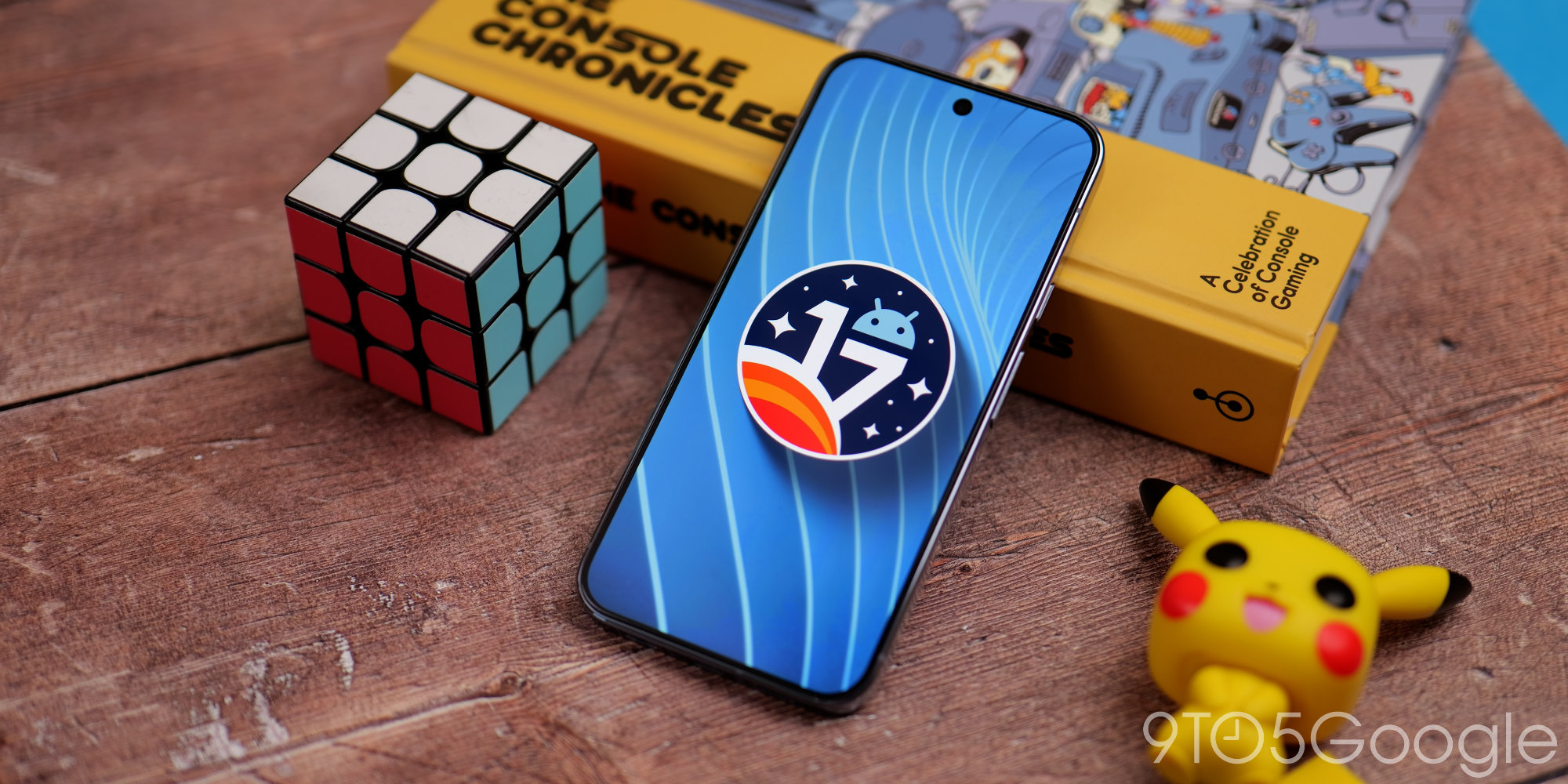
    | Image credit: 9to5Google

    Getting Started with Android 17 Beta

    Unlike previous years, Google opted to forego the Developer Preview for Android 17. Instead, they are utilizing the Android Canary track for early developer access to features and APIs. This strategic shift means the initial Android 17 Beta builds are designed to be more stable and ready for a wider public audience from the outset.

    However, it’s crucial to remember that this is still beta software. While more polished, you might encounter bugs or performance inconsistencies. Always back up your device before installing any beta software.

    Supported Google Pixel Devices

    Google is making the Android 17 Beta available for a broad range of its Pixel devices. If you have a Pixel 6 or any newer model, including the A-series, Pixel Fold, or Pixel Tablet, you’re likely eligible.

    • Pixel 6, Pixel 6 Pro, Pixel 6a
    • Pixel 7, Pixel 7 Pro, Pixel 7a
    • Pixel 8, Pixel 8 Pro, Pixel 8a
    • Pixel 9 series (including Pro, XL, and Fold variants)
    • Pixel 10 series (including Pro, XL, and Fold variants)
    • Pixel Fold
    • Pixel Tablet

    How to Install Android 17 Beta

    There are a couple of ways to get the Android 17 Beta on your Pixel, ranging from a simple opt-in to more technical manual installations.

    The Easy Way: Android Beta Program

    The simplest and most recommended method for most users is to enroll your device in the official Android Beta Program.

    1. Visit the Android Beta Program website using a web browser on your computer or phone.
    2. Sign in with the Google Account linked to your Pixel device.
    3. You’ll see a list of your eligible devices. Select the one you wish to enroll and click “Opt in.”
    4. Accept the Android Beta Program Terms of Service.
    5. On your Pixel phone, navigate to Settings > System > Software Updates > System Update. The Android 17 Beta update should appear within a few minutes to an hour.
    6. Tap “Download and install” to begin the process.

    Once enrolled, your device will automatically receive continuous beta updates throughout the platform’s release cycle.

    Advanced Methods: Flashing & Sideloading

    For users who prefer more control or wish to perform a clean installation, manually flashing a factory image or sideloading an OTA (Over-The-Air) file is an option. This method requires a computer with ADB (Android Debug Bridge) tools installed and familiarity with the bootloader.

    You can find the necessary system images and detailed instructions on the official Android 17 developer page.

    What’s New in Android 17?

    The Android 17 Beta brings a host of exciting new features and under-the-hood improvements. Early beta releases have showcased several notable changes. For instance, users can now hide app names on their home screens for a cleaner look.

    Furthermore, the popular ‘Bubbles’ feature, which allows messaging apps to float as circular icons, is expanding to work with any application. The Quick Settings panel also sees refinements, with Wi-Fi and mobile data now separated for easier management. Other enhancements include an expanded per-app dark theme, a dedicated volume slider for Google Assistant, and a redesigned screen recording toolbar with improved controls.

    Why It Matters

    Installing the Android 17 Beta allows you to experience the future of Android before its official release. Your feedback is invaluable to Google, helping them identify and fix issues, ultimately leading to a more polished and stable final version. It’s a chance to shape the operating system you’ll be using daily. Just like Nokia 2 beta testers can now update to stable Android Oreo!, participating in beta programs offers a sneak peek and a chance to contribute.

    Conclusion

    The Android 17 Beta marks an exciting new phase in Android’s development cycle, bringing a more refined early access experience directly to Pixel users. With straightforward installation via the Android Beta Program and a range of promising new features, it’s an excellent opportunity to explore the upcoming changes and contribute to making Android 17 the best version yet. Just remember the usual precautions for beta software and enjoy the ride!

    Source

    • 9to5Google
    Android 17 Android Update Beta Program Google Pixel Pixel Features
    Follow on Google News Follow on Facebook
    Share. Facebook Twitter Pinterest LinkedIn Tumblr Email
    Previous ArticleAmazon Unveils Slimmer, Faster Fire TV Stick HD at CES 2026
    Saeed Ashif Ahmed
    • Website
    • Facebook
    • X (Twitter)
    • LinkedIn

    Saeed Ashif Ahmed is passionate about emerging technologies and their potential to create a fairer world. A car enthusiast and civil engineer, he loves cricket and cherishes his alma mater, Navodaya Vidyalaya (JNV).

    Related Posts

    Amazon Unveils Slimmer, Faster Fire TV Stick HD at CES 2026
    News

    Amazon Unveils Slimmer, Faster Fire TV Stick HD at CES 2026

    April 17, 2026
    Android 17 Upgrade: Discover If Your Phone Will Get Google’s Latest OS
    News

    Android 17 Upgrade: Discover If Your Phone Will Get Google’s Latest OS

    April 17, 2026
    Google Gemini App Lands on Mac: Your AI Assistant Just Got a Desktop Upgrade
    News

    Google Gemini App Lands on Mac: Your AI Assistant Just Got a Desktop Upgrade

    April 16, 2026
    Add A Comment
    Leave A Reply Cancel Reply

    Top Posts
    MX Player Custom Codec [AC3, DTS, MLP, TrueHD, and more]

    MX Player Custom Codec [AC3, DTS, MLP, TrueHD, and more]

    January 4, 2025182K
    Do a Barrel Roll 20 Times on Google & other search games (2025)

    Do a Barrel Roll 20 Times on Google & other search games (2025)

    April 12, 202558,493
    47 best root apps for Android devices in 2025 (NEW LIST – Updated)

    47 best root apps for Android devices in 2025 (NEW LIST – Updated)

    April 16, 202529,715
    Stay In Touch
    • Facebook
    • Twitter
    • Instagram
    • Pinterest
    • Reddit
    • Telegram
    Latest Reviews
    Your dream Tablet just got cheaper: Galaxy Tab S9 Ultra sale
    9.5
    Deals

    Your dream Tablet just got cheaper: Galaxy Tab S9 Ultra sale

    Leisangthem RajshreeMarch 3, 2024
    Tixee Review – Honest opinion from a trader [Updated] Tips

    Tixee Review – Honest opinion from a trader [Updated]

    Saeed Ashif AhmedNovember 3, 2022

    Subscribe to Updates

    Join our most passionate readers to get instant access to tech tips as they arrive!

    Most Popular
    MX Player Custom Codec [AC3, DTS, MLP, TrueHD, and more]

    MX Player Custom Codec [AC3, DTS, MLP, TrueHD, and more]

    January 4, 2025182K
    Do a Barrel Roll 20 Times on Google & other search games (2025)

    Do a Barrel Roll 20 Times on Google & other search games (2025)

    April 12, 202558,493
    47 best root apps for Android devices in 2025 (NEW LIST – Updated)

    47 best root apps for Android devices in 2025 (NEW LIST – Updated)

    April 16, 202529,715
    Our Picks
    Get Android 17 Beta on Your Google Pixel: A Simple Installation Guide

    Get Android 17 Beta on Your Google Pixel: A Simple Installation Guide

    April 17, 2026
    Amazon Unveils Slimmer, Faster Fire TV Stick HD at CES 2026

    Amazon Unveils Slimmer, Faster Fire TV Stick HD at CES 2026

    April 17, 2026
    Android 17 Upgrade: Discover If Your Phone Will Get Google’s Latest OS

    Android 17 Upgrade: Discover If Your Phone Will Get Google’s Latest OS

    April 17, 2026

    Subscribe to Updates

    Join our most passionate readers to get instant access to tech tips as they arrive!

    Facebook X (Twitter) Instagram Pinterest
    • About Us
    • Privacy Policy
    • Terms
    • Jobs
    • Contact
    © 2026 Droidfeats. All rights reserved.

    Type above and press Enter to search. Press Esc to cancel.

    Ad Blocker Enabled!
    Ad Blocker Enabled!
    Our website is made possible by displaying online advertisements to our visitors. Please support us by disabling your Ad Blocker.