Google Drive is rolling out an updated document scanning experience for Android users, introducing features designed to enhance efficiency and accuracy.
This update streamlines the process of digitizing physical documents, offering improvements for both individual and professional use cases on mobile devices.
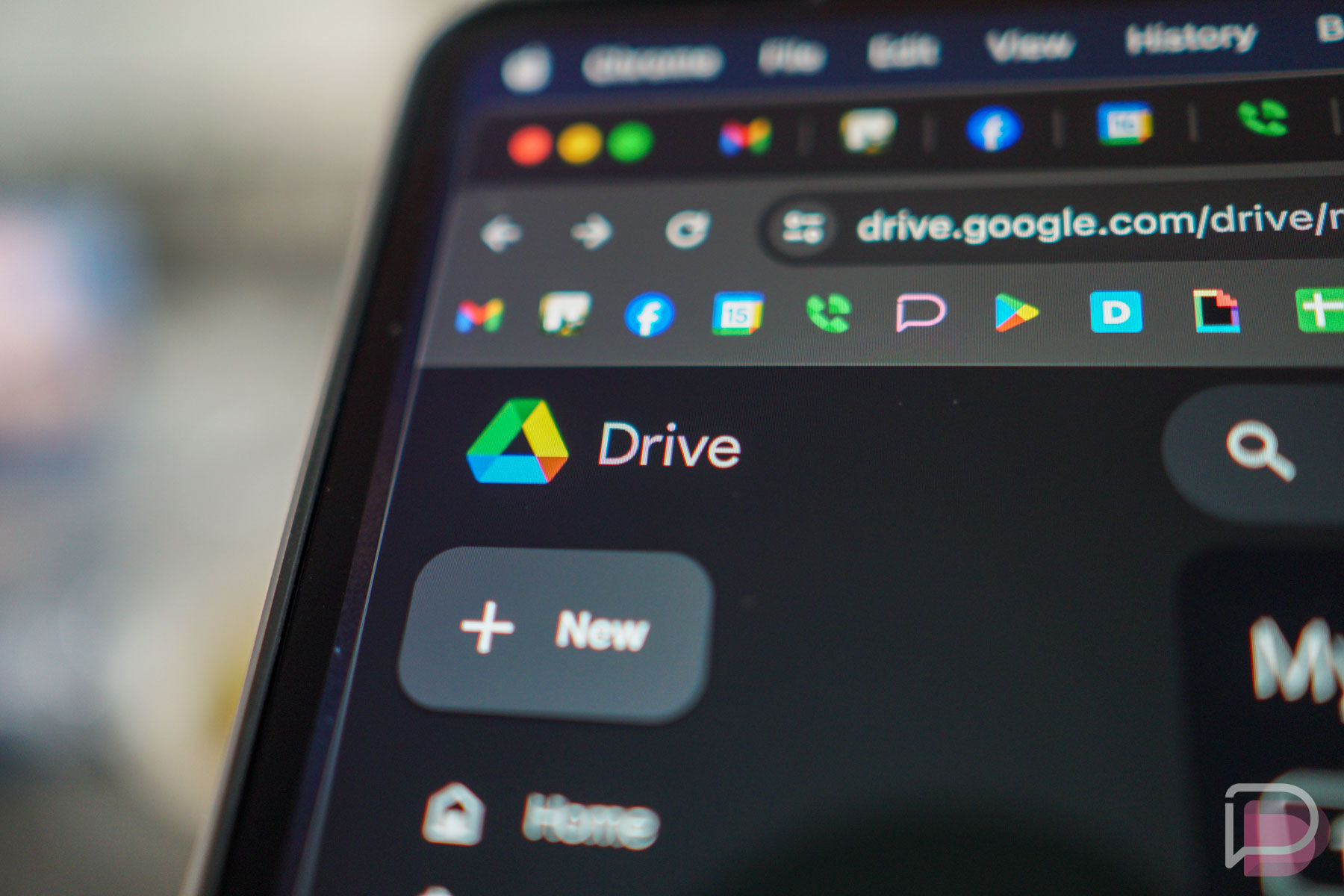
The new scanning functionality allows users to capture multiple pages simultaneously. Google Drive will then automatically split these captured images into distinct documents, removing the need for separate scans for each page. This capability significantly speeds up the digitizing process for multi-page forms or reports.
Furthermore, the update includes a duplicate detection system. This feature aims to prevent redundant scans of the same page, helping users maintain organized files and avoid unnecessary clutter. It identifies and flags pages that have already been scanned, ensuring unique document entries.
Additionally, an “Auto Best Frame” feature is integrated into the scanning process. This technology is designed to automatically detect and select the optimal frame for each document page, contributing to clearer and more professional-looking digital copies. This reduces manual adjustments and cropping.
The enhanced document scanning experience is currently rolling out to Google Drive users on Android devices. Users can expect to see these new tools appear in their app as the update propagates. This move by Google continues its focus on improving productivity tools within its ecosystem, making document management more accessible and efficient directly from a smartphone or tablet.
For more information on Google’s suite of productivity applications, users can visit the official Google Drive website or download the Google Drive app from the Play Store.