Microsoft has confirmed that Samsung Gallery will discontinue its direct integration with OneDrive for photo and video backups starting September 30, 2026. This change impacts users who currently rely on the seamless syncing of their media between Samsung’s native gallery app and Microsoft’s cloud storage service.
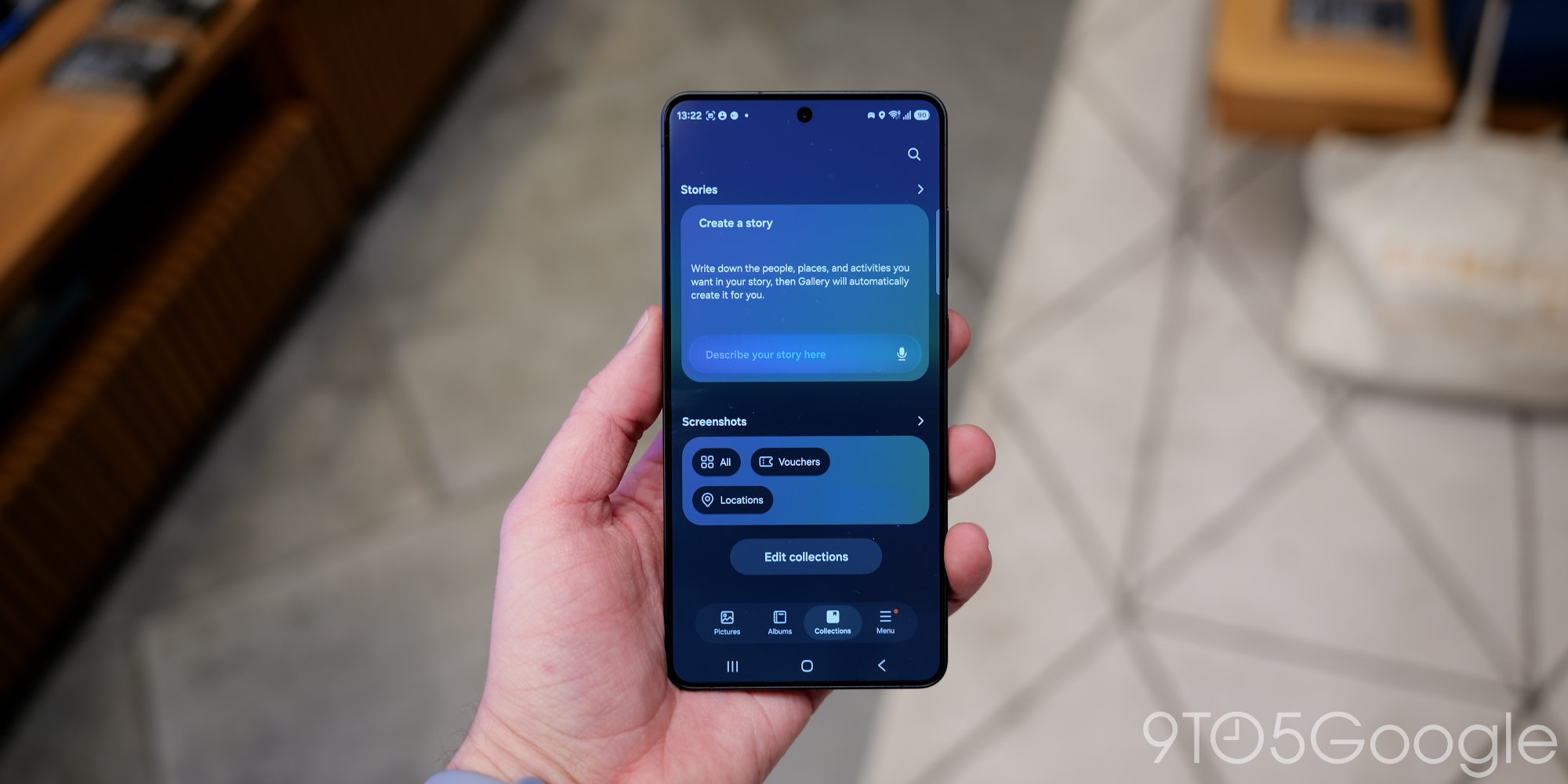
The decision means Samsung smartphone and tablet owners will need to transition to alternative backup solutions for their photos and videos. This shift could affect millions of devices globally that have utilized this built-in functionality for convenient cloud storage.
According to Microsoft, new users will not be able to link their Samsung Gallery and OneDrive apps after September 30, 2026. Existing users are advised to update their camera roll settings to continue backing up new photos and to retain access to photos already backed up via the OneDrive app. Microsoft has not publicly disclosed the specific reasons behind this strategic change in partnership.
Historically, the integration between Samsung Gallery and OneDrive has been a key feature for many Samsung device users, offering an integrated alternative to Google Photos for cloud backup. Samsung previously moved some of its own Samsung Cloud gallery sync features to OneDrive, making this current development a significant shift within its ecosystem. For many Android users, Google Photos remains a robust and widely used option for cloud storage and photo management, often pre-installed on devices and offering 15 GB of free storage.
Furthermore, users will still be able to manually upload their files to OneDrive through the dedicated OneDrive app available on Android. This requires enabling the camera backup feature within the OneDrive app directly. Additionally, exploring other third-party cloud storage providers or utilizing Samsung’s own Samsung Cloud for certain data types remain viable options. Samsung Cloud continues to back up some device data, though comprehensive gallery synchronization typically requires a dedicated photo backup service like Google Photos or a third-party alternative.