Tips
How to Leave the Google Home Public Preview Program
Step-by-step instructions to leave Google Home Public Preview and return your Nest or Home devices to stable, production firmware.
Topic
16 stories
Step-by-step instructions to leave Google Home Public Preview and return your Nest or Home devices to stable, production firmware.
Get early firmware and app updates for your Nest and Home speakers by joining the right Google preview program.
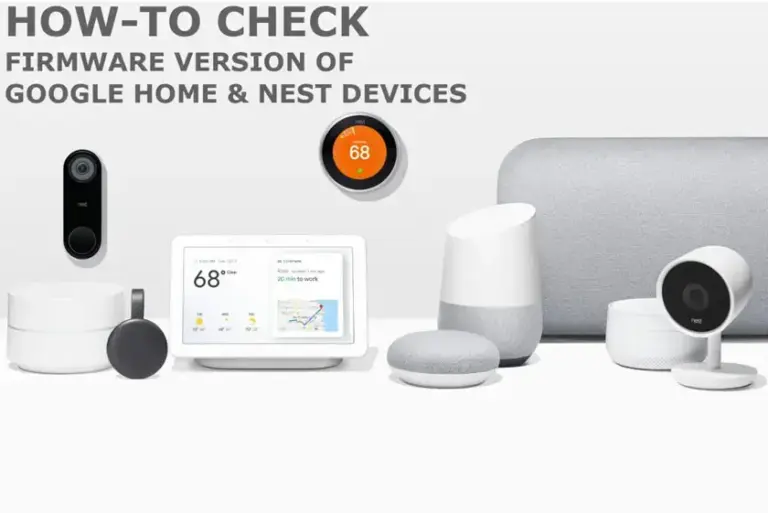
Quick steps to find your Google Home or Nest speaker's firmware version through the Google Home app's Device Information screen.
Your Google Home speaker has no update button. Here's how to check its firmware version and force it to grab the latest patch.
Google Home smart speakers are consuming hundreds of gigabytes of unexpected background data, with Google confirming that a software fix is currently rolling out.
Google is rolling out an update to resolve severe slowdowns and device control errors affecting Google Home app users across Android and iOS platforms.
The Google Nest app experienced a widespread outage on Friday, May 15, preventing many users from accessing their smart home devices and services.
Code for a new “Google Home Display” has appeared in the Google app, indicating a potential successor to the Nest Hub. This comes ahead…
Google Home's newest update brings significant speed improvements. Experience faster Gemini for Home, a more responsive Google Home app, quicker timers, and enhanced Nest…
A new Google Home update is rolling out this week, enhancing Gemini's response speed and enabling 'Ask Home' functionality via voice commands. This streamlines…
Google is expanding Gemini AI upgrades for its Home devices across Europe and Asia-Pacific this week, enhancing smart home assistant capabilities.
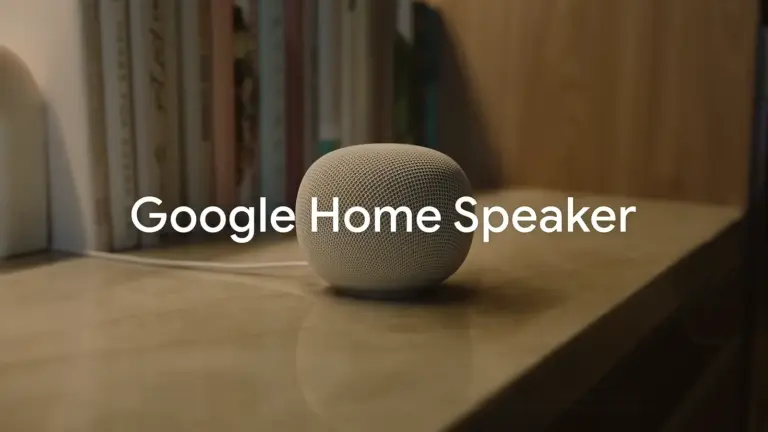
Google's Gemini AI is set to power new third-party smart speakers, with an early listing revealing a "Google Home Speaker." This marks a renewed…