Close Menu
DroidfeatsDroidfeats

    Subscribe to Updates

    Join our most passionate readers to get instant access to tech tips as they arrive!

    What's Hot
    YouTube Music’s New Split-View Now Playing Redesign Rolls Out

    YouTube Music’s New Split-View Now Playing Redesign Rolls Out

    April 15, 2026
    Google Messages Gets Major Customization Upgrade for Android Users

    Google Messages Gets Major Customization Upgrade for Android Users

    April 15, 2026
    Samsung Raises Galaxy Phone & Tablet Storage Prices

    Samsung Raises Galaxy Phone & Tablet Storage Prices

    April 15, 2026
    Facebook X (Twitter) Instagram
    • About
    • Privacy Policy
    • DMCA
    • Team
    • Get In Touch
    Facebook X (Twitter) Instagram Pinterest RSS
    DroidfeatsDroidfeats
    • Home
    • News
    • Apps
    • Tips
    • VPN
    • #TheBest
      • Get GCam Ports
      • USB Drivers
      • Get Magisk
      • Get Play Store
      • Get ADB binaries
    • Commands
    Best Deals
    DroidfeatsDroidfeats
    News

    YouTube Music’s New Split-View Now Playing Redesign Rolls Out

    Saeed Ashif AhmedBy Saeed Ashif AhmedApril 15, 2026No Comments3 Mins Read
    Share
    Facebook Twitter LinkedIn Pinterest Reddit Email

    Music lovers rejoice! YouTube Music is finally rolling out its anticipated split-view redesign for the “Now Playing” screen. This significant update, which has been in testing for some time, is now widely available for users on both Android and iOS devices, promising a more intuitive and visually appealing experience for streaming your favorite tunes.
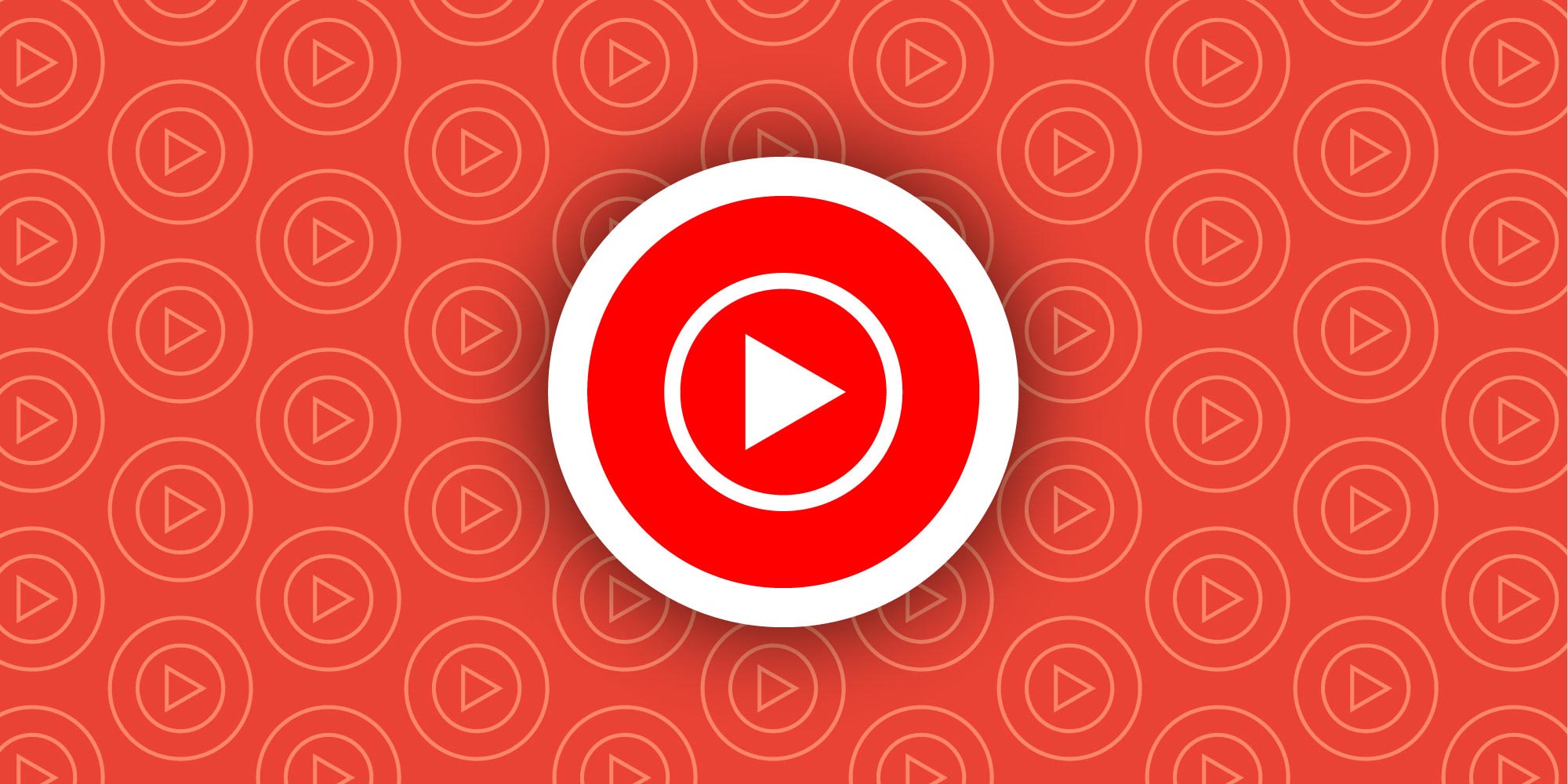
    | Image credit: 9to5Google

    A Fresh Look for Your Music

    The core of this redesign is a dual-pane layout that smartly separates key elements of the Now Playing screen. Previously, users often had to swipe between different sections like album art, media controls, lyrics, and the Up Next queue. Now, YouTube Music aims to streamline this by presenting more information at a glance.

    What’s New in the Redesign?

    • Persistent Player: The album art and main playback controls (play/pause, skip) remain fixed at the top of the screen. This ensures you always have immediate control over your music.
    • Dynamic Bottom Section: The lower half of the screen is now dedicated to your Up Next queue. A subtle drag handle allows you to pull up this section, revealing a dual-pane view of upcoming tracks. You can expand this partially to see a few songs or fully for an extensive list.
    • Improved Control Carousel: Other important actions, such as liking/disliking a song, comments, saving to your library, sharing, downloading, and radio options, are now neatly grouped into a compact carousel located below the playback bar.
    • Lyrics and Related Content: The Lyrics feature has been integrated directly into this action carousel, making it easier to find and sing along. If you’re looking for related tracks, simply tap the song title, and a right-facing chevron will reveal suggestions.
    • Refined Visuals: The Song/Video switcher now uses clear icons, and the progress bar has been updated to a thicker, more interactive design that becomes bolder when you interact with it, without a traditional playhead dot.

    How to Get the Update

    This split-view Now Playing redesign is rolling out as a server-side update for YouTube Music on Android (version 9.14) and iOS (version 9.15). This means you might not see it immediately, even if your app is up to date. However, users can try force-stopping the app from their device’s settings or removing it from the multitasking menu to potentially trigger the new look.

    Why It Matters

    This latest YouTube Music redesign is more than just a cosmetic change; it’s a significant step towards a more efficient and user-friendly experience. By adopting a dual-pane view, YouTube Music allows users to manage their queue or view lyrics without losing sight of the currently playing track and its controls. This brings a cleaner, more modern interface that aligns with contemporary app design principles, enhancing the overall music streaming journey for millions of users.

    Furthermore, the update streamlines navigation, reducing the need for constant swiping or searching for buried features. This could make the app feel more responsive and intuitive, helping YouTube Music compete more effectively with other popular streaming services. You can download the official YouTube Music app from the Google Play Store for Android devices or the Apple App Store for iOS. For more information, visit the official YouTube Music website.

    Conclusion

    The widespread rollout of YouTube Music’s split-view Now Playing redesign marks a positive evolution for the platform. Users can now enjoy a more organized and accessible interface that puts essential controls and information right where they need them. This update reflects Google’s continuous effort to refine its apps and enhance the user experience, making YouTube Music an even stronger contender in the competitive music streaming landscape.

    Source

    • 9to5Google
    Android iOS Music Streaming UI Redesign YouTube Music
    Follow on Google News Follow on Facebook
    Share. Facebook Twitter Pinterest LinkedIn Tumblr Email
    Previous ArticleGoogle Messages Gets Major Customization Upgrade for Android Users
    Saeed Ashif Ahmed
    • Website
    • Facebook
    • X (Twitter)
    • LinkedIn

    Saeed Ashif Ahmed is passionate about emerging technologies and their potential to create a fairer world. A car enthusiast and civil engineer, he loves cricket and cherishes his alma mater, Navodaya Vidyalaya (JNV).

    Related Posts

    Google Messages Gets Major Customization Upgrade for Android Users
    News

    Google Messages Gets Major Customization Upgrade for Android Users

    April 15, 2026
    Samsung Raises Galaxy Phone & Tablet Storage Prices
    News

    Samsung Raises Galaxy Phone & Tablet Storage Prices

    April 15, 2026
    Roborock Saros 20 Redefines Robot Vacuum Navigation
    News

    Roborock Saros 20 Redefines Robot Vacuum Navigation

    April 15, 2026
    Add A Comment
    Leave A Reply Cancel Reply

    Top Posts
    MX Player Custom Codec [AC3, DTS, MLP, TrueHD, and more]

    MX Player Custom Codec [AC3, DTS, MLP, TrueHD, and more]

    January 4, 2025182K
    Do a Barrel Roll 20 Times on Google & other search games (2025)

    Do a Barrel Roll 20 Times on Google & other search games (2025)

    April 12, 202558,493
    47 best root apps for Android devices in 2025 (NEW LIST – Updated)

    47 best root apps for Android devices in 2025 (NEW LIST – Updated)

    April 16, 202529,712
    Stay In Touch
    • Facebook
    • Twitter
    • Instagram
    • Pinterest
    • Reddit
    • Telegram
    Latest Reviews
    Your dream Tablet just got cheaper: Galaxy Tab S9 Ultra sale
    9.5
    Deals

    Your dream Tablet just got cheaper: Galaxy Tab S9 Ultra sale

    Leisangthem RajshreeMarch 3, 2024
    Tixee Review – Honest opinion from a trader [Updated] Tips

    Tixee Review – Honest opinion from a trader [Updated]

    Saeed Ashif AhmedNovember 3, 2022

    Subscribe to Updates

    Join our most passionate readers to get instant access to tech tips as they arrive!

    Most Popular
    MX Player Custom Codec [AC3, DTS, MLP, TrueHD, and more]

    MX Player Custom Codec [AC3, DTS, MLP, TrueHD, and more]

    January 4, 2025182K
    Do a Barrel Roll 20 Times on Google & other search games (2025)

    Do a Barrel Roll 20 Times on Google & other search games (2025)

    April 12, 202558,493
    47 best root apps for Android devices in 2025 (NEW LIST – Updated)

    47 best root apps for Android devices in 2025 (NEW LIST – Updated)

    April 16, 202529,712
    Our Picks
    YouTube Music’s New Split-View Now Playing Redesign Rolls Out

    YouTube Music’s New Split-View Now Playing Redesign Rolls Out

    April 15, 2026
    Google Messages Gets Major Customization Upgrade for Android Users

    Google Messages Gets Major Customization Upgrade for Android Users

    April 15, 2026
    Samsung Raises Galaxy Phone & Tablet Storage Prices

    Samsung Raises Galaxy Phone & Tablet Storage Prices

    April 15, 2026

    Subscribe to Updates

    Join our most passionate readers to get instant access to tech tips as they arrive!

    Facebook X (Twitter) Instagram Pinterest
    • About Us
    • Privacy Policy
    • Terms
    • Jobs
    • Contact
    © 2026 Droidfeats. All rights reserved.

    Type above and press Enter to search. Press Esc to cancel.

    Ad Blocker Enabled!
    Ad Blocker Enabled!
    Our website is made possible by displaying online advertisements to our visitors. Please support us by disabling your Ad Blocker.