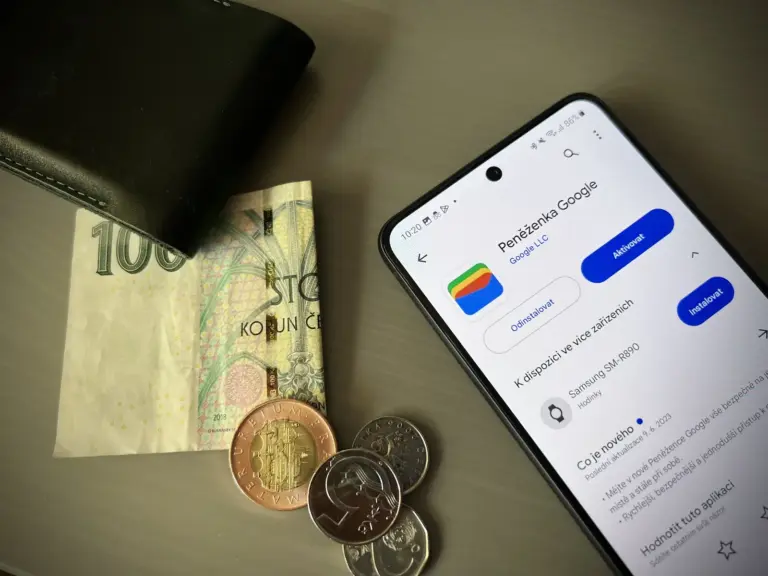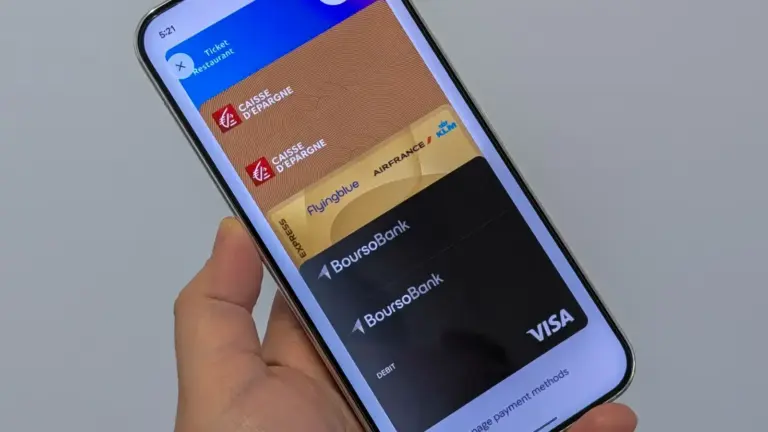

Oklahoma has launched support for digital driver’s licenses and state IDs in Google Wallet, making it the latest jurisdiction to enable mobile credentials on Android devices. The rollout expands Google’s digital ID footprint to 12 states and one U.S. territory.
Key points
- Oklahoma has launched official support for digital driver's licenses and state IDs in Google Wallet.
- Thirteen U.S. states and territories now offer native digital identification on Android devices.
- Digital IDs can be presented at select TSA airport security checkpoints using NFC or QR codes.
- Cardholders must continue carrying physical ID cards because digital versions do not replace physical credentials everywhere.
The expansion allows residents to store an official identification card directly on their devices for use at select airport security checkpoints and inside supported applications. Although adoption continues across government agencies, travelers and residents must still retain their physical plastic cards, as acceptance remains limited to specific facilities.
Supported States and Jurisdictions
Google has steadily expanded digital credential access across state departments since first introducing the capability in Maryland in late 2022. Several state agencies, including the Arkansas Department of Finance and Administration and the North Dakota Department of Transportation, introduced support alongside broader mobile wallet programs over the past two years.
| Jurisdiction | Launch Date | Status |
|---|---|---|
| Maryland | December 2022 | Available |
| Arizona | October 2023 | Available |
| Colorado | October 2023 | Available |
| Georgia | October 2023 | Available |
| California | August 2024 | Available |
| New Mexico | December 2024 | Available |
| Iowa | June 2025 | Available |
| Montana | August 2025 | Available |
| Arkansas | October 2025 | Available |
| North Dakota | October 2025 | Available |
| Puerto Rico | October 2025 | Available |
| Ohio | September 2026 | Available |
| Oklahoma | October 2026 | Available |
| West Virginia | Announced April 2025 | Upcoming |
Setting Up a State ID in Google Wallet
The configuration process requires a phone running Android 9 or higher with the official Google Wallet application installed. Users must navigate to the bottom of the app, tap the add button, and select the driver’s license category before choosing their issuing state.
Registration requires scanning both the front and back of the physical card and recording a brief selfie video. State authorities evaluate the video frame against the official record on file to authenticate identity before issuing the digital pass.
Once approved, the card appears alongside passes in Google Wallet, where users can rearrange pass order. If a device is lost or stolen, users can remotely revoke the digital ID through their Google Account settings online under the personal information dashboard.
Checkpoint Acceptance and Verification Systems
The primary real-world use case for state credentials remains Transportation Security Administration checkpoints at participating domestic airports. Travelers present the ID either by tapping their phone against an NFC reader or by displaying a scannable QR code generated inside the app. Both methods require device screen lock authentication before transmitting details.
Beyond airport security, physical DMVs across Arizona, Georgia, Maryland, and New Mexico accept the credentials to process in-person requests. For online age verification, compatible apps display a native Android system prompt to confirm details without sharing unnecessary personal data.
To protect consumer privacy online, Google announced identity verifications powered by open-source Zero-Knowledge Proof protocols. The company is actively testing integrations allowing users to verify identities for car rentals, recover Amazon accounts, access CVS and Epic MyChart health records, and confirm ride-share profiles.
U.S. Passports as Domestic Travel ID
In addition to state-issued licenses, travelers can generate a digital ID pass directly from an active U.S. passport for domestic airport security screening. The option provides a digital alternative for travelers navigating TSA lines ahead of federal REAL ID enforcement deadlines.
Creating a passport pass involves photographing the document’s information page and scanning the embedded RFID chip located in the back cover. Users must record a verification video for identity matching. Like mobile state credentials, digital passport passes work strictly at domestic TSA checkpoints and cannot replace a physical passport booklet for international border crossings.